Creator life / PSS Creative Media
My Wife’s New Show Needed a Trailer. I Had an Hour.
Almost eighteen minutes of conversation, a trailer needed tomorrow, and about an hour to edit. How I used Riverside to introduce Veronica’s new show and keep her voice intact.
In this story
Riverside sponsored the video accompanying this story. Some links in this story are affiliate links. If you buy through them, we may earn a commission at no extra cost to you. Thank you for supporting PSS Creative Media.
My wife’s new show needed a trailer ready for tomorrow. We had recorded almost eighteen minutes of conversation, and I needed to turn it into less than two. By the time we finished recording, I had about an hour left to edit.
We had saved the trailer until the end because it seemed easy. I had already helped Veronica build the set for her new channel, Veronica Tries, and we had recorded some episodes. Now the first thing people would see still needed to be made. It needed to explain the show, give them a reason to watch, and sound like the woman I had just spent eighteen minutes interviewing.
The useful bits
Keep her voice. Finish the edit.
Use the transcript to find strong lines and remove repetition. Listen to the cuts at normal speed before calling them finished.
Give a few important words their own scene. A moving background and captions can make a simple trailer feel considered.
Build the horizontal trailer and a vertical introduction from the same recording, with framing and captions suited to each.
We left the easy part until the end
When we help a client launch a show, we put a trailer out ahead of it. Veronica wanted that same introduction for her channel. People should have a chance to meet her and get a feel for what she wanted to do before the episodes started arriving.
So we kept the interview loose. I asked about her show and what she wanted from it, then gave her room to find her own way of saying things. That is a useful way to get a natural performance. It also produces tangents, repeated ideas, and a recording you can look at afterward and wonder how you are going to make sense of it.
There was plenty to work with. The job was finding the parts that belonged together.
An uploaded recording and a first pass
I reached for Riverside. Colin and Samir had recommended it for moving through an edit while keeping the production quality high. This seemed like a very practical opportunity to see what I could get done.
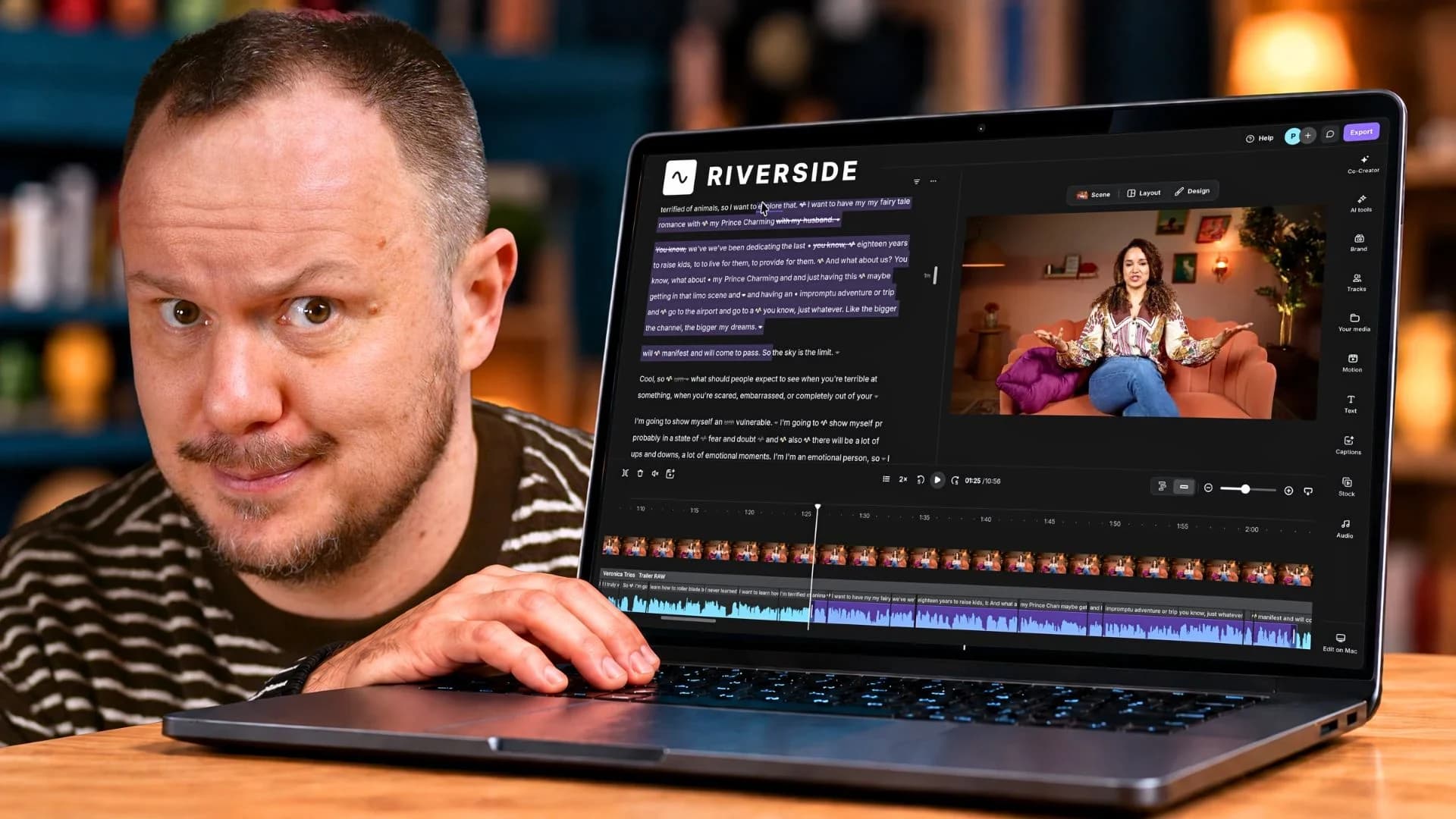
The file was already recorded, so I uploaded it: seventeen minutes and fifty seconds. Uploading and processing took a little time before I could work with the transcript. You can record directly into Riverside too, but this trailer started with a file I already had.
My first pass was cleanup. I removed pauses and some filler words, looked through the Find Fluff suggestions, and applied Magic Audio. Our recording environment was fairly controlled, so somewhere around 40 to 50 percent was my starting point for that audio treatment. I still listened and adjusted. A setting that works on one recording is a place to begin on the next.
Those tools got me moving. I still had most of a conversation in front of me and a trailer to find inside it.
Finding Veronica in the transcript
My favorite small editing trick was changing playback to 2×. Once I was working through the transcript, I could listen faster, follow the words, and move through the material without sitting through every second at its original speed. It is a very satisfying button when you have left yourself an hour.
Then I could highlight the words I did not need and delete them. The corresponding section disappeared from the video. Repeated ideas were easier to spot on the page, and sometimes I could find the passage I wanted just by reading.
The transcript let me see the conversation as something I could shape. I could find an idea, compare it with another version of the same thought, and make a cut while Veronica’s video stayed right beside the words.
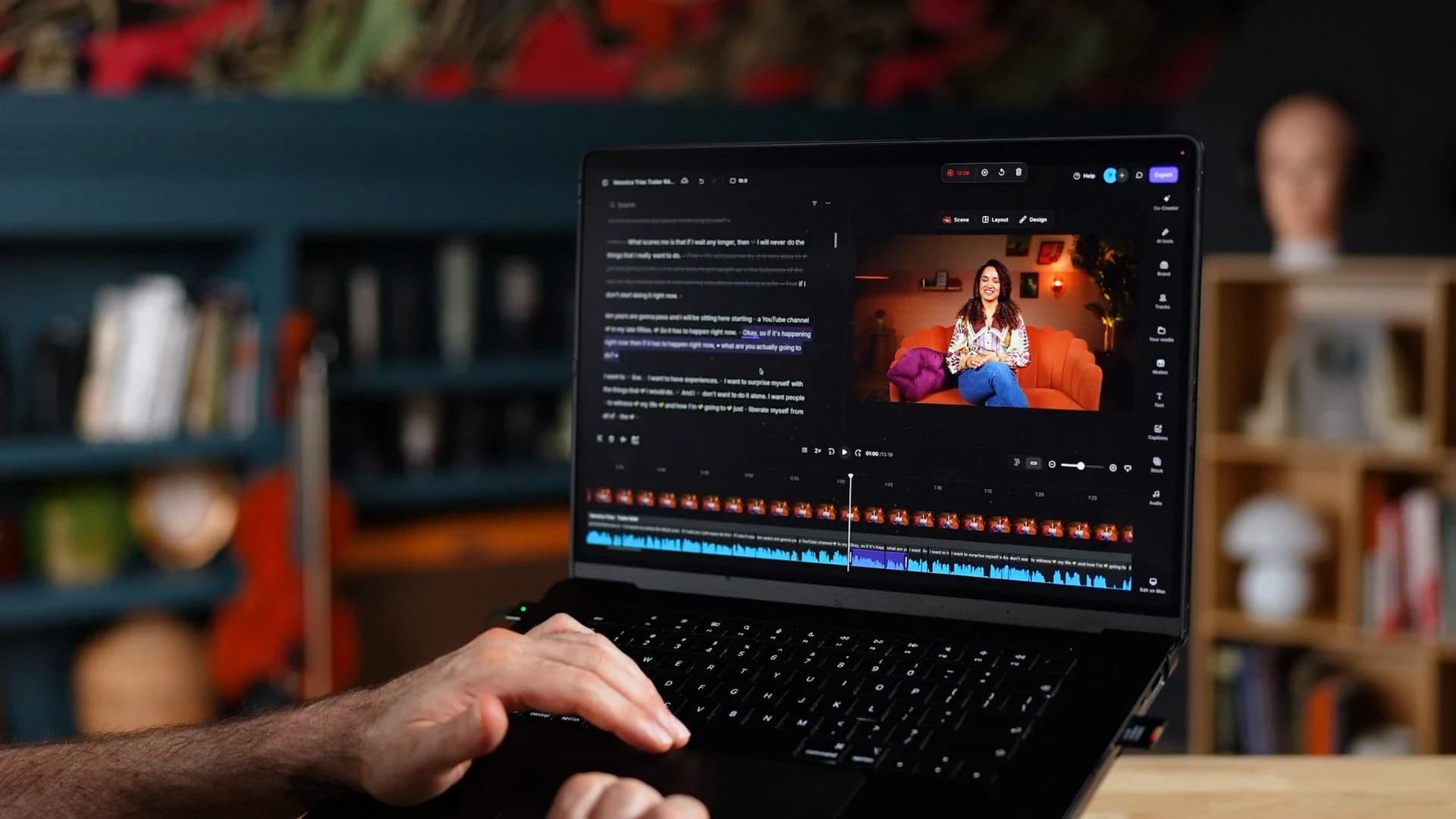
For the trailer, I wanted enough to understand the show and want to see more. When a line sounded like Veronica, that was worth paying attention to. The whole point of interviewing her this way was to get Veronica being Veronica. Editing away every little bit of her rhythm would have missed the point.
That is why I played the cuts back at normal speed. A sentence can look perfectly fine in a transcript and sound strange when you hear where the edit lands. I could restore a pause or a filler word that the automatic cleanup had removed if the sentence needed it.
Three lines that deserved the whole screen
Once the main edit was taking shape, I found a moment I wanted to give a little more space. Veronica said:
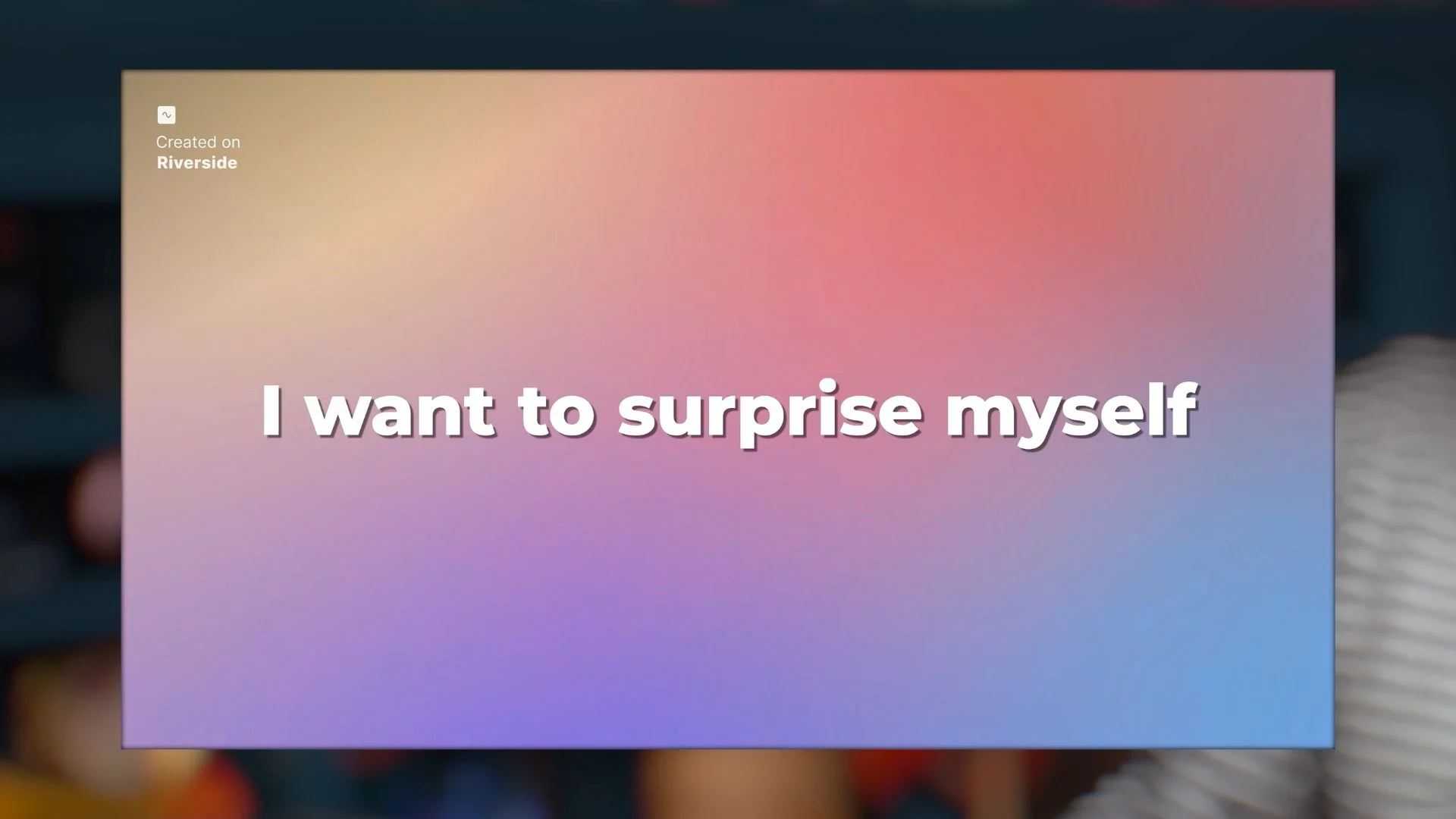
I want to live. I want to have experiences. I want to surprise myself.
Those lines carry so much of the reason she wanted to make this show. They also gave me a good place to step away from the talking head for a moment and let the words fill the screen.
Inside Riverside, I searched the stock media for a moving color background, put it over that section, and made it its own scene. Then I added captions and resized them. The words were already in the transcript, so I could build the effect around the line I had chosen.
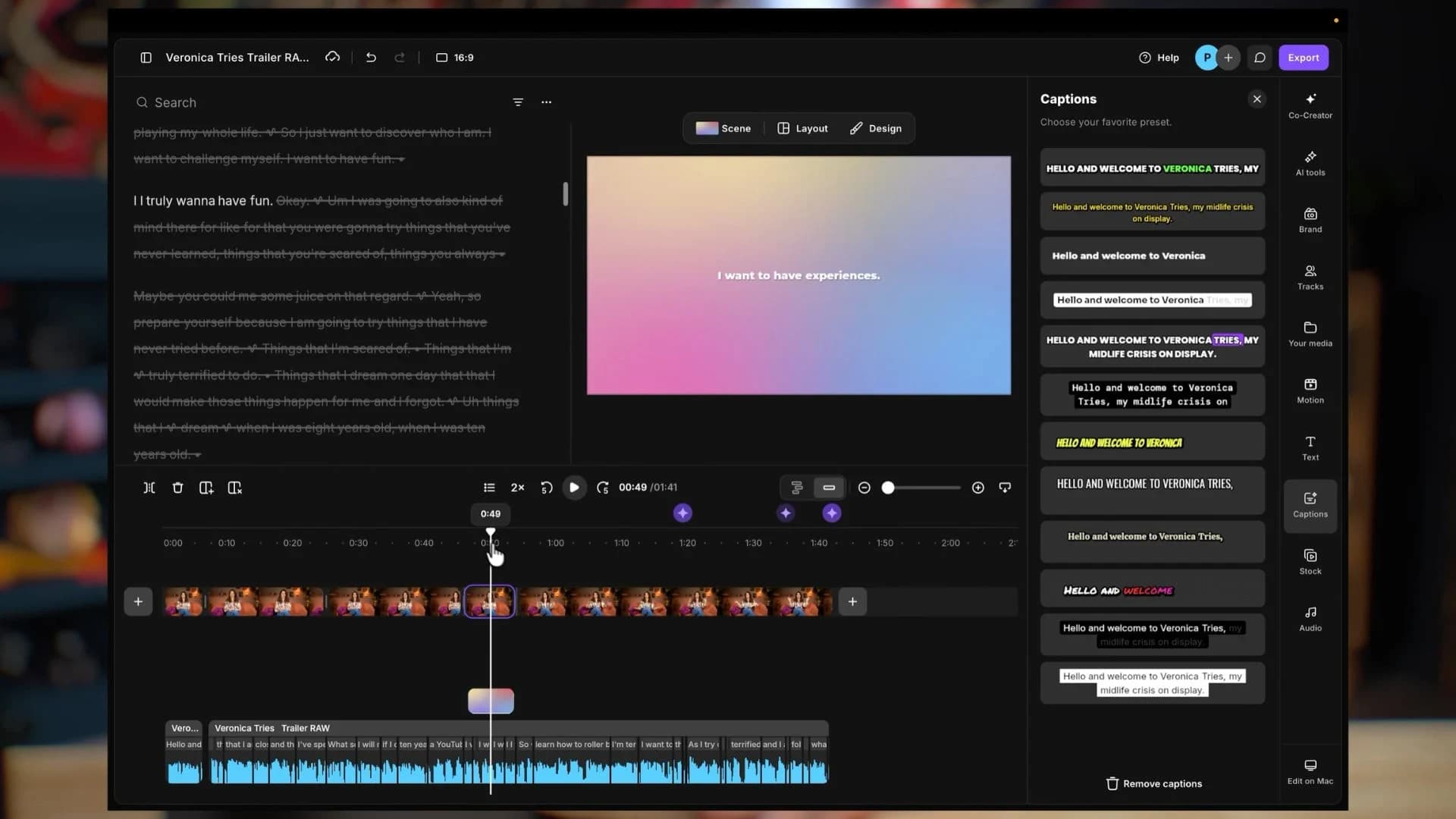
There is one detail here that is easy to overlook: I only wanted this caption treatment on that section of the horizontal trailer. When removing captions from the other scenes, I selected “this scene” so the change stayed where I intended.
The finished effect was simple: her voice, a moving background, and the words given enough room to land. A small treatment like this can emphasize a moment and give the viewer a brief visual change without sending the whole edit in a new direction.
One conversation, two introductions
The horizontal trailer came down to about a minute and forty seconds. I exported that version in 4K. From nearly eighteen minutes of footage, we had a short introduction that let people meet Veronica and hear what she wanted from this new chapter.
She also wanted an introduction for Instagram and TikTok. By then, I knew the material. I had already spent time listening for the lines that explained the show, so I could go back into the same interview and choose a smaller piece.
I looked through the suggested clips in Made for You. They gave me a few ideas, but for this introduction I chose the section myself. I wanted that particular paragraph, with Veronica asking what happened to her own dreams after spending so much of her life doing things for other people.
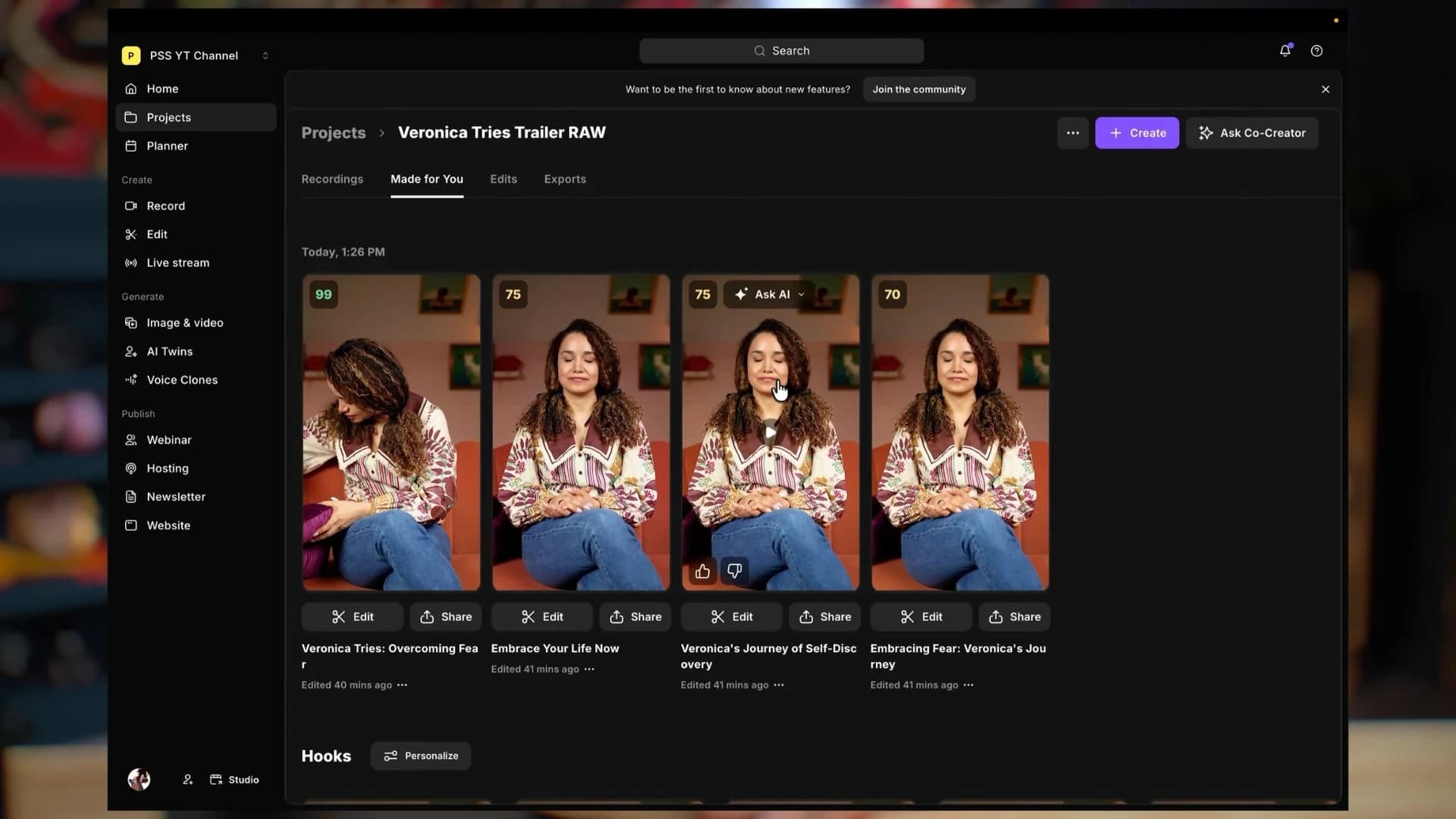
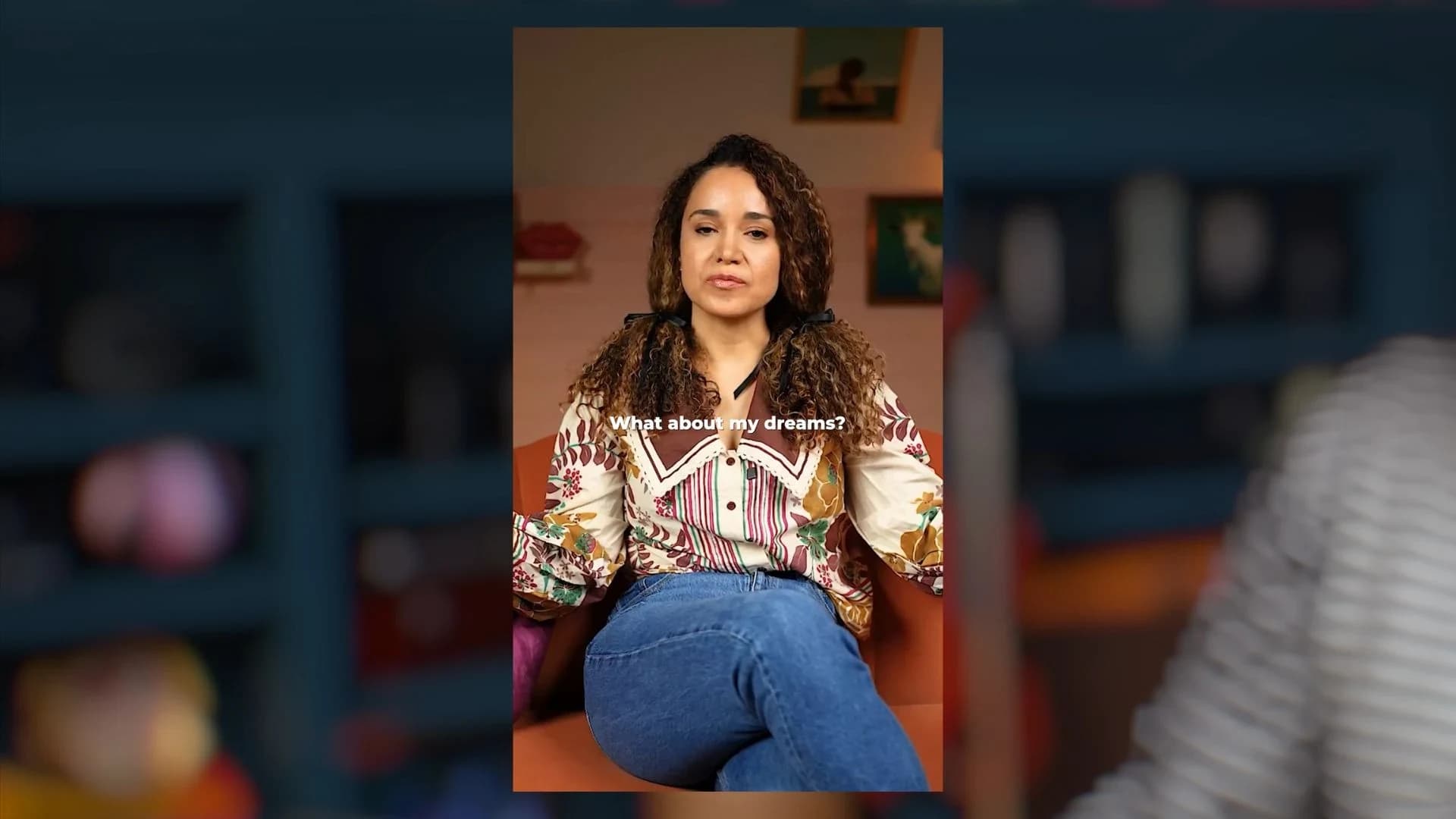
Back in the editor, I changed the format from 16:9 to 9:16, trimmed to the section I wanted, and added captions sized for the vertical frame. That version came out at twenty-eight seconds.
After exporting, I downloaded both versions and opened the vertical file to watch it back. The framing and captions needed to work in the actual file we were going to share. That last look is easy to skip when you are in a hurry, and it belongs in the process.
What came out of the interview
Version | Length | Purpose |
|---|---|---|
Horizontal trailer · 16:9 | About 1 minute 40 seconds | Introduce Veronica Tries on YouTube |
Vertical introduction · 9:16 | 28 seconds | Introduce the show on Instagram and TikTok |
A workflow someone else can take over
This is why Riverside keeps coming up in our work. We have recorded together from separate offices, and Veronica has used the teleprompter while recording into it. For this project, being able to bring in an existing file was what I needed.
For clients, the questions often start earlier: how do we get the good microphone audio onto the camera video, where do the recordings go, and how do we send them to an editor? Recording into Riverside can help bring that process together. You connect your camera and microphone through the appropriate capture device or audio interface, select the sources, and let the session tracks upload to the project. You still need free space while recording and time for the uploads to finish.
When we help someone build a studio, we also help them get comfortable using it and train their team to take over. They need a process they can run themselves. Otherwise, I would basically have to live at their house.
There is room to grow from there. An editor can download the recordings and work in their preferred software, or, with the appropriate team access, work inside Riverside. If I am building something with lots of footage, layers, or detailed color work, I may take that edit elsewhere. Having a useful recording and handoff process still matters.
The first thing people would see
It is easy to get through the difficult part of recording and then have the whole project sit there because editing feels like another mountain. For someone making their first few episodes, getting comfortable with a repeatable process can make an enormous difference.
That was the useful part of this particular deadline. I had to decide what the trailer needed, find those moments, give a few of them some extra attention, and finish. We ended up with two introductions from the same conversation, and both gave Veronica room to sound like herself.
You can meet Veronica and watch her show on Veronica Tries. If you are working out your own show, Producer at Podcast YourWay can help you think through your idea, your setup, and your next step.
And if you would like to try the editor I used, try Riverside through our link. You can start free, and use code PSS at checkout to save 15% when upgrading. For Veronica’s trailer, it gave me a practical way to find the story in the recording and get something ready to share.
There is always another story
Keep the curiosity going.
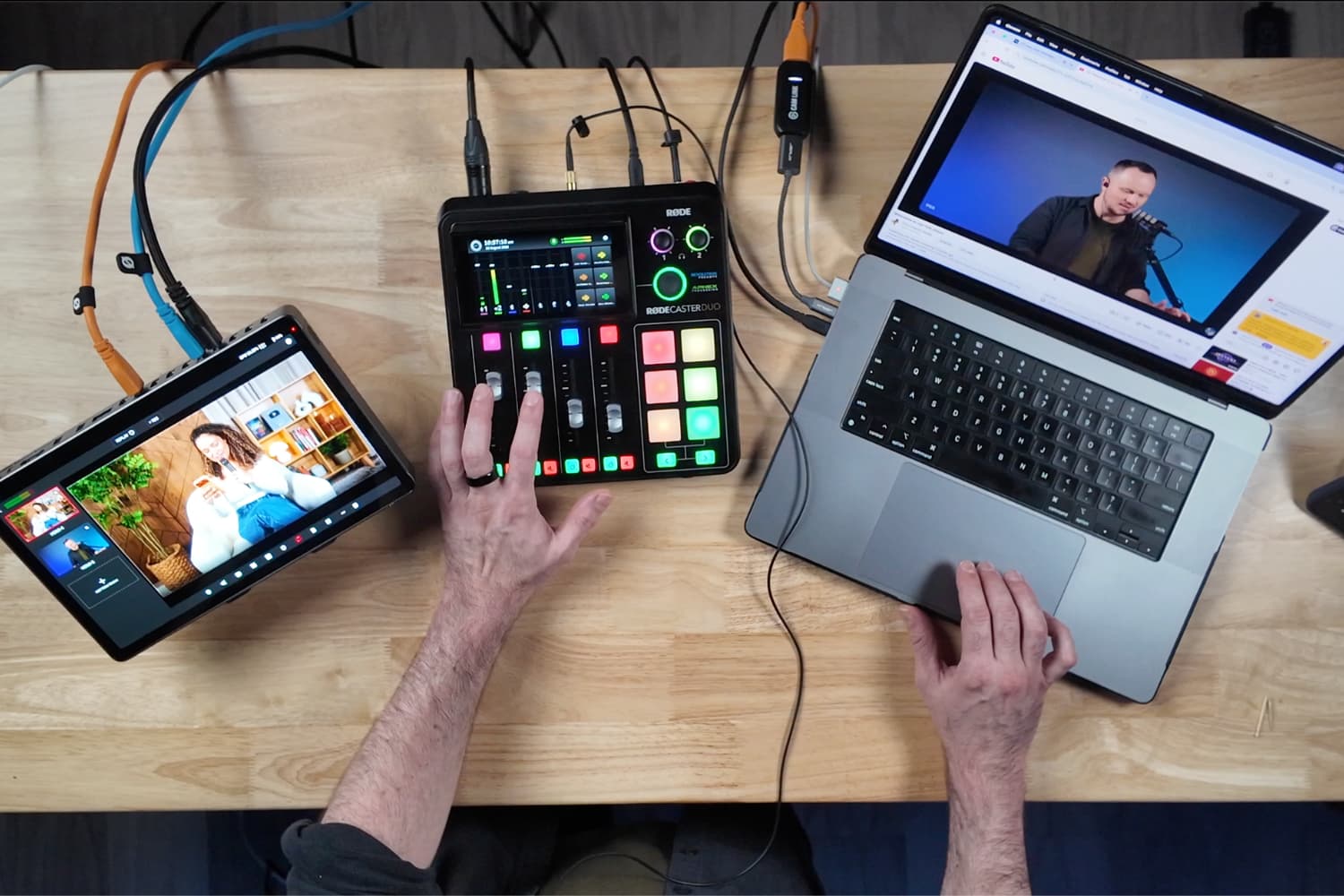
Your Podcast Live Stream Setup: 3 Ways to Go Live
Stephen had 90 minutes to build three complete podcast livestream setups before I walked upstairs. Beginner, mid-level, and full-pro multicam, all running through Riverside.
Read the story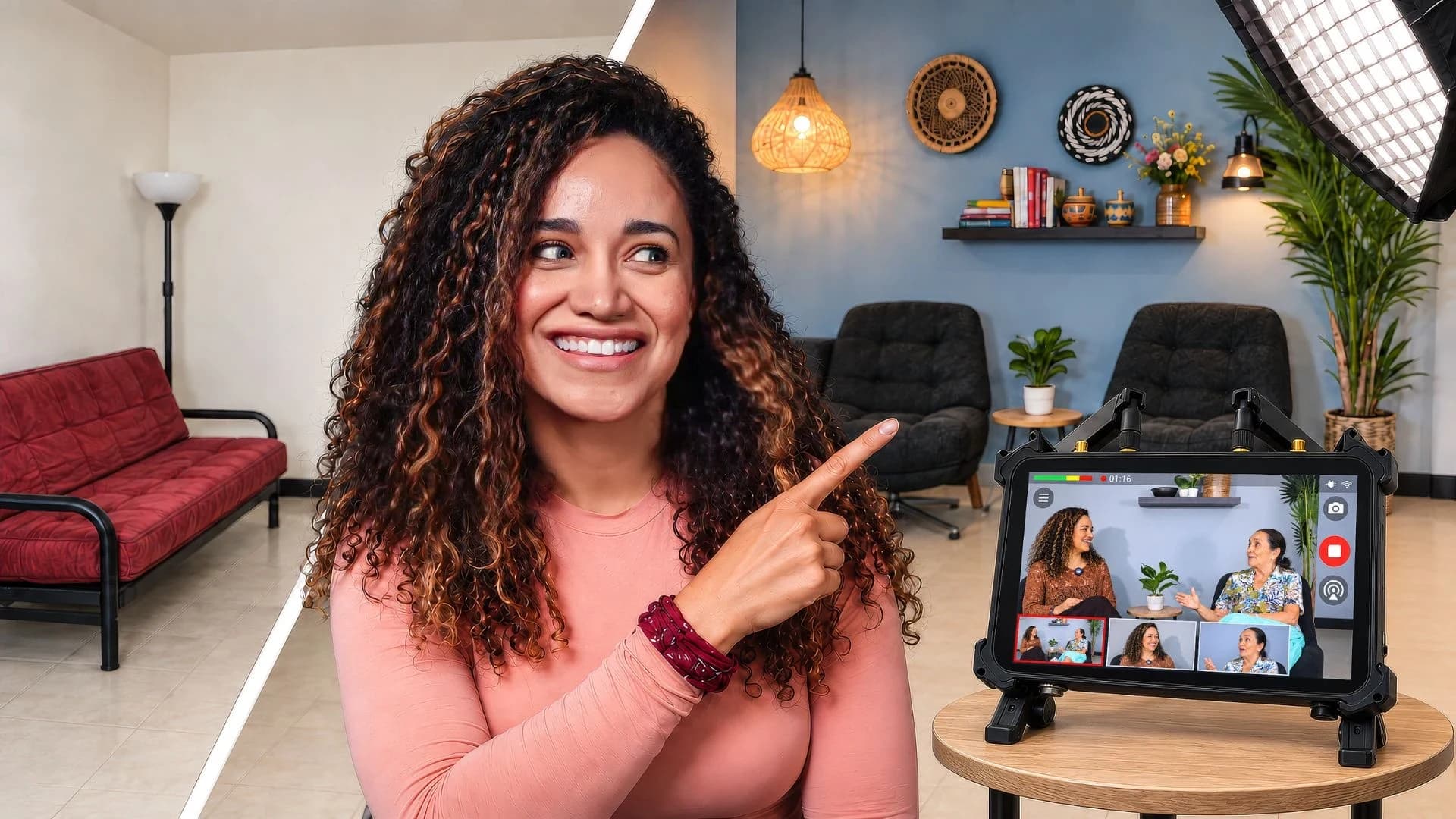
We Built a Three-Camera Podcast Studio in Our Small Apartment
We gave our living room in Cali a makeover, recorded my abuela with three cameras, and put the OBSBOT Talent 2 through a second test: could I run a YouTube livestream myself?
Read the story