Studio builds / PSS Creative Media
We Built a Three-Camera Podcast Studio in Our Small Apartment
We gave our living room in Cali a makeover, recorded my abuela with three cameras, and put the OBSBOT Talent 2 through a second test: could I run a YouTube livestream myself?
In this story
OBSBOT provided the Talent 2 and sponsored the video accompanying this story. Some links in this story are affiliate links. If you buy through them, we may earn a commission at no extra cost to you. Thank you for supporting PSS Creative Media.
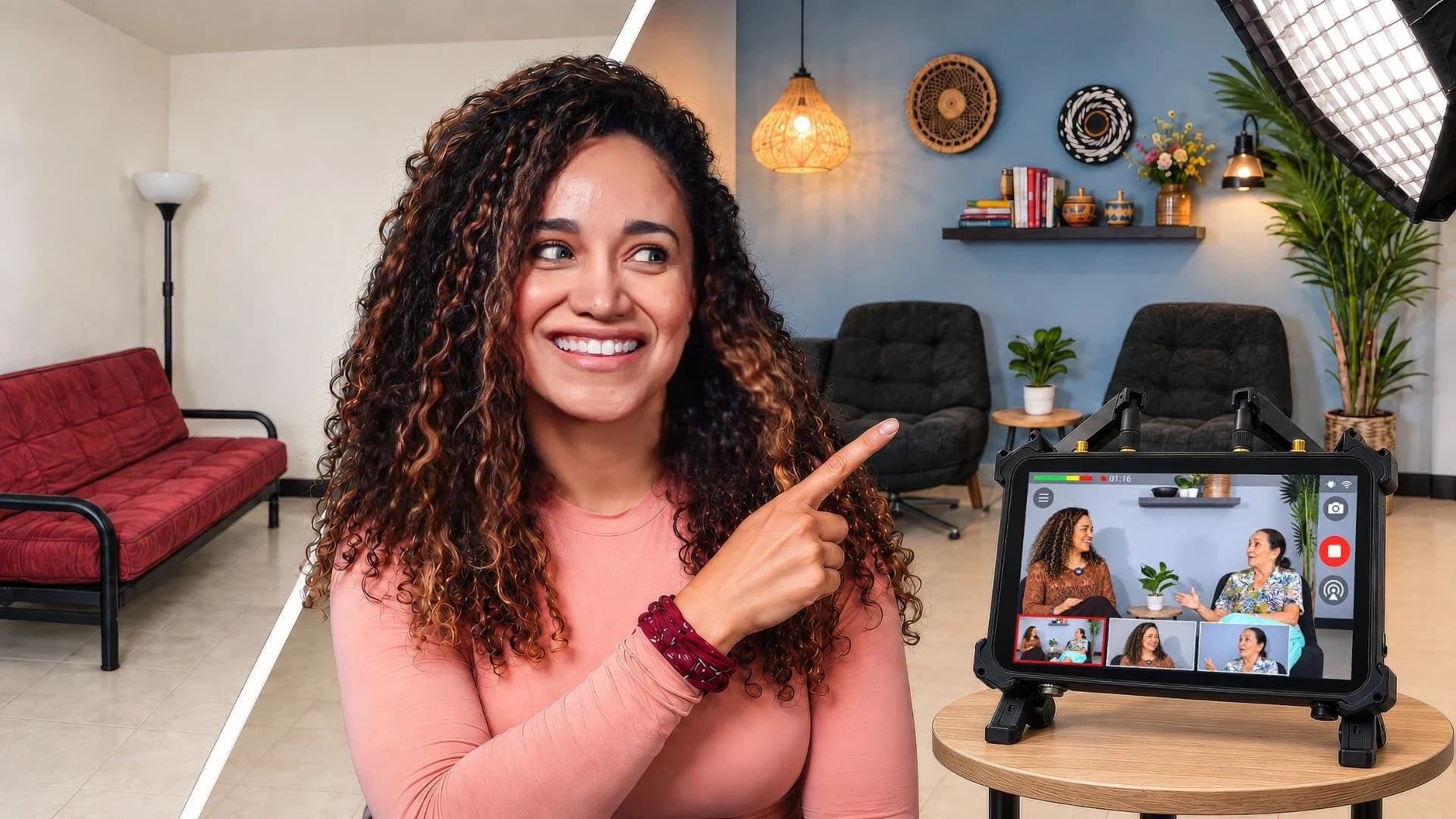
The plan was to turn our small living room in Cali, Colombia, into a three-camera video podcast studio and record my family.
My first thought? I finally had a reason to get rid of the ugly furniture.
The useful bits
The room had to work for family visits as well as recording. We chose the furniture and backdrop with both in mind.
Stephen handled the three-camera family interview setup, so I could concentrate on the conversation.
I then ran a separate livestream with two cameras and slides, going directly to YouTube from the Talent 2 without a computer. The controls were intuitive; presenting and operating the show still took concentration.
We had owned some of it for 15, maybe 18 years. I was ready. Very ready.
But I wanted to do something we could enjoy after the recording was over. This is the apartment where my grandma, my mom, and my brother come to visit whenever we are in Colombia. We gather in that living room. It needed to feel like a place for our family, even with three cameras pointed at us.
And we had another experiment planned: after Stephen ran the family interview setup, I would try running a YouTube livestream myself.
I was considerably more excited about the furniture part.
A living room we could actually live in
We started at IKEA with a sectional couch and some corduroy chairs that were probably the most comfortable chairs we had ever sat in.
Neither of us is an interior designer. Stephen's solution was to bring AI into the conversation.
Of course it was.
We used photos of the room, the wall, and the furniture we had chosen to make mockups of different ideas. I rolled my eyes. I have had a bit of a distaste for AI lately, but I have to admit the ideas were cute.
Finding everything in those pictures was another matter.
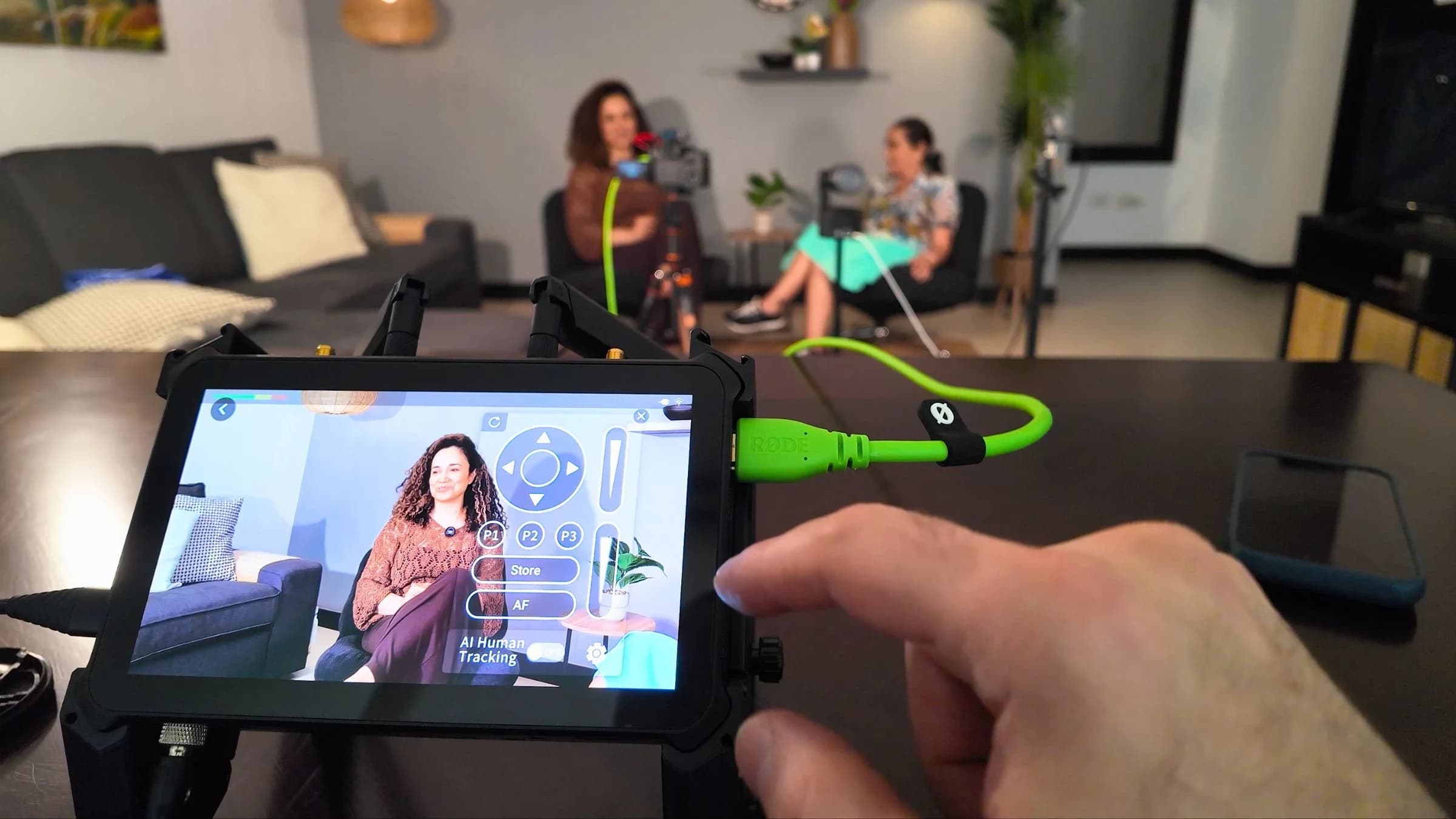
I wasn't sure we would be able to find all the pieces in Cali. We went to the mall, Homecenter, and IKEA multiple times, looking for the things that would make the actual wall look something like the mockup.
Stephen did a lot of that shopping while I was busy with other things. His Spanish is limited, and his shopping list included paint, tools, hooks, hangers, and pendant lights.
He had a whole studio backdrop to explain.
The makeover came with a few surprises
While we worked on the room, OBSBOT was sending the Talent 2 to our apartment in Colombia. We were nervous about the delivery, so we were relieved when it arrived.
The apartment had a few other things waiting for us.
Stephen is used to working with Sheetrock. The walls in our apartment behaved differently. When he pulled off the painter's tape, he damaged the wall, and the painting job grew well beyond the backdrop we had planned.
Then we discovered termites in the pocket door between the kitchen and living room. That had to be dealt with immediately.
The day we had arranged to interview my abuela was getting closer, and we still needed a tree and a few things for the wall. On one of our final shopping days, the local driving restrictions meant we couldn't use our car.
So we took Ubers.
Including an Uber that needed to accommodate a very large tree.
Stephen thought we wouldn't be able to fit it. But I'm Colombian. We made it happen.
Three cameras, each with a job
Once the room was ready, Stephen put together the interview setup around the OBSBOT Talent 2.
Here is how he divided the shots:
Camera | Its job in the interview |
|---|---|
The wide shot | |
My close-up | |
Sony a7 IV with a 35mm G Master lens | My abuela's shot |
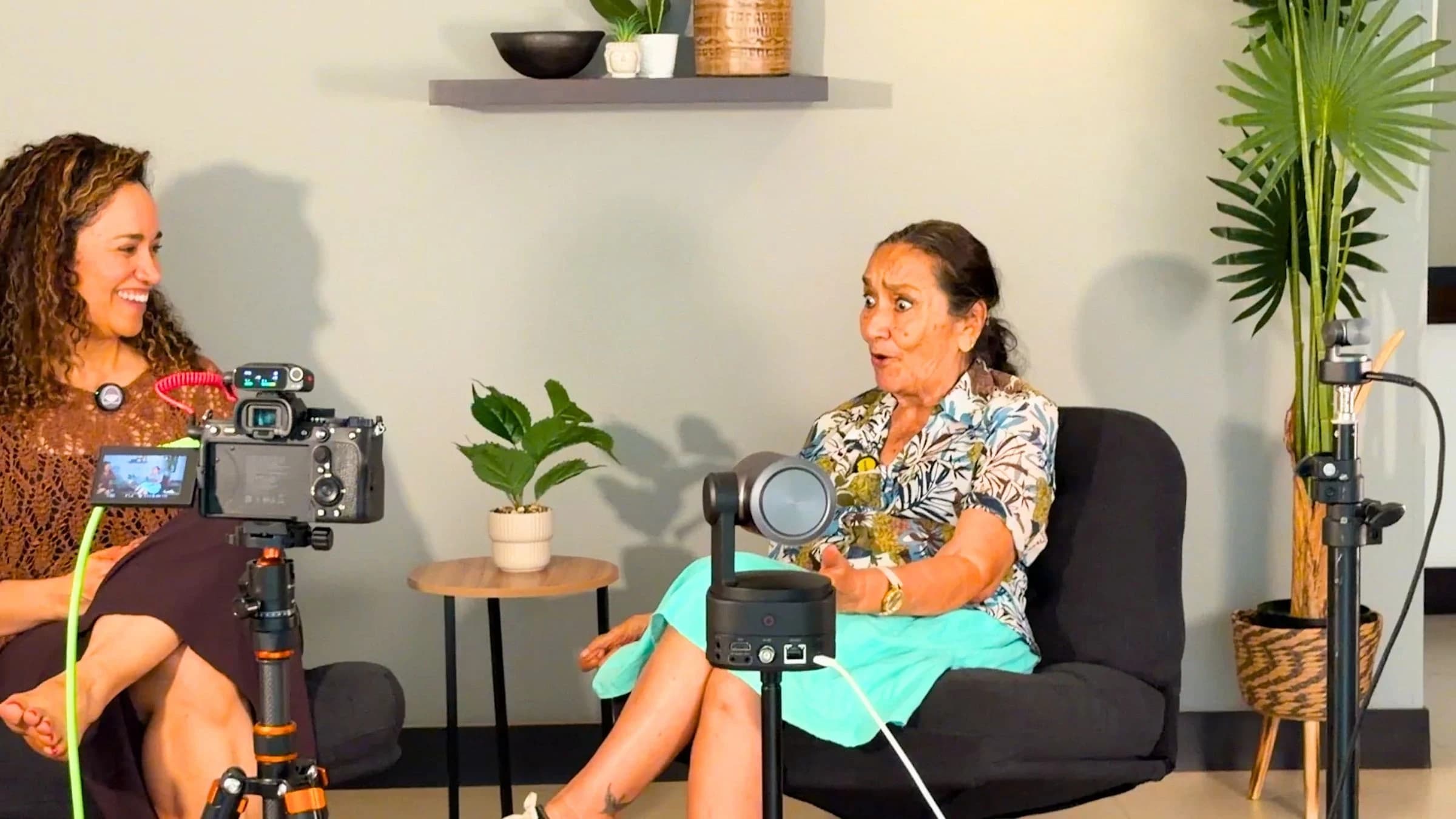
Stephen had already experimented with the Talent 2 and knew the cameras and lighting we had brought. He got everything running quickly.
He was still drenched in sweat, worrying about audio levels and exposure. Being the technical person apparently does not mean you get to skip that part.
The Talent 2 let him manage the connected OBSBOT cameras and switch between shots. He also arranged separate camera recordings, so he would have material to edit later alongside the live-switched version.
That gave him some room to settle into the conversation once everything was recording.
My job was to get my grandma comfortable enough to have that conversation in the first place.
Getting my abuela in front of the cameras
My grandma does not like being recorded. She doesn't even like having her picture taken.
We were asking her to sit in front of three cameras, wear a microphone, and answer my questions. We needed a strategy.
If you want to convince a Colombian to do something, feed them.
So we did. After eating, we went back to the apartment, and I told Stephen it was go time.
At first, my grandma was nervous. But as I asked my questions and she started answering, she relaxed. I think she forgot about the cameras.
I could give her my attention because Stephen was handling the production. I could listen, ask the next question, and help her feel that I knew what I was doing.
My mom and my brother were there too, so I asked them questions. We talked about the years when I was raising twins and needed my family's support. They had been there for me, and they had been there for the twins.
I got emotional during those interviews.
These were memories my family carried with them, and I wanted to record them while we could still sit together and talk. I got my grandma on video sharing her stories and telling us how much she loves the twins, and how much joy we brought to her life.
At one point I looked around at the cameras and all the equipment, and it struck me that we were doing this in our living room.
The same place where we had been gathering for years.
I think that familiarity helped everyone relax. We had changed the furniture and added a studio setup, but we were still at home together.
Then I had to run the show myself
The family interview tested what we could do with Stephen managing the equipment. For the second test, I would be presenting and operating the livestream.
I enjoy the part where everything is ready and I can sit down and perform. Pressing buttons while running a live show is not my favorite activity.
But I wanted to see whether I could do it.
For my weekly Podcast YourWay livestream, I had two cameras connected to the Talent 2 and uploaded my slide deck. I could switch between the camera shots and bring up the slides as I talked. I went live directly to YouTube from the Talent 2, without a computer running the stream.
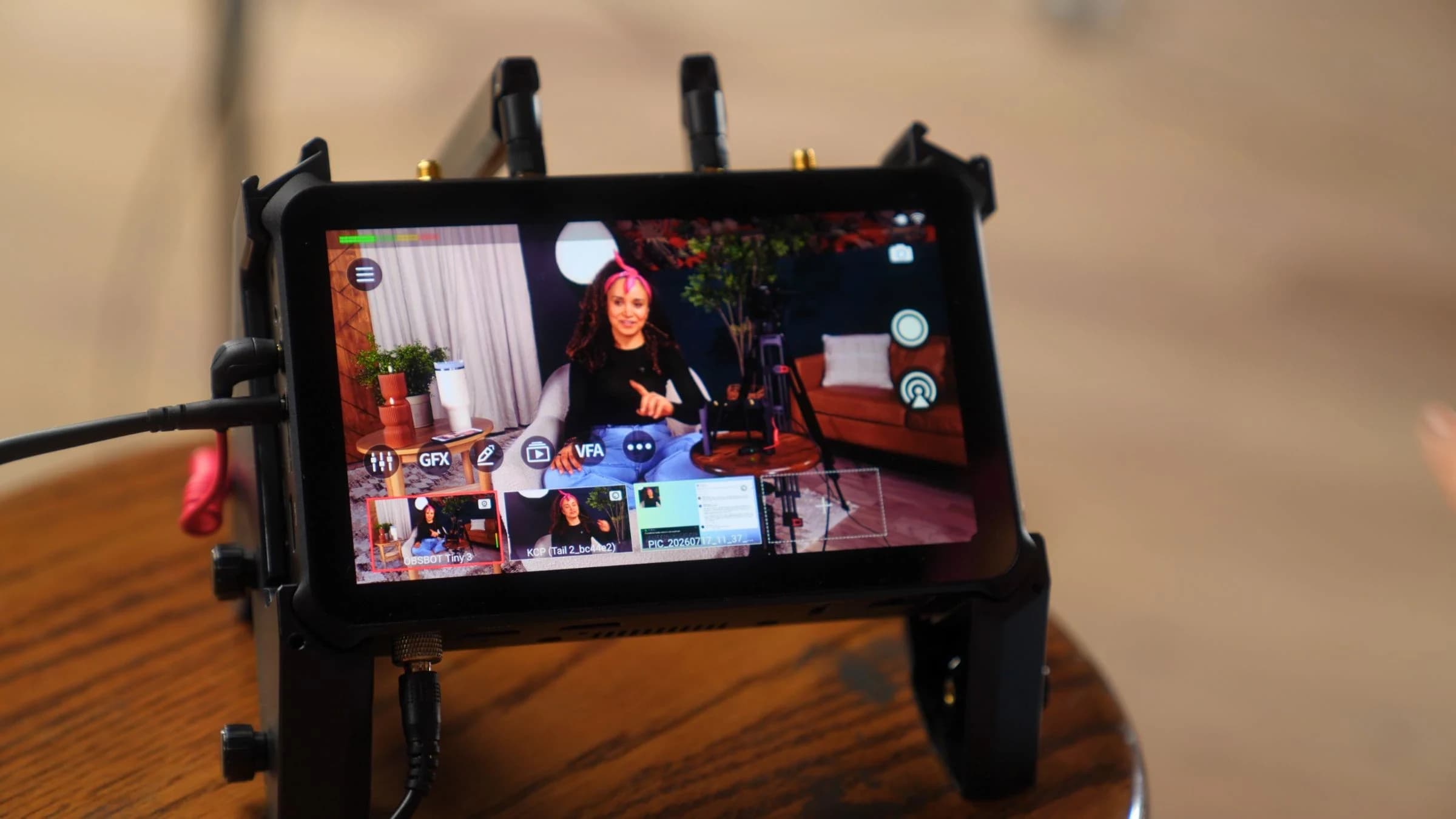
I found the controls intuitive and easy to manage.
The challenge was dividing my attention. I was delivering information, thinking about which shot to show, and bringing up the presentation while people were watching and commenting in real time.
Even two or three viewers can make that feel stressful. You know someone is there.
I also liked having the option to record while livestreaming, giving us material to work with afterward. My very professional description in the video was that if my performance was “kaka,” we could still make a decent video from it.
The livestream went smoothly. I came away feeling that I could get better at operating it with practice, because the first attempt had been manageable.
That is a useful distinction if you are considering a setup like this: learn the controls, then practice using them while you are speaking. Those are two things to get comfortable with.
Before you build your own living room studio
Our two tests involved different jobs. During the family interview, Stephen could manage the production while I concentrated on my family. During the livestream, I had to manage the cameras and slides while presenting.
If this has you looking around your own room, these are the questions I would start with:
Who will run the equipment? Decide whether someone can help or whether you will operate it while speaking. Practice the version you actually intend to use.
What do you want to keep afterward? We valued having separate camera recordings as well as the switched interview. Work out your recording plan before the conversation starts.
How does the room need to work the rest of the time? Ours needed comfortable seating and space for family visits. That mattered when we chose the furniture and backdrop.
You can see the makeover, the family interview setup, and my livestream test in the accompanying video.
For me, the room had to feel good to live in, and the equipment had to let us capture what happened there.
I now have my grandma on video sharing those memories and telling us how much she loves the twins.
That is the part I wanted to keep.
Used in this story
The gear behind it.
There is always another story
Keep the curiosity going.
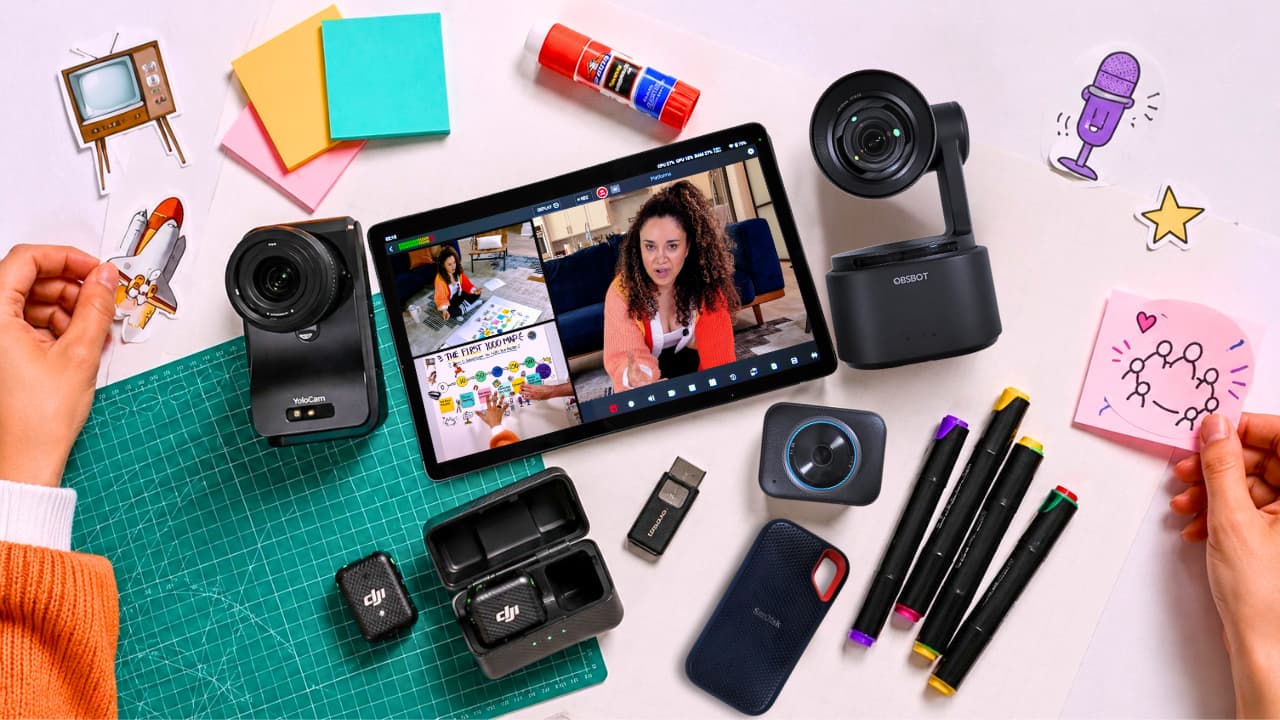
Our 3-Camera Livestream Setup Worked. The Platform Didn’t.
Three cameras, a living room, and a livestream that did not go to plan. What worked, what failed, and what we learned.
Read the story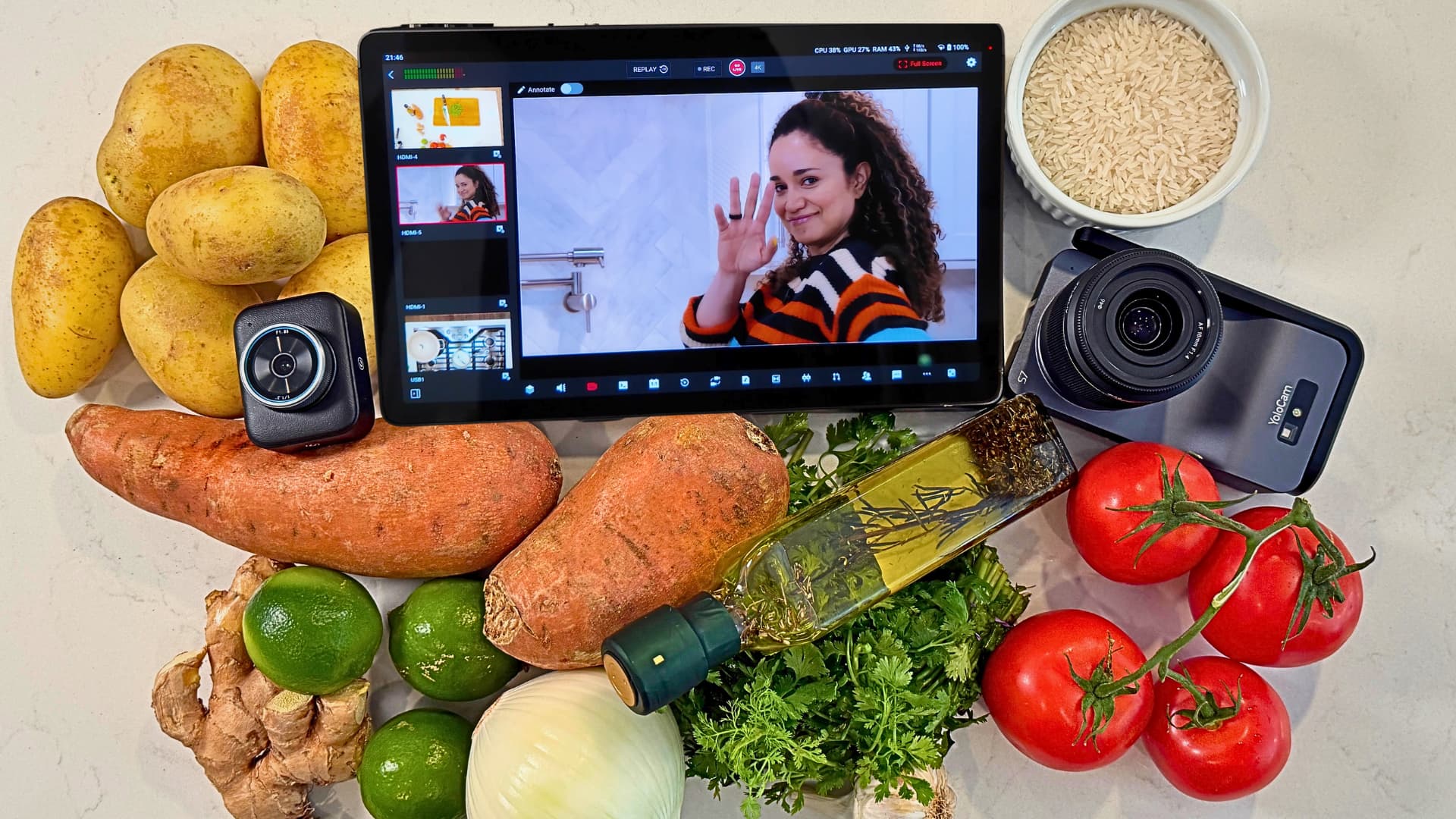
We Turned Our Kitchen Into a 4K Multicam Livestream Studio
Three 4K cameras between the stove and the cutting board. The gear and the recipe behind a livestream from our kitchen.
Read the story