Gear & guides
Choosing the right podcast microphone is crucial for achieving great audio quality. From budget-friendly to high-end video podcast gear, finding the perfect match can be overwhelming.
Some links in this story are affiliate links. If you buy through them, we may earn a commission at no extra cost to you.
Remote interviewer: prioritize a dependable single-voice connection.
Solo streamer: decide whether to apply processing live or in the edit.
Two people in one room: plan separate microphone inputs and monitoring.
| Format | First priority | Useful starting point |
|---|---|---|
| Remote interview | Reliable single-voice recording | USB mic and headphones |
| Solo live show | Monitoring and live control | USB processing or an interface |
| Same-room cohosts | Separate microphone inputs | Multi-input interface or mixer |
Choosing the right podcast microphone is one of the most important decisions you'll make when launching your podcast.
With so many options out there, from affordable USB mics to high-end XLR setups, it can be overwhelming to figure out which one best suits your needs.
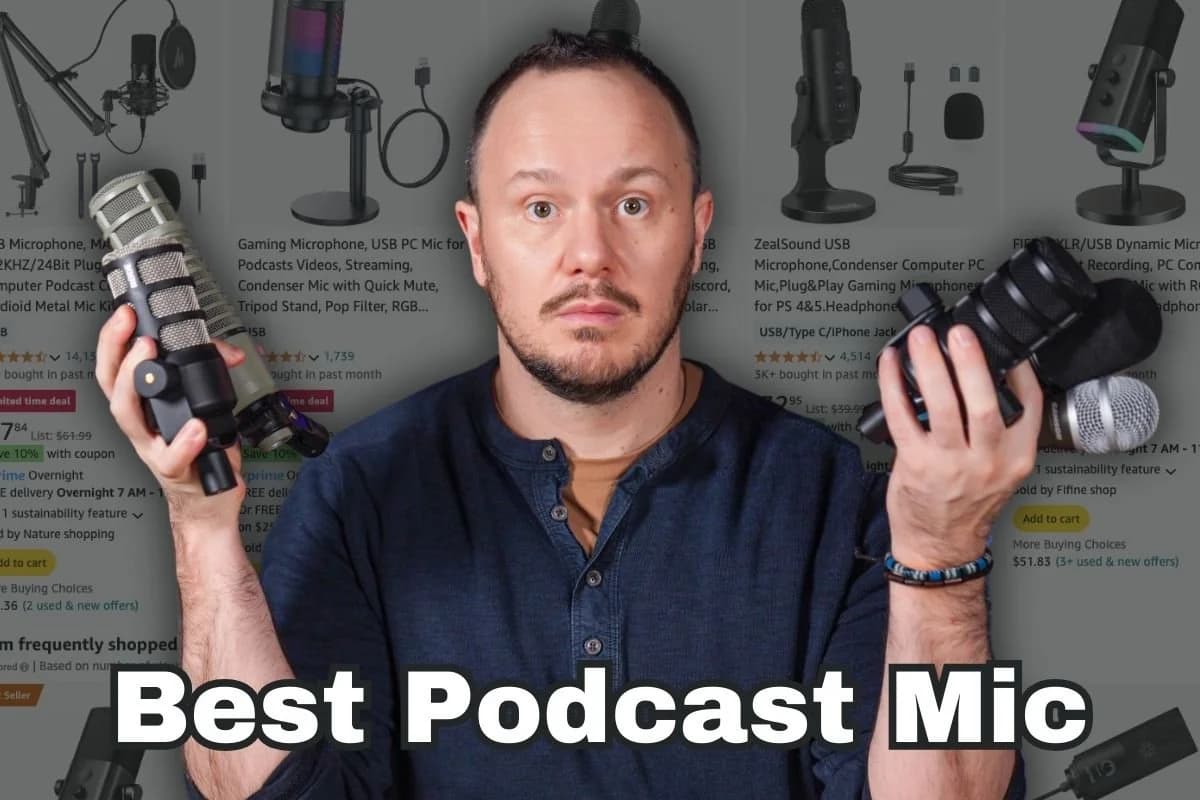
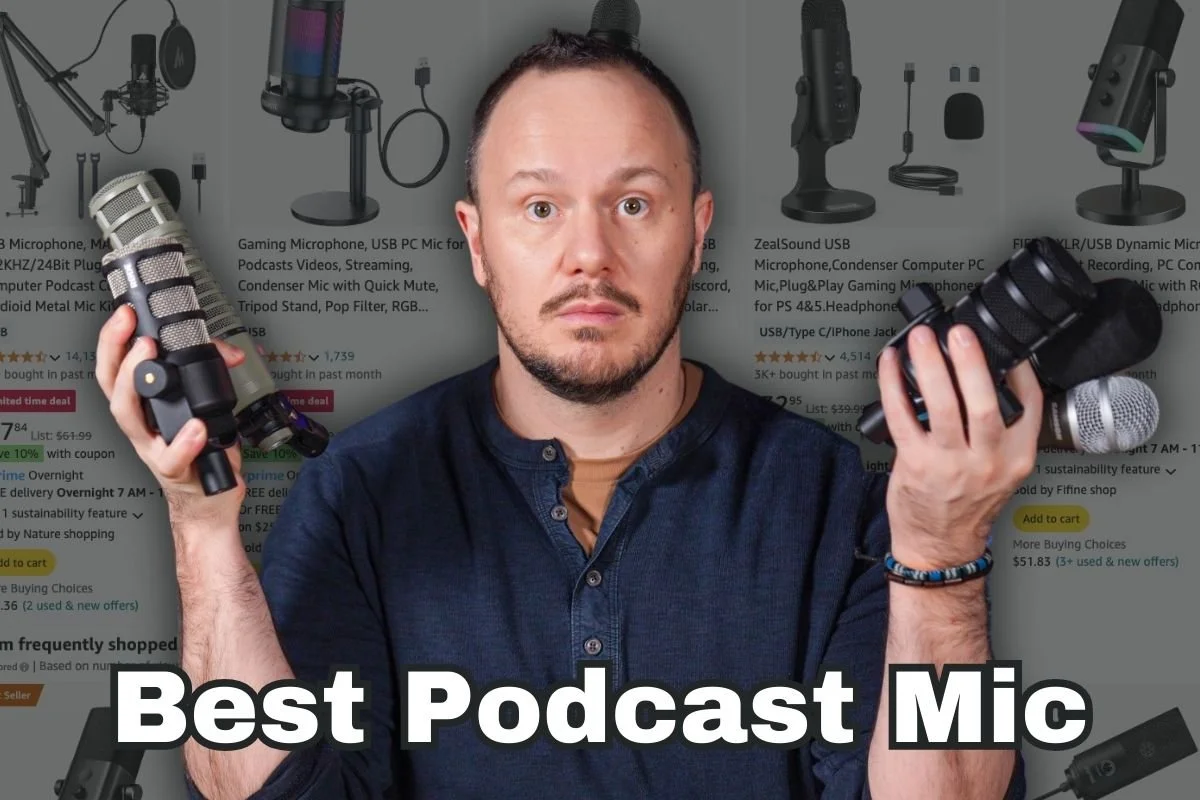
You’re scrolling through Amazon thinking…
Why is this one $60, but this one's $200?
These all look the same.
Which one do I really need?
Can I use two USB microphones with my computer?
What's an audio interface?
Condenser?
Dynamic?
Which microphone should I choose?
Ahhhhhhh!
You are not alone in this shopping frustration.
In fact, the gear that podcasters choose is the very thing that can hold them back from starting a podcast, or they buy really nice gear, but they don't know how to get a good sound out of the microphone they purchase.
But don’t worry, in this guide, we’ll break down everything you need to know about podcast microphones for both audio-only and video podcasting.
By the end:
you’ll have a clear understanding of the types of microphones available
their pros and cons
how to choose the perfect one based on your specific podcasting style
Before we start, if this is your first time here, welcome! I'm Studio Steve, a graphic designer, video producer, audio producer, and instructor at PSS Creative Media with about 20 years of experience in professional audio production.
Now let's dive in and find out which microphone will help you sound your best!
In order to help you choose the right podcast microphone, we'll divide this video into three different podcaster types, or you could say avatars.
The first is what we like to call the Remote Interviewer.
This is a solo podcaster who interviews guests remotely using a solution like Riverside.fm or Descript.
The second type we call the Solocaster Streamer.
This is the solo podcaster who likes to live stream their podcast and interact with an audience live, as well as incorporate multiple camera angles or graphics and some bells and whistles on their live streams.
The third type or avatar is the Cohost Setup.
This is a host cohost setup where two people are recording in the same room.
Which podcaster type are you?
So whichever one of these three podcasting types you most closely relate to, we will really be able to pinpoint an exact gear recommendation for you.
This is one reason why choosing your gear can be such a hurdle. The gear you need to buy depends on your podcaster type and what kind of show you want to produce. Each setup requires very different types of equipment.
So let's hop right into our recommendations.
But I don't want you to make a purchase based off of a microphone that I recommend to you.
I'd rather see you make a purchase based on an understanding and comprehension of mic basics.
Not only will that help you to make a better purchase decision, but it will also help you to get better recordings from whichever mic you choose.
Now, the first big decision that you're going to encounter (that may likely hurt your brain) is:
A) whether or not to use a traditional XLR microphone with an audio interface
OR
B) to go with using a USB microphone
And what the heck is the difference between those two?
I would say most podcasters can get away with using USB microphones. They are emerging as the more *popular choice because of their ease of use and also their incredible sound quality.
*That is why most of this blog post focuses on USB microphones.
However, near the end, when I get into the cohost setup, I will touch on audio interfaces and traditional XLR microphones as well.
Let me introduce you to PSS Creative Media's top contenders for USB podcast microphones.
The Samson Q2U (left)
The RODE PodMic USB (middle)
The MV7+ (right)
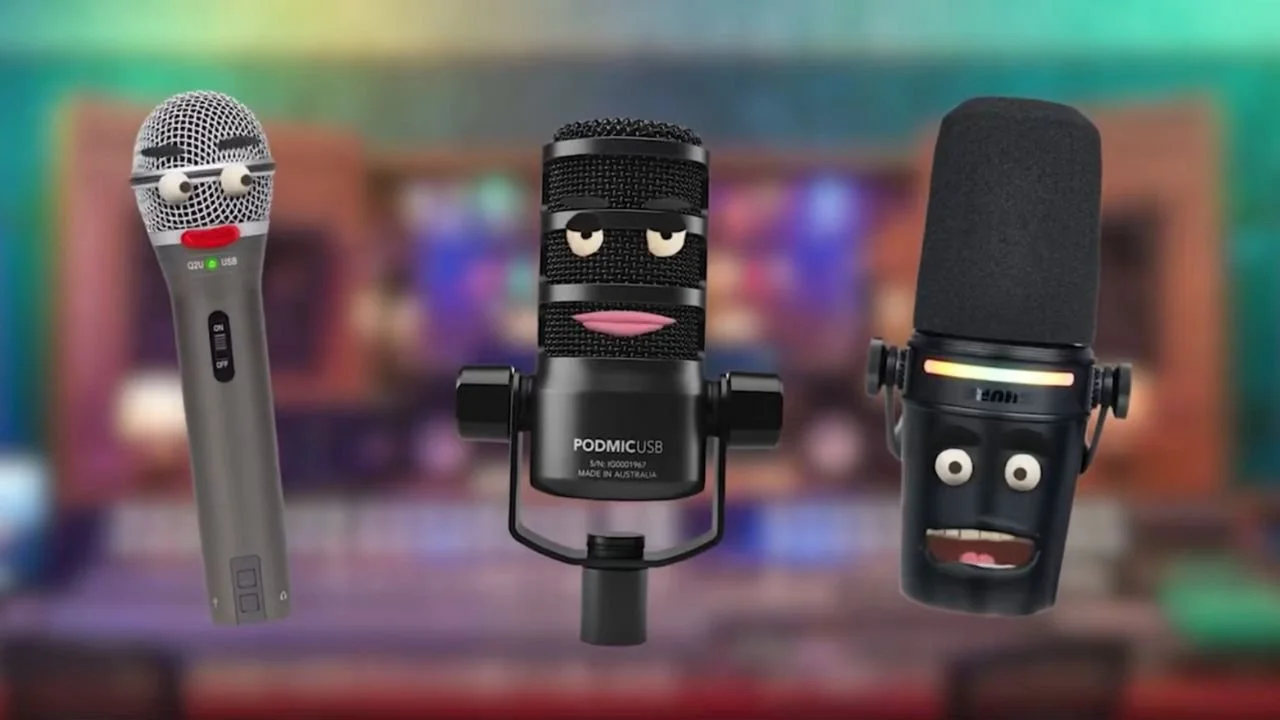
To understand USB microphones, you'll have to look at their bottoms, undercarriage, and backside to understand what makes them different from XLR mics and why they’re easier to use.
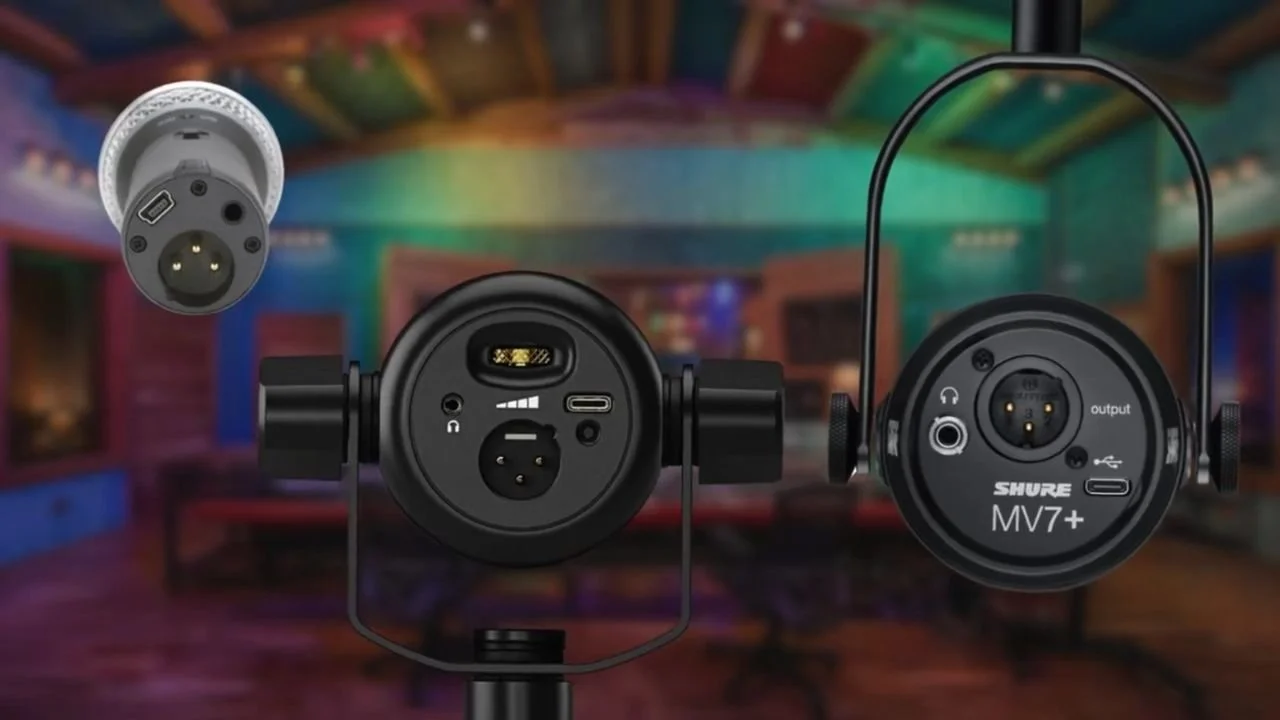
Every USB microphone has an audio interface built into it.
When looking at the bottoms of all three USB microphones, you will see:
an XLR output
a USB output jack
a headphone output jack
And there's a way on all three of these microphones to adjust the volume of the headphones.
The XLR output is the output with the three prongs, and that will work with an XLR cable or a mic cable.
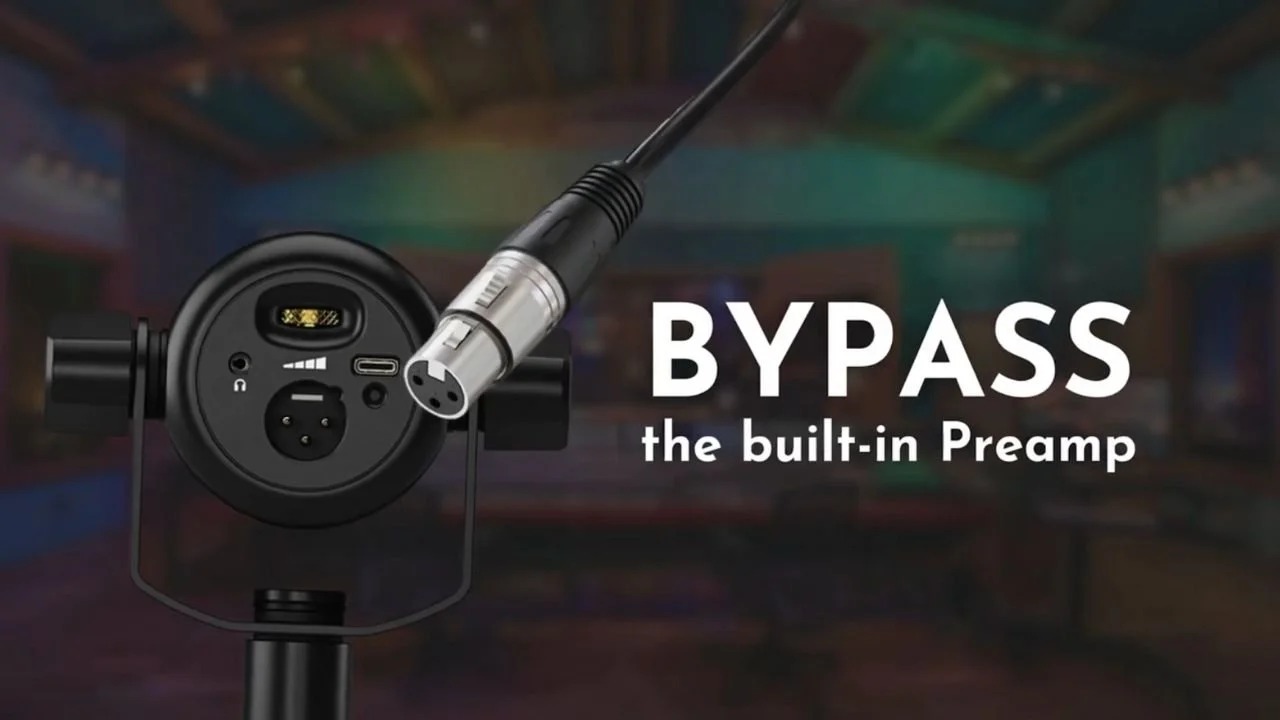
NOTE: When you plug an XLR or mic cable into any one of these microphones, the audio input signal will bypass the microphone’s built-in preamp and audio interface on its way through the microphone to the XLR cable.
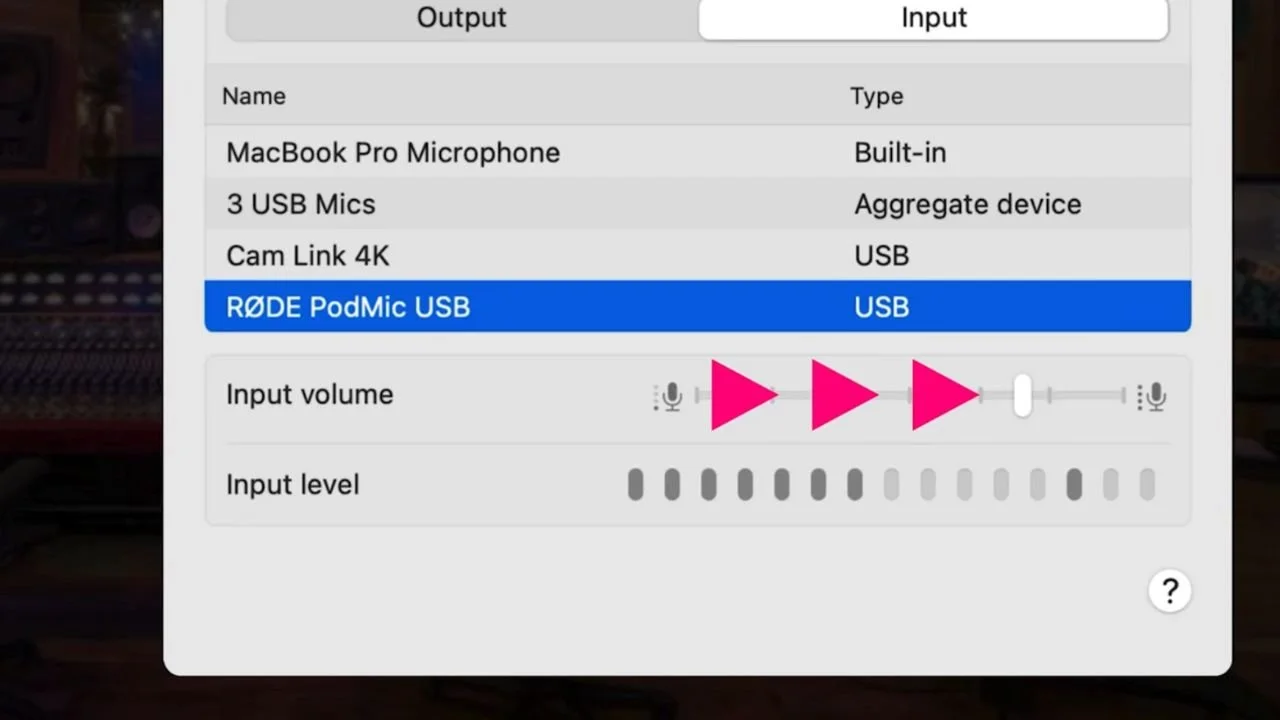
If you plug these microphones into your computer via USB, they will automatically take over as your audio input and output, and you can adjust those settings in your system settings.
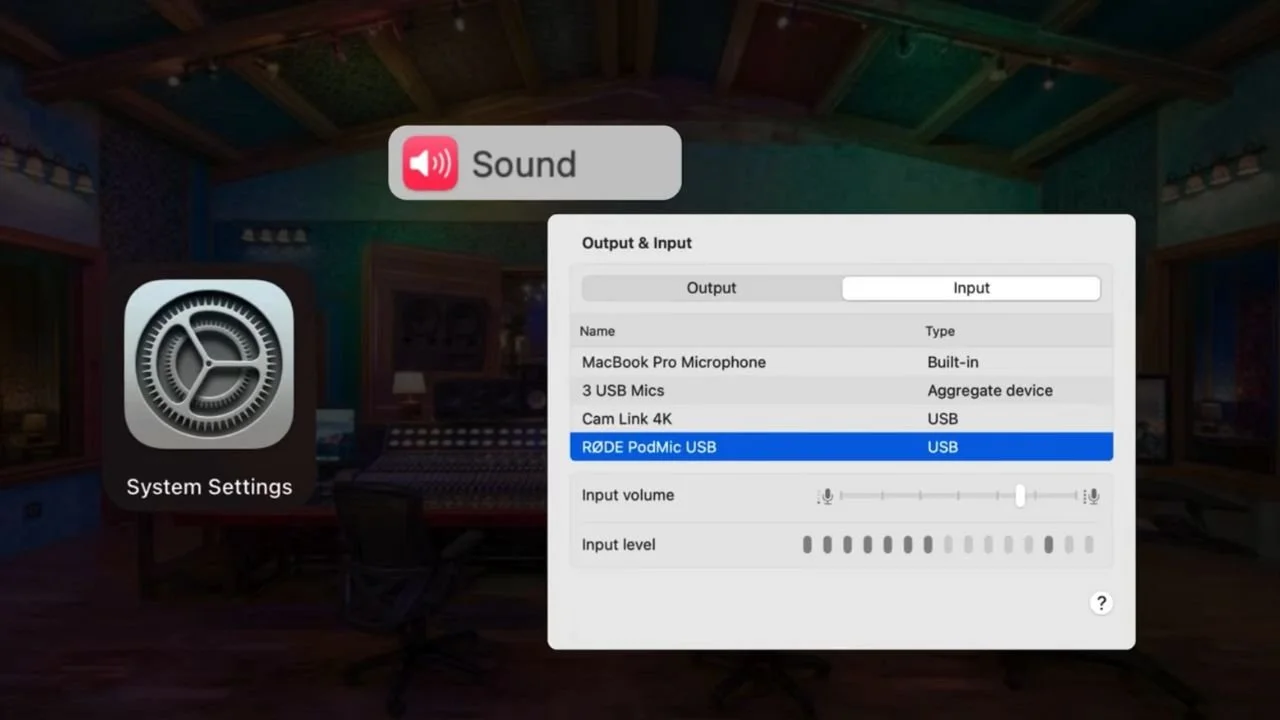
This is where you will also find your input volume or the gain for some of your USB microphones.
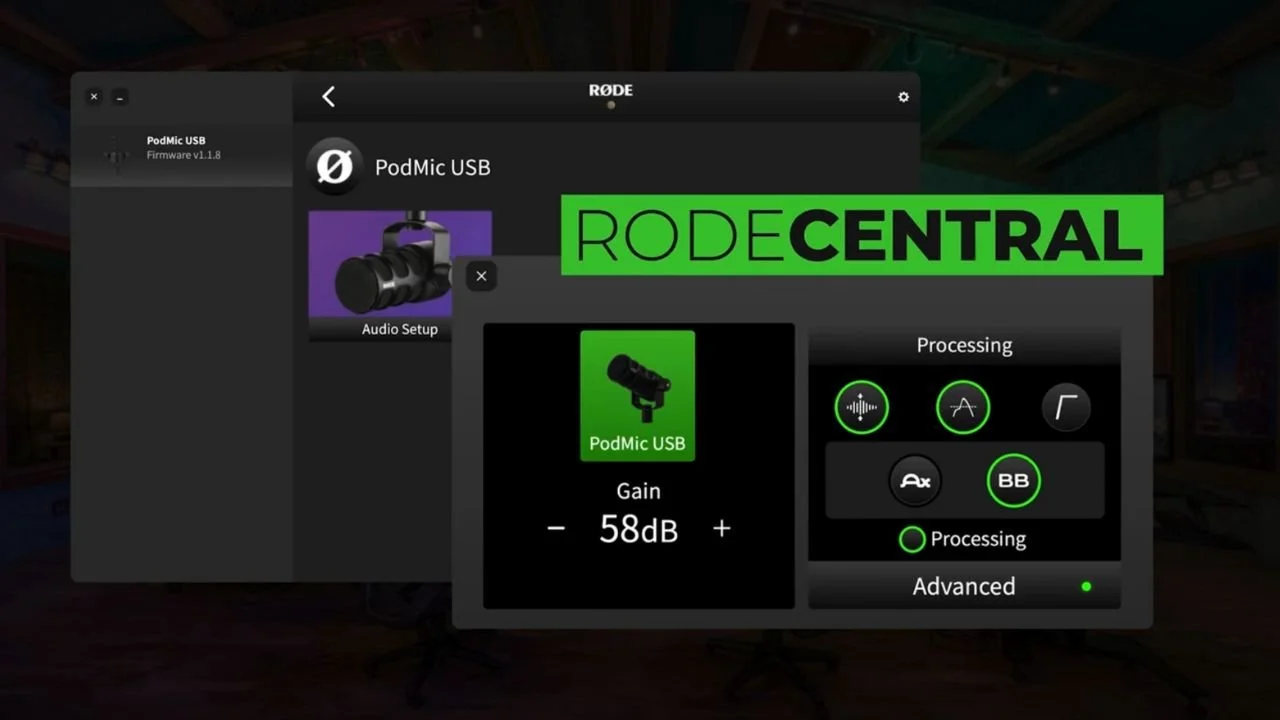
There is an app that works with all RØDE microphones called RØDE Central that will allow you to really fine tune and get an even better performance out of your RØDE microphone.
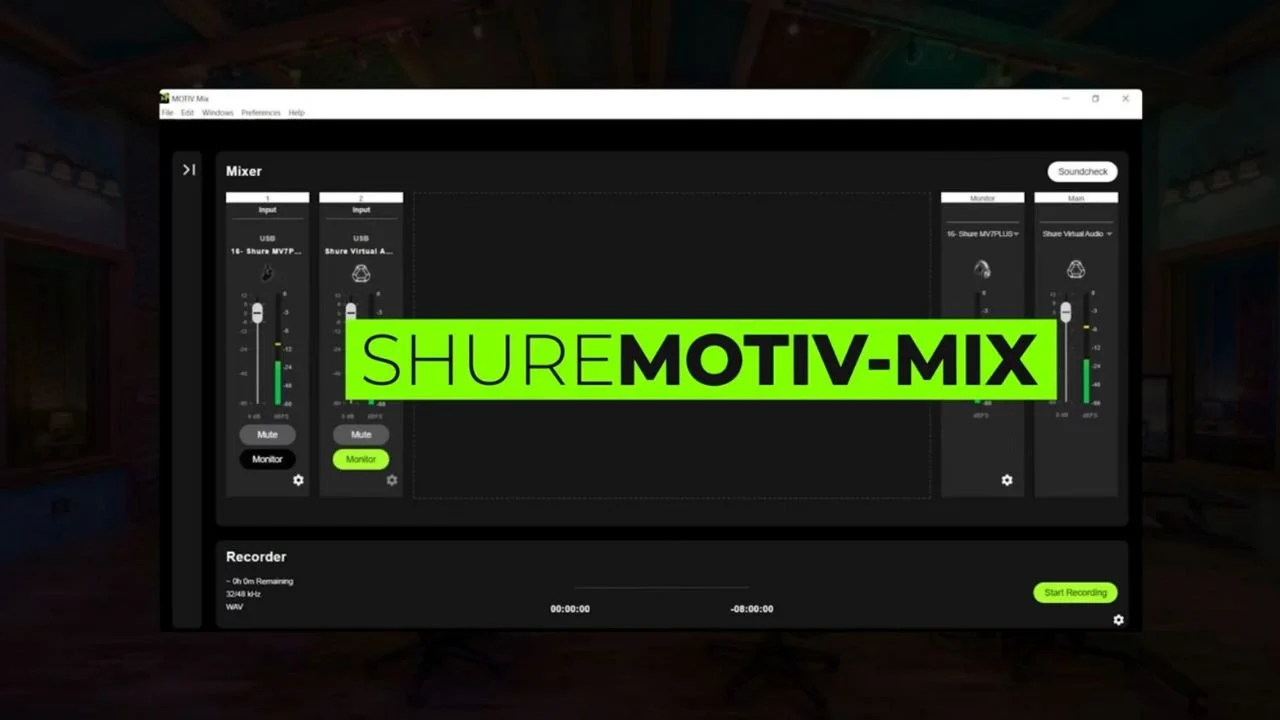
Shure also has an app that you can use with the MV7 that will allow you to fine tune the sound of your microphone even more.
Well, this is some good information to have and I hope that it clarifies things for you.
I know you probably just wanted me to suggest or tell you one option for you to use.
In truth, which microphone you choose really doesn't matter because of the other elements that make up a podcast voice.
So we have to take a pause right now and talk about what makes up a podcast voice.
A shotgun microphone?
Think of videos where you don’t see a microphone. In this situation, it typically means the creator is using a shotgun microphone positioned off-camera or out of frame.
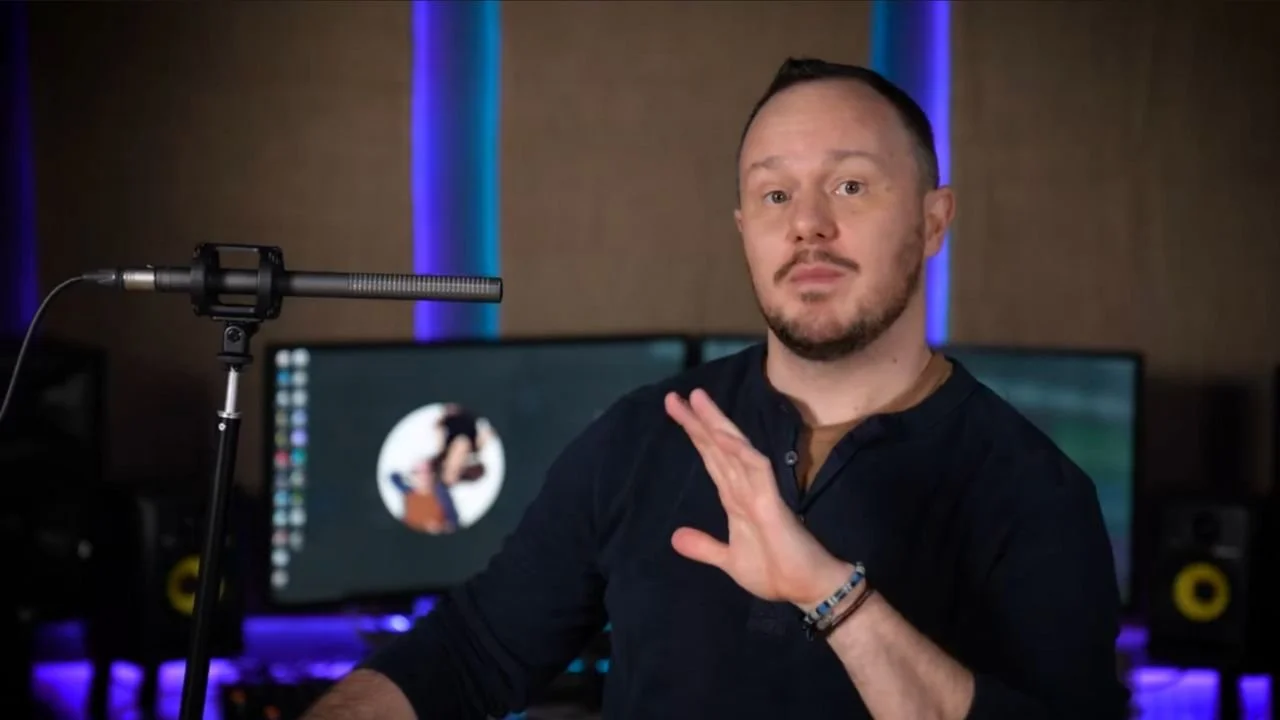
Is that a podcast setup? Or does it create the characteristics of dialogue you're more used to hearing on television and in movies?
A classic studio microphone?
Of course, there's the classic studio mic setup which is a condenser microphone often used with a pop filter.
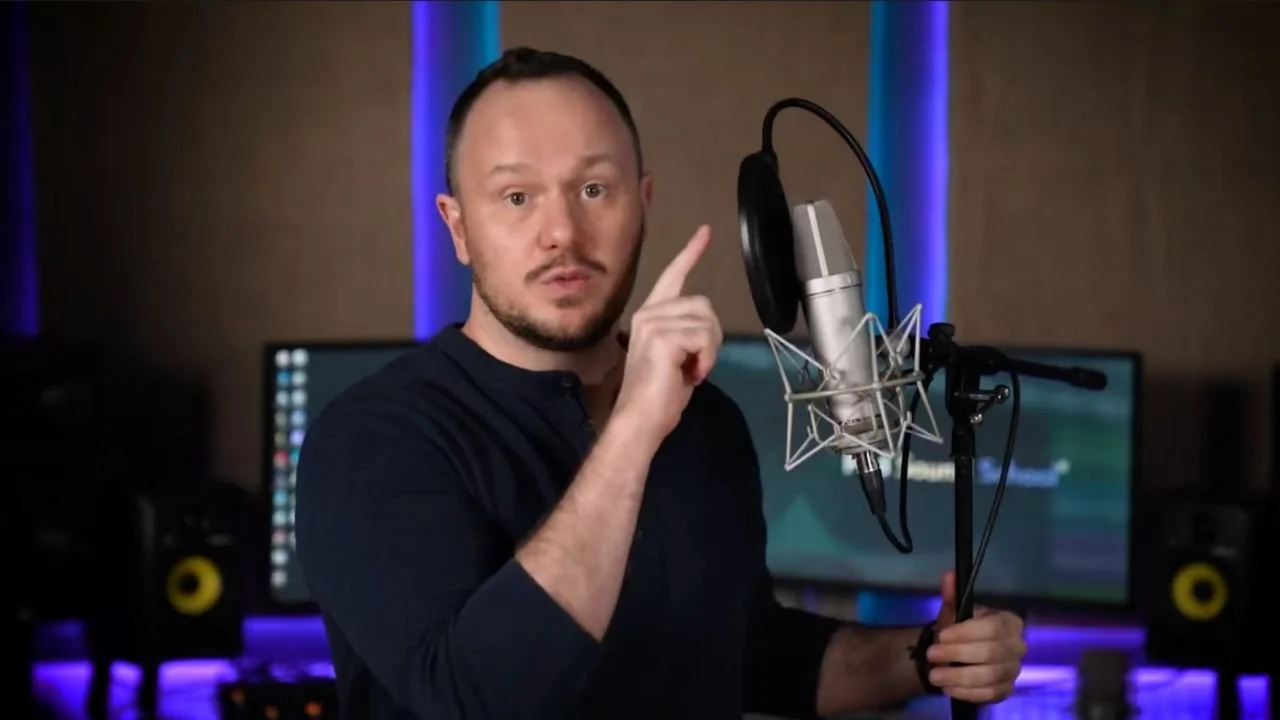
Think of a setup for a classic singer or even a voiceover artist.
How does your favorite podcaster achieve that super professional, classic-sounding podcast voice?
A combination of five main components or things compose a podcast voice.
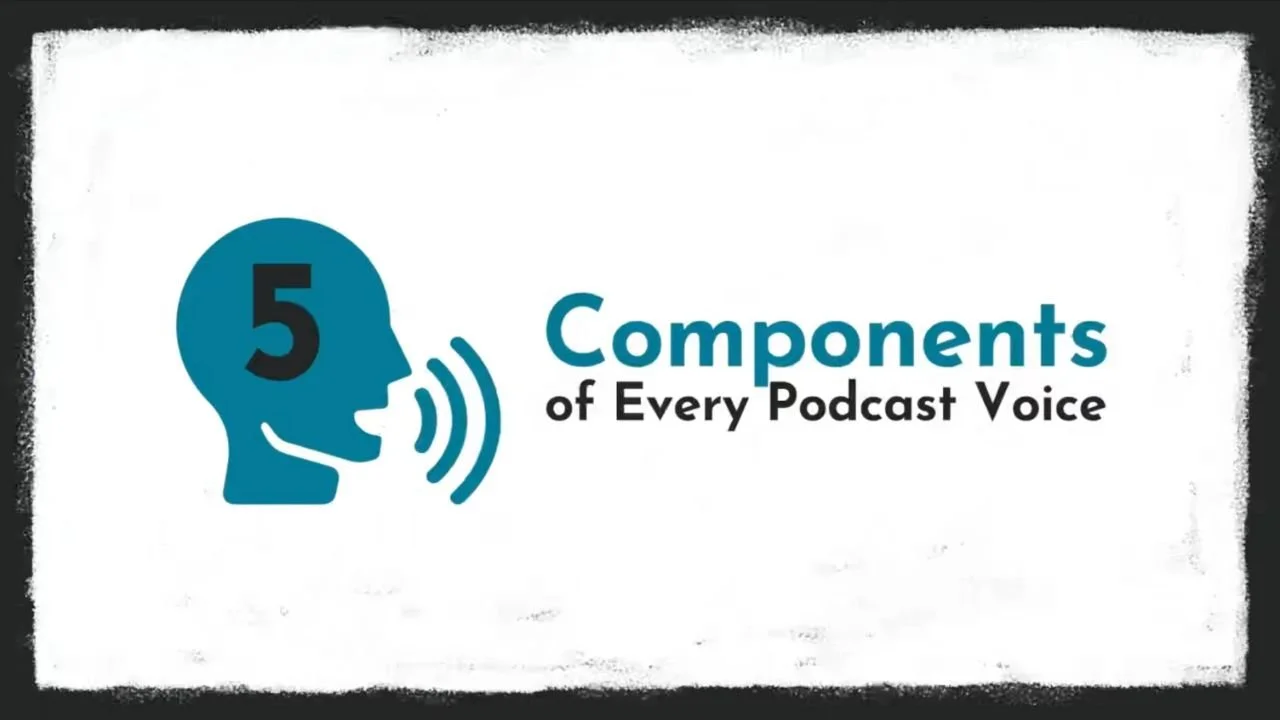
The first is obviously the microphone.
The second is something called the proximity effect.
It's not just that we're using a classic-looking podcast microphone. It's because when we use a podcast or broadcast microphone, we tend to be very close to it.
This close proximity creates The Proximity Effect, which emphasizes our low tones and makes us sound like that classic DJ voice.
WE KNOW WE’RE CONSUMING A VIDEO PODCAST WHEN WE NOT ONLY…
A) see a podcast microphone in the frame on camera, but we also…
B) see the speaker’s mouth positioned really close to the microphone
This close proximity creates and lends its own characteristics to the sound of what makes the classic podcast voice.
If you were to take a podcast microphone and position it too far away from your mouth, you're not going to achieve that classic podcast voice sound!
The other three elements are typically achieved in post-production.
Compression is an effect or a plugin that squeezes your voice together by making what's loud, softer, and what's soft, louder, or reducing the dynamic range.
This also adds unique characteristics to a podcast voice.
We're VERY used to hearing podcasts and broadcast voices with compression on them!
EQ can help shape a voice and solve specific tonal problems. Use it when the recording needs it rather than treating processing as mandatory.
EQ is another plugin or effect that allows us to boost and reduce certain frequencies in the EQ spectrum, like the lows, the mids, and the highs.
Another popular effect that we can lump into this EQ category is de-essing.
Just like it sounds, de-’essss’-ing will reduce sibilance from our podcast voice, making it more pleasant on the ears.
Noise reduction can help with some unwanted sound, but a quiet recording and good microphone placement are preferable to heavy cleanup.
Again, there are tons of impressive digital plugins we can instantly with the click of one button use on our recordings to reduce or eliminate unwanted background noise.
The reason I paused to talk about the 5 components of a podcast voice:
You need more than just a really nice podcast microphone to achieve that classic, pro-sound podcast voice.
Not adding the other 4 components is perhaps why people become so frustrated when they buy a really nice podcast microphone, plug it into their computer, and don't understand why their voices still sound like crap.
Let's talk about our three different avatars, how the USB microphones fit into your production, and which one you should choose.
This comes down to a few different considerations.
Are you on a really tight budget?
You want to just get started with something right off the bat.
You have plans to upgrade your show later but right now you gotta start with where you're at.
If that's the case, in every scenario, you're going to want to go with the Samson Q2U microphone. It's an amazing mic!
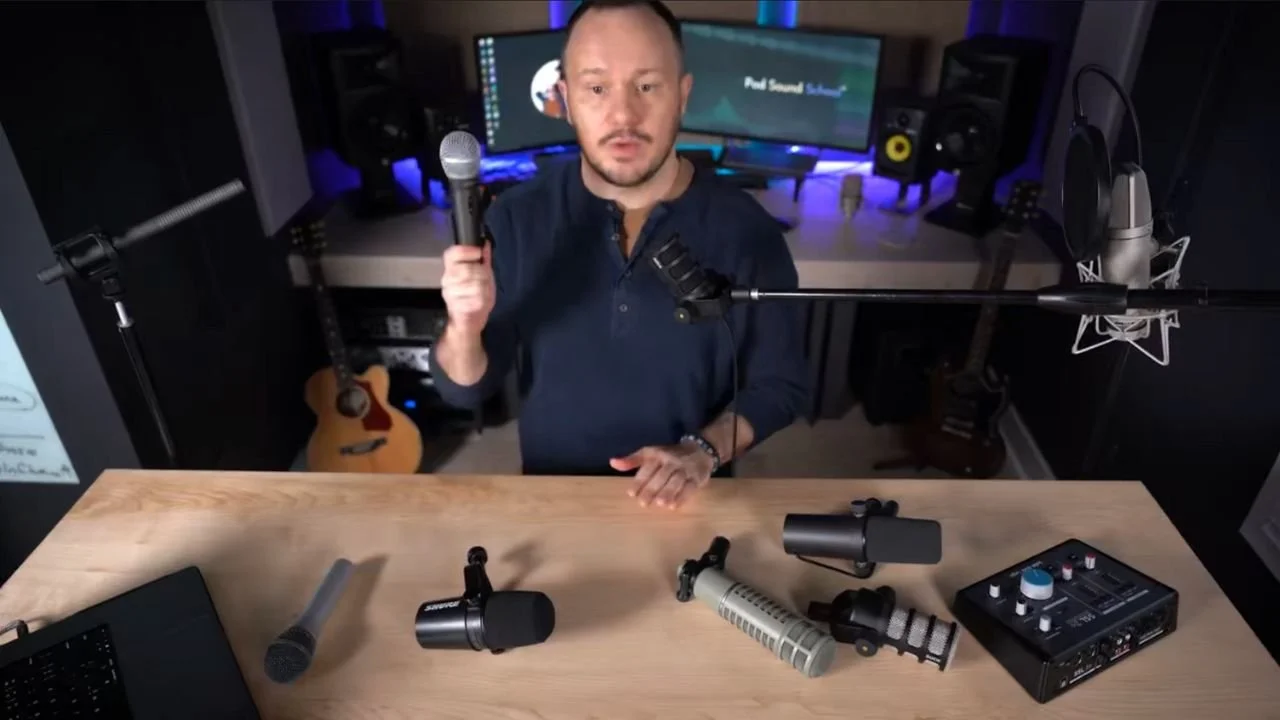
Now, perhaps it doesn't look quite like a podcast mic and looks a little more like a handheld stage microphone, but it gets a really great sound for its very affordable price.
You can pick up one of these for around 70 US dollars.
Now, if price isn't a concern and you're really just going for looks, then with the USB microphone, I would say the Shure MV7 microphone takes the cake.
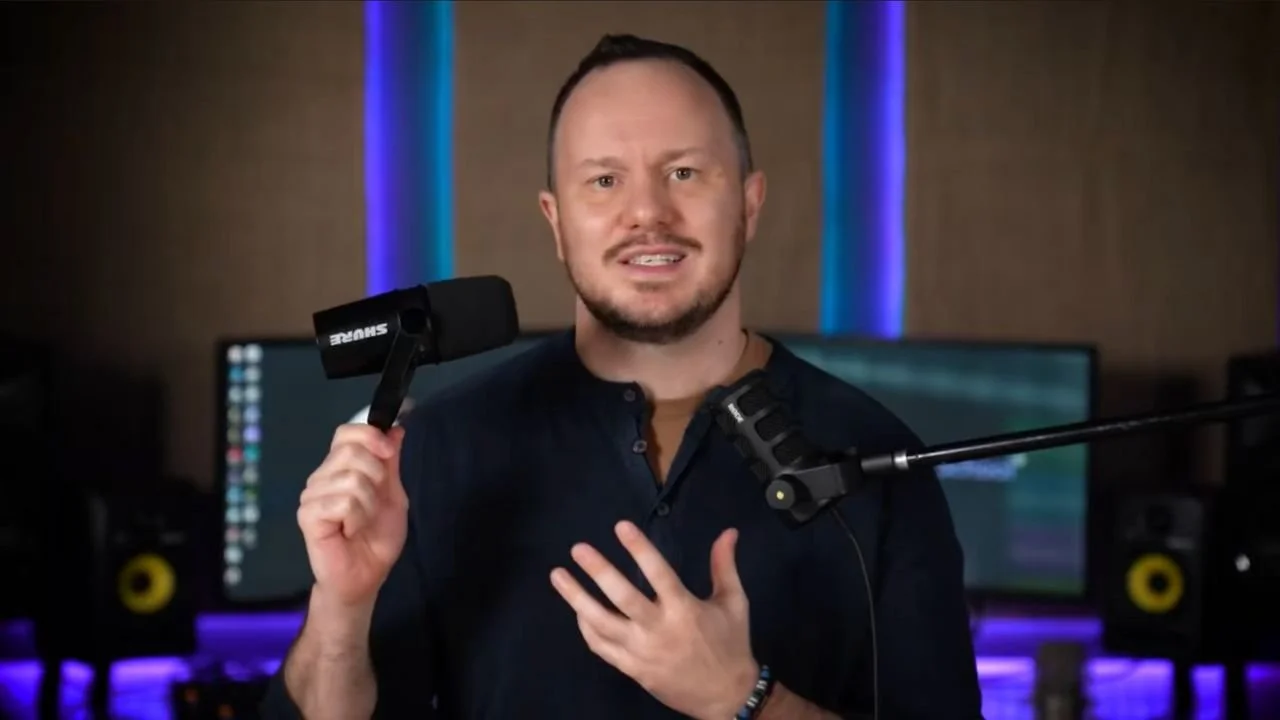
Shure just has such a classic podcast look to their microphones and is really the most popular choice for most podcasters.
However, if you're looking for ease of use, you don't plan on hiring an editor, and you really want to do all of the editing yourself, the RODE USB PodMic is the real winner for most cases.
And that's because you can use the RODE with the RODE Central App on your computer.
That app includes and controls the 3 essential podcast voice effects plugins I mentioned above (compression, EQ, and some noise reduction).
What’s great is that they are baked into the microphone. This means the effects are automatically applied to your voice so when you speak into the microphone during a live Zoom meeting, you will sound like a professional podcaster.
It cuts out all the times when you're not speaking.
It cleans up your voice and it does a pretty killer job.
With the RODE Central App, you can tweak the settings to make your voice sound just how you like.
This is why the RODE PodMic USB has become a workhorse for me and I'm using it more and more often than any other microphone we own , and we own a LOT of high-quality mics!
That's because, in the world of podcasting and content creation, we make a lot of content, we're making podcast episodes, YouTube videos, shorts, and educational content at PSS Creative Media.
This microphone has become all I use because I'm constantly making educational content, and getting on virtual meetings.
The best part is I can dial in my compression, EQ, and noise reduction settings, and then I never have to do that processing stage for my audio.
Plus, it also has the flexibility when I'm working with an editor to turn off the processing on this microphone.
That’s important because when you're working with an editor, your editor will likely say, “Hey, could you please turn off all those auto effects you're using? I can do a better job with my plugins.”
If you're a solo podcaster and you're going to be interviewing guests remotely, any one of the microphones I’ve mentioned is going to be great.
What you're really concerned with is looks.
As long as you're close to the microphone and you learn how to apply a compressor, EQ, and noise reduction to your microphones, or work with an editor, you're going to be fine.
How the microphone looks and makes you feel is your main consideration here.
If on the other hand, you are a solo podcaster who intends to livestream, the Rode USB PodMic is the real winner.
You can switch on those podcast voice effects to instantly sound like a podcaster while you live stream, making editing way easier or even unnecessary.
Avoiding post-production editing is why some people prefer a live show.
This brings us to that third avatar, the cohost setup.
What do you need for a 2-speaker setup?
Should you get two of the same USB microphones?
Can you even plug two USB microphones into your computer?
This is where things get a little more complicated because you're not just recording one audio track.
Now you're recording two, three, or even four audio tracks if you want to do a round table podcast.
First, I recommend you use the same USB microphone for each speaker so the audio sounds consistent across all voice tracks.
The good news is you can use as many USB microphones with your computer as you want.
You can get a USB hub and use all 10 ports.
All you have to do is create an aggregate device.
In this video, I show you exactly how to do that: 🎤🎤 How to Use 2 USB Microphones at Once // Record Multiple USB MICS on Separate Tracks
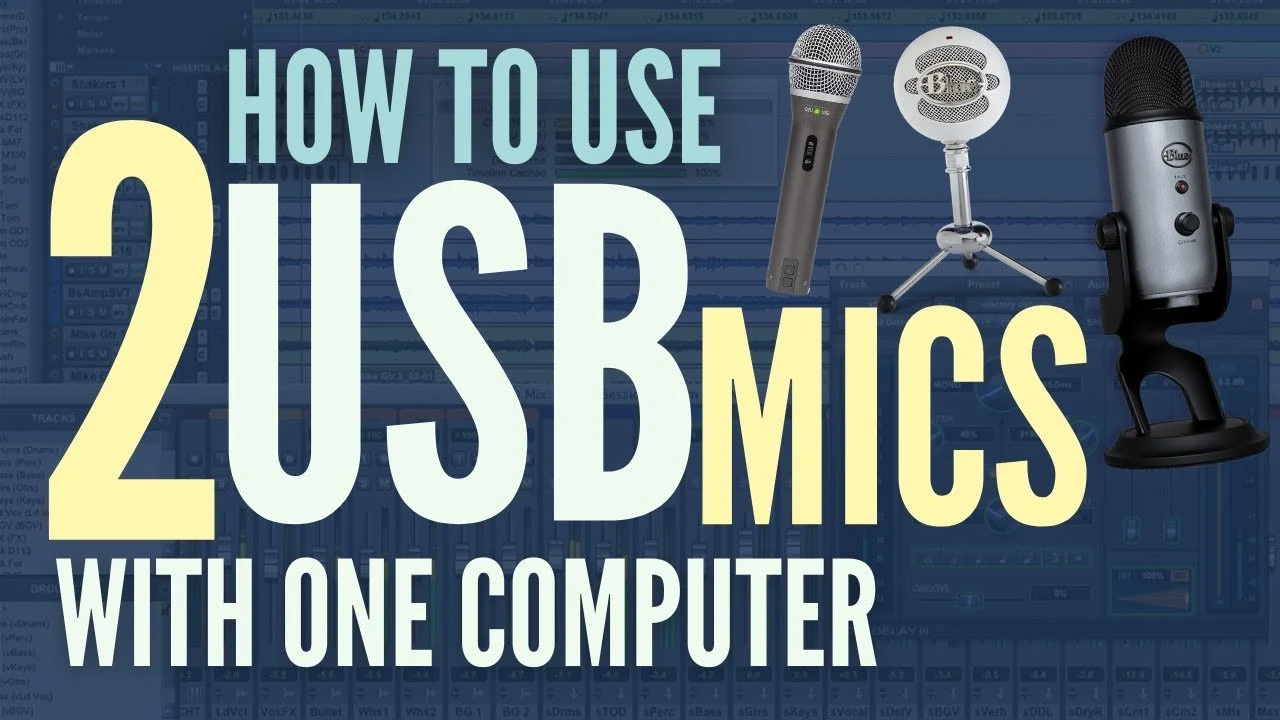
But it's really easy! You just go into your system settings and set up a new device that contains both USB microphones.
Then wherever you record your audio, in a digital audio workstation or OBS studio, you can record each of those microphones separately on their own track, which is very important!
I highly recommend you get advice from a podcasting coach because this cohost setup is much more complicated.
We work with clients one-on-one. You can learn more about our services by clicking here.
A great coach will hop on a FaceTime call with you, look at the space you intend to record in, and help you choose the right equipment for your specific situation.
They’ll also ensure you understand how to record your audio to get good levels for your editor to edit and polish or for you if you're doing your own editing.
If you're just starting your show, you may be more resistant to the idea of outsourcing the editing, but eventually, you've got to be working with an editor. The benefits are just too great.
I don’t recommend audio interfaces much anymore for most podcasters.
An interface is useful when you need XLR microphones, multiple inputs, particular monitoring options, or a specific signal chain.
For many solo recordings, a good USB microphone is enough. Choose an XLR setup when its controls, expandability, or sound suit the work better.
But when you need to record more than one voice, you'll need an audio interface that gives you different inputs.
My go-to and favorite audio interface is the SSL2+ with two inputs, I recommend it to everyone.
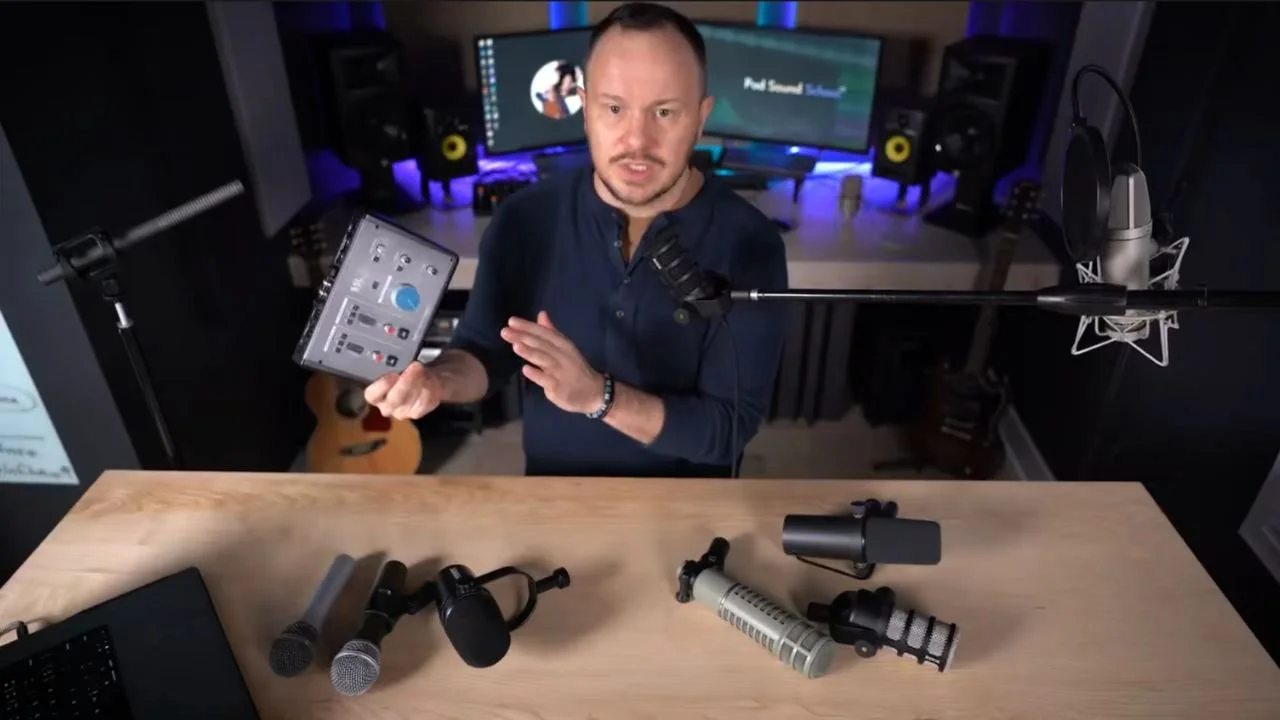
There's also the SSL2, which has only one headphone output.
On the other hand, the SSL2+ gives you two headphone outputs which is perfect for a cohost setup.
This audio interface produces incredible-sounding audio, especially compared to the Scarlett 2i2 or any of the other popular consumer audio interfaces you see on Amazon.
We've compared a lot of audio interfaces and the SSL2+ takes the cake!
An audio interface helps you get a much higher quality audio recording with your microphones than the built-in audio interfaces of USB microphones.
But in order to really hear that difference, you need to start getting into the higher end, more professional audio interfaces.
The consumer audio interfaces like the Scarlett 2i2 are really not much better than the audio interfaces in USB microphones.
These are our top XLR microphone picks to pair with an audio interface.
Of course, the classic world-famous Shure SM7B is on the list. If you really want to get the most famous podcasting setup, go with the SM7B mic and the SSL2+ audio interface.
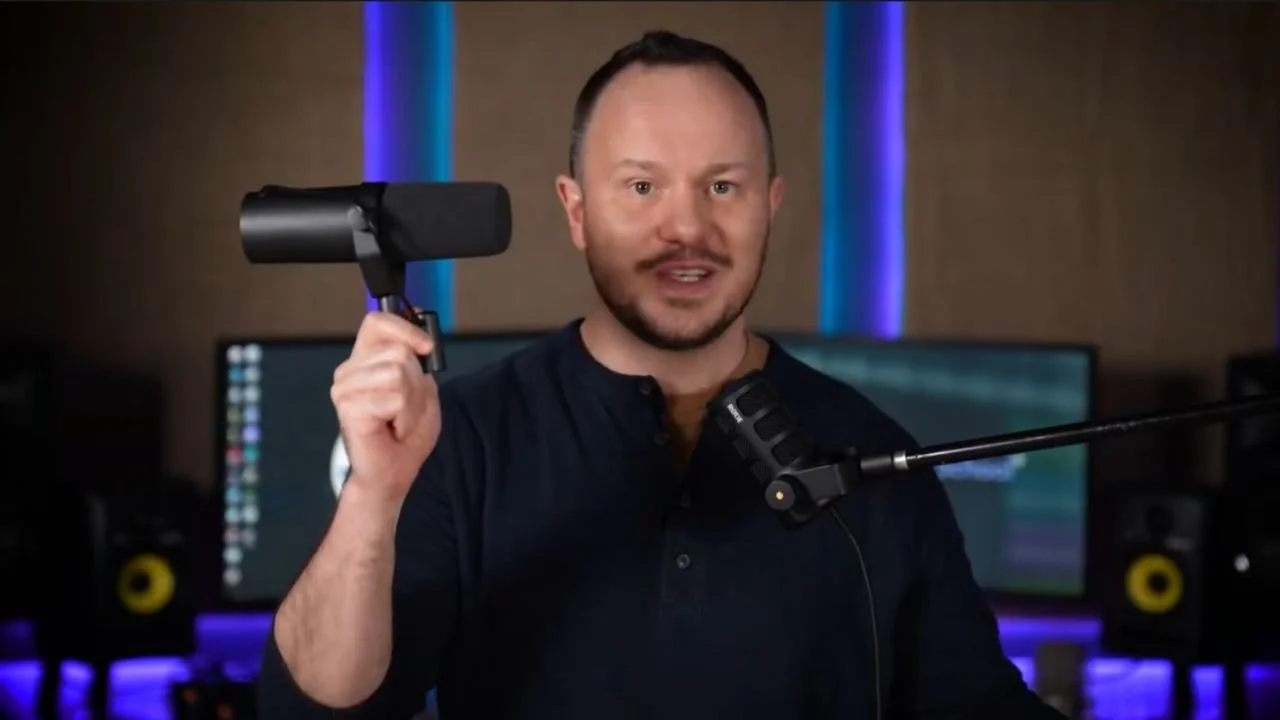
You won't need to buy any extra gadgets like a Cloudlifter or anything to go with this microphone when you use an SSL2 audio interface.
Next up on the list, I'm a huge fan of the Electro-Voice RE20.
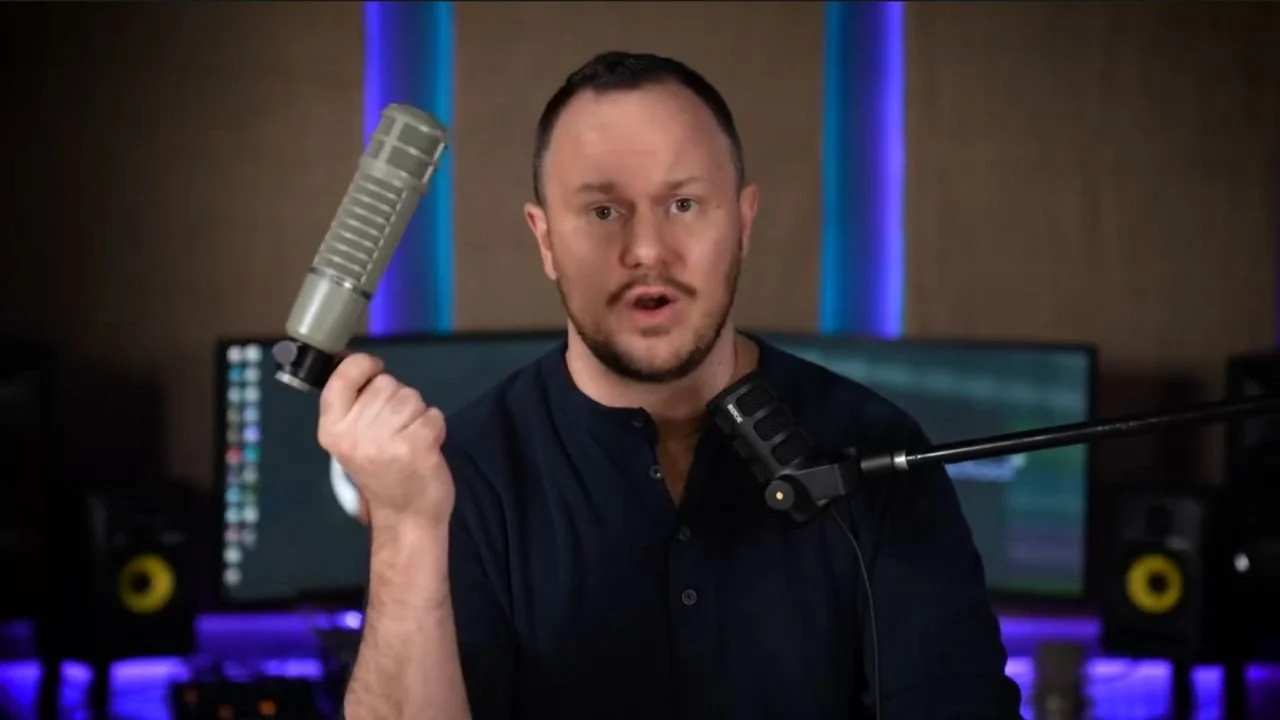
Finally, the RODE PodMic itself. Yes, the original PodMic is an XLR microphone, not a USB mic, so it only works with audio interfaces.
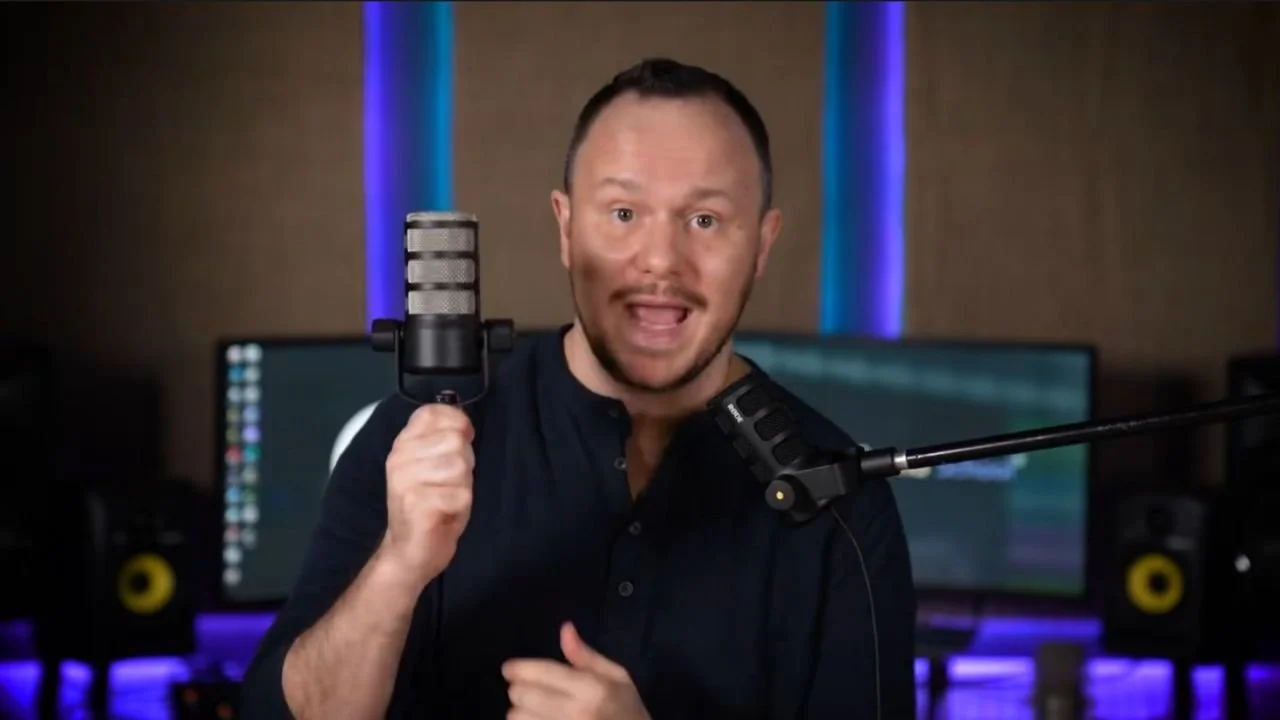
It goes for only $100 US and when you compare this microphone to the $450 Electro-Voice, it's amazing how good this little guy sounds.
And hey, he looks like a podcast microphone too so aesthetically, it’s pretty pleasing.
When it comes to choosing the right podcast microphone, there are many factors to consider, from your podcasting style to your budget, and even how much effort you’re willing to put into post-production.
With this guide, you now have a clear understanding of the different types of microphones available, the pros and cons of each, and which options best suit your podcasting needs.
Remember, the perfect microphone for you depends on your unique setup and podcast goals.
Whether you’re a remote interviewer, a solo streamer, or part of a co-host setup, the key is to make an informed decision based on your requirements rather than the latest trends.
And don’t forget, mastering your podcast voice involves more than just a great mic; it’s about learning to use compression, EQ, and noise reduction effectively.
Ready to sound your best? Dive into microphone shopping with confidence, and know that whichever option you choose, you’re one step closer to elevating your podcast's audio quality.