Gear & guides
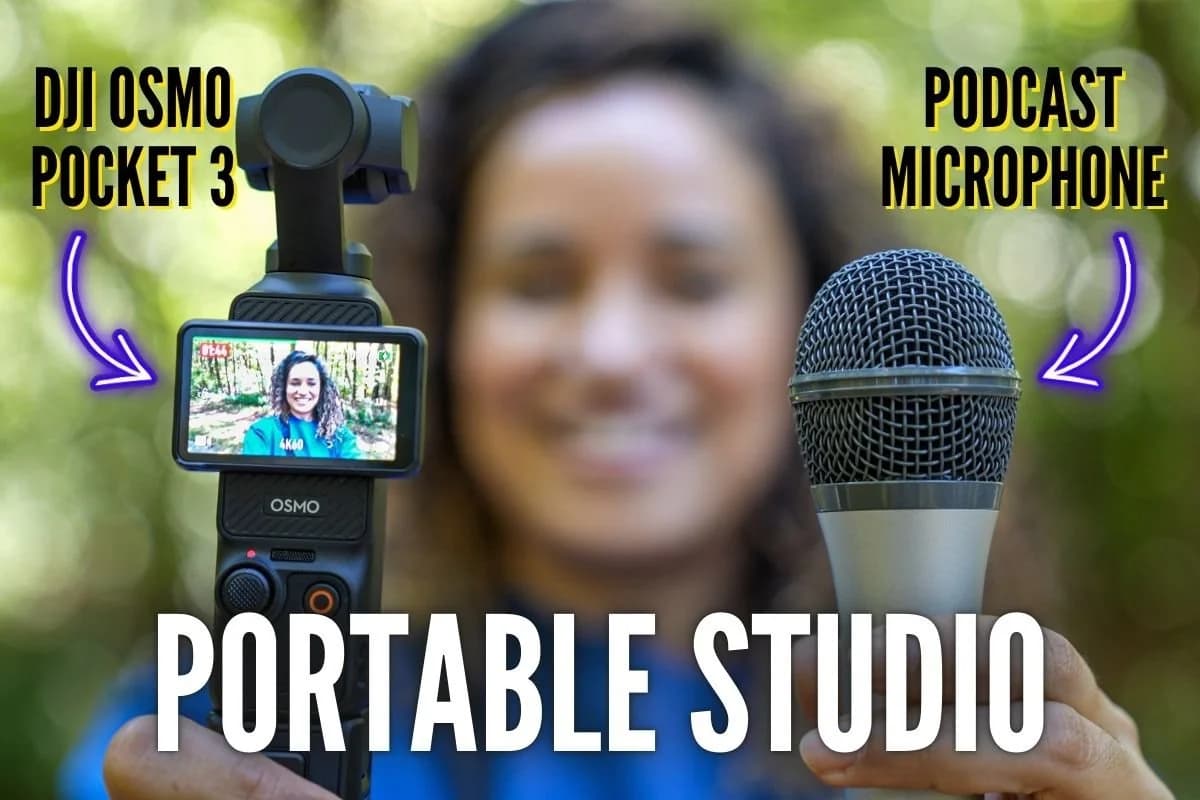
Looking to record a video podcast while traveling? Discover how the DJI Osmo Pocket 3 Camera, paired with a USB podcast microphone, brings flexibility, quality, and fresh energy to your podcast.
Some links in this story are affiliate links. If you buy through them, we may earn a commission at no extra cost to you.
The USB microphone examples document combinations we actually tried.
Use a data-capable cable that matches both connectors; a charge-only cable will not do the same job.
Record and play back a short sample before relying on a new mic, adapter, or firmware combination.
Looking to record a high-quality video podcast with portable gear that lets you capture both stunning visuals and clear audio while traveling? The DJI Osmo Pocket 3 Vlogging Camera, paired with a podcast microphone, might just be the setup you’re looking for.
This combination provides an easy way to step out of your studio and record wherever inspiration hits, whether you’re on a walk, at a conference, or simply wanting a change of scenery.
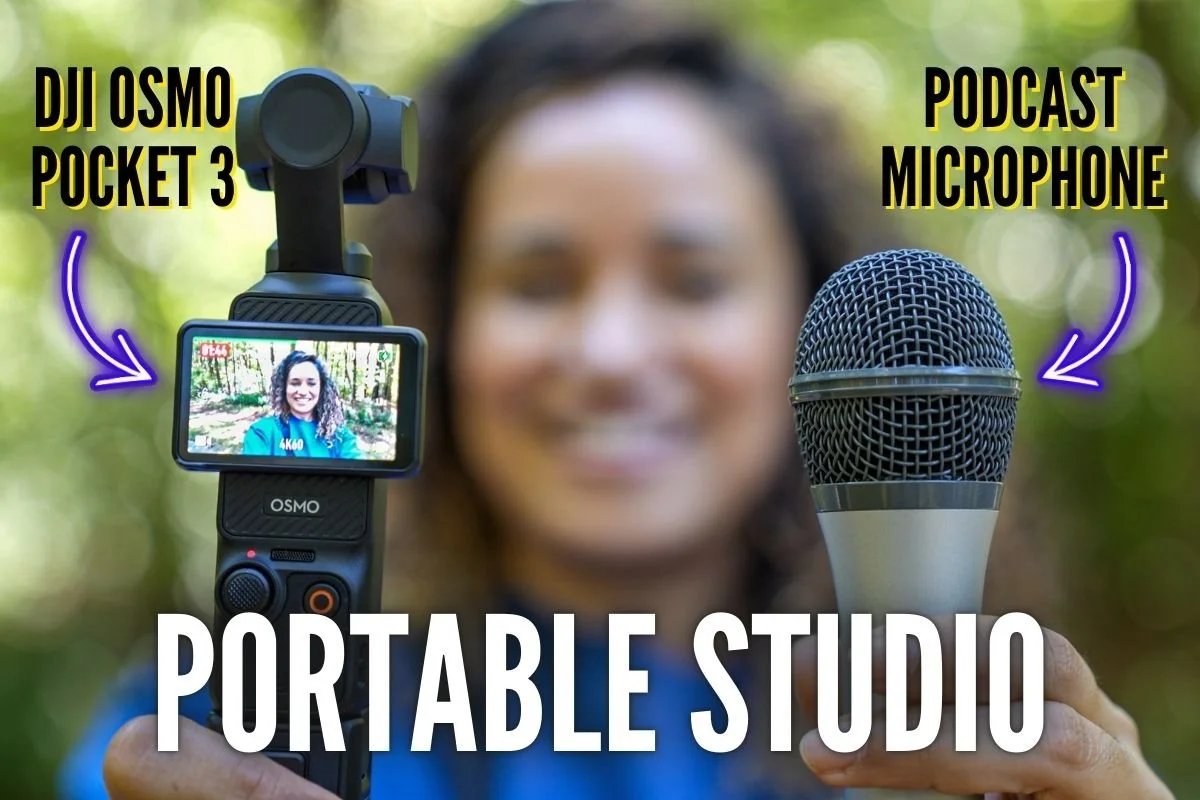
In this guide, I’ll walk you through how to connect 3 different USB podcast microphones to the DJI Osmo Pocket 3 and share how each setup sounds.
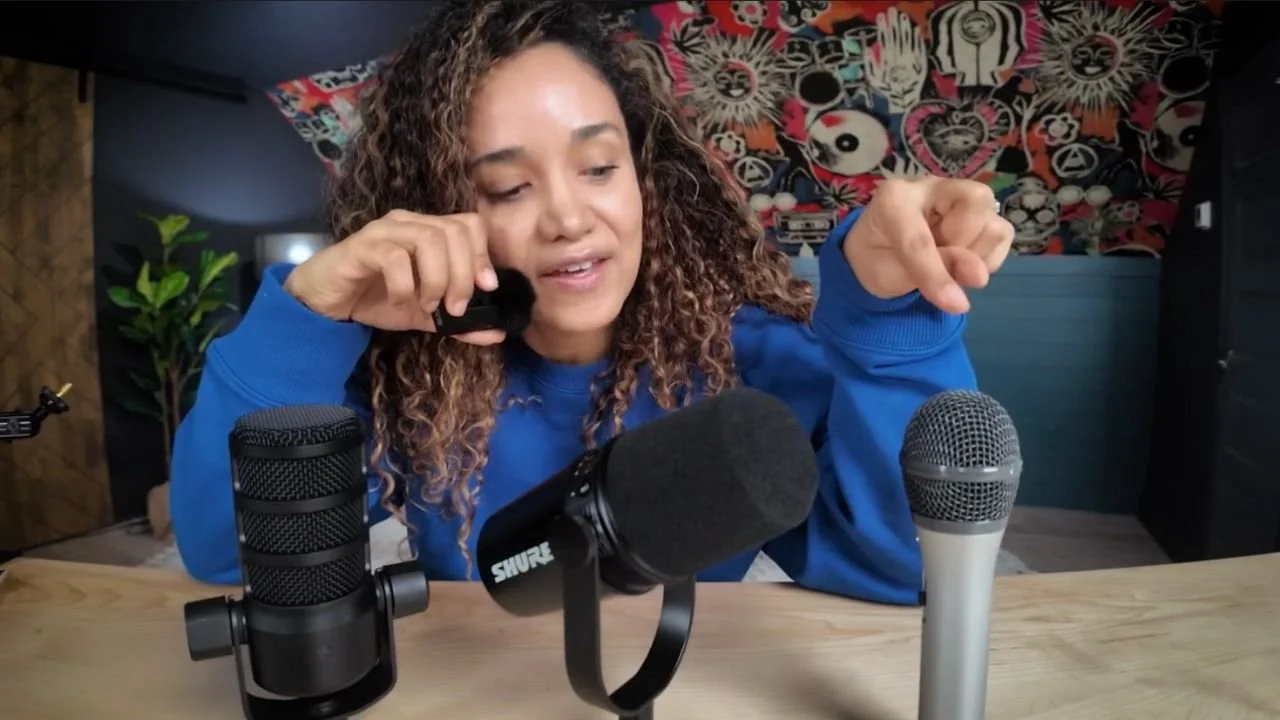
You can also see I’m holding a wireless mic, and that’s because the DJI Osmo Pocket 3 Creator Combo comes with a wireless mic that I will also demonstrate in this guide.
By the end, you’ll see how to use this compact yet powerful gear for dynamic video podcasting.
The DJI Osmo Pocket 3 Camera, Easily Record a Video Podcast While Traveling, original studio photograph
By following this guide, you’ll be equipped to take your video podcast outdoors, experiment with new audio setups, and capture moments with flexibility and quality.
I help students and clients produce exceptional video podcasts, and I'm excited to do that with you in this guide.
The DJI Osmo Pocket 3 ($519 US) base kit includes:
Protective cover
Wrist strap
Handle with a 1/4" thread so you can mount it on a tripod or selfie stick
The DJI Osmo Pocket 3 Creator Combo ($669 US) expands on the base kit with a few extras:
Clip-On Wireless Microphone
Battery Handle
Osmo Mini Tripod
and more
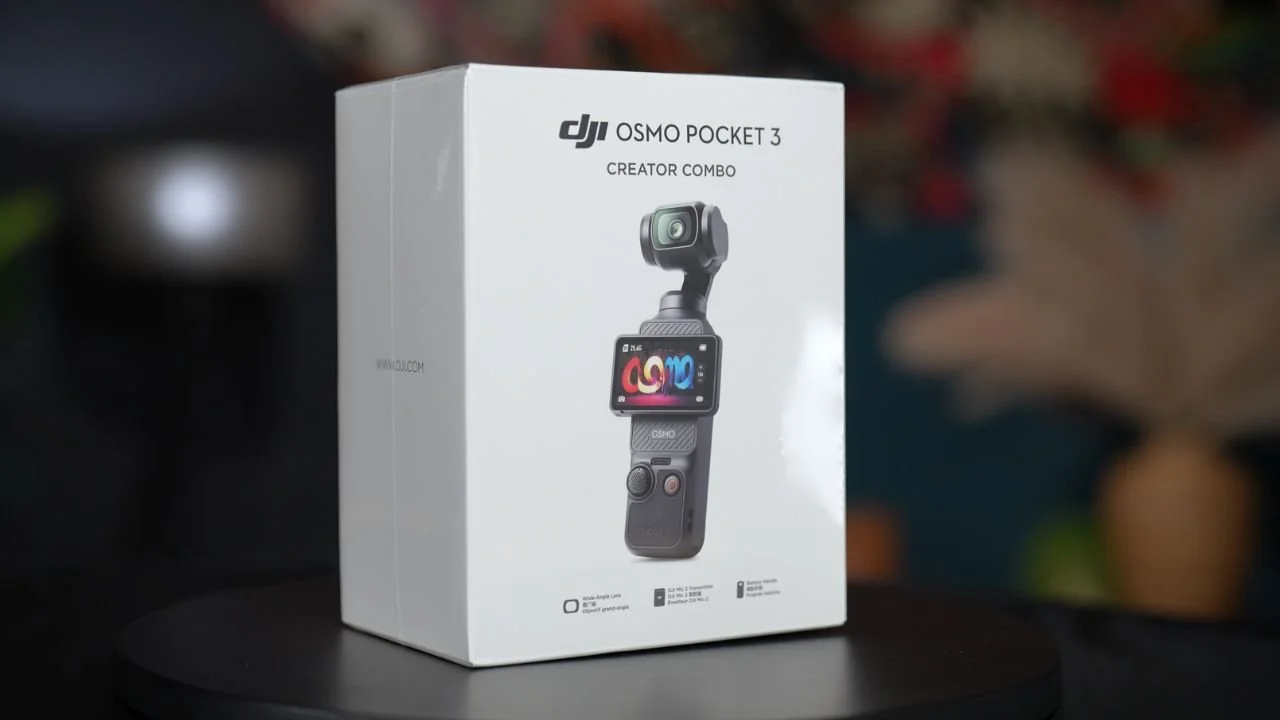
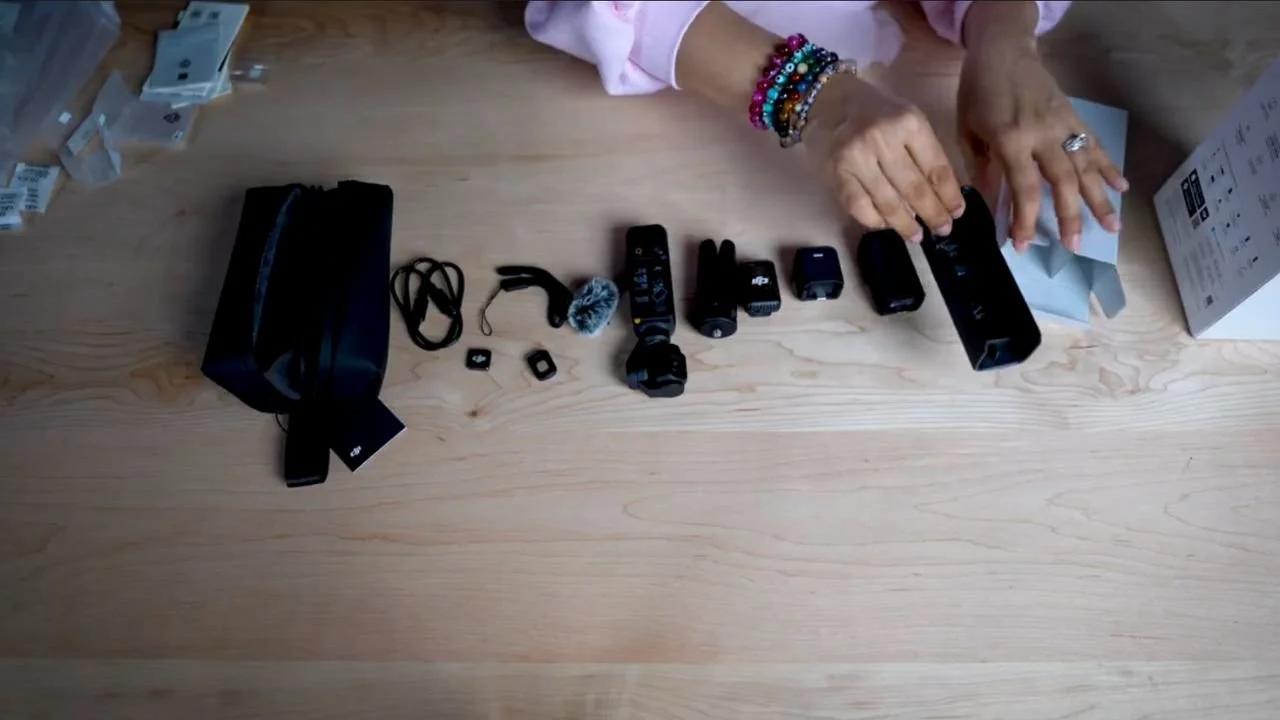
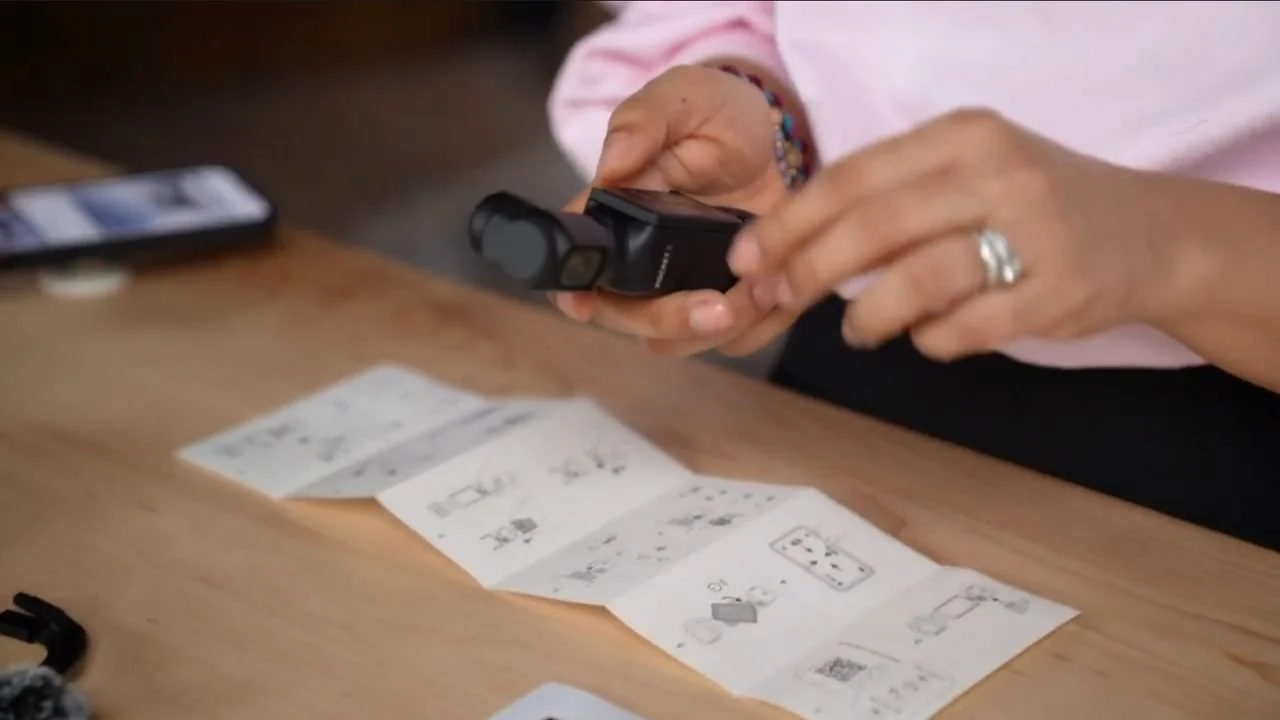
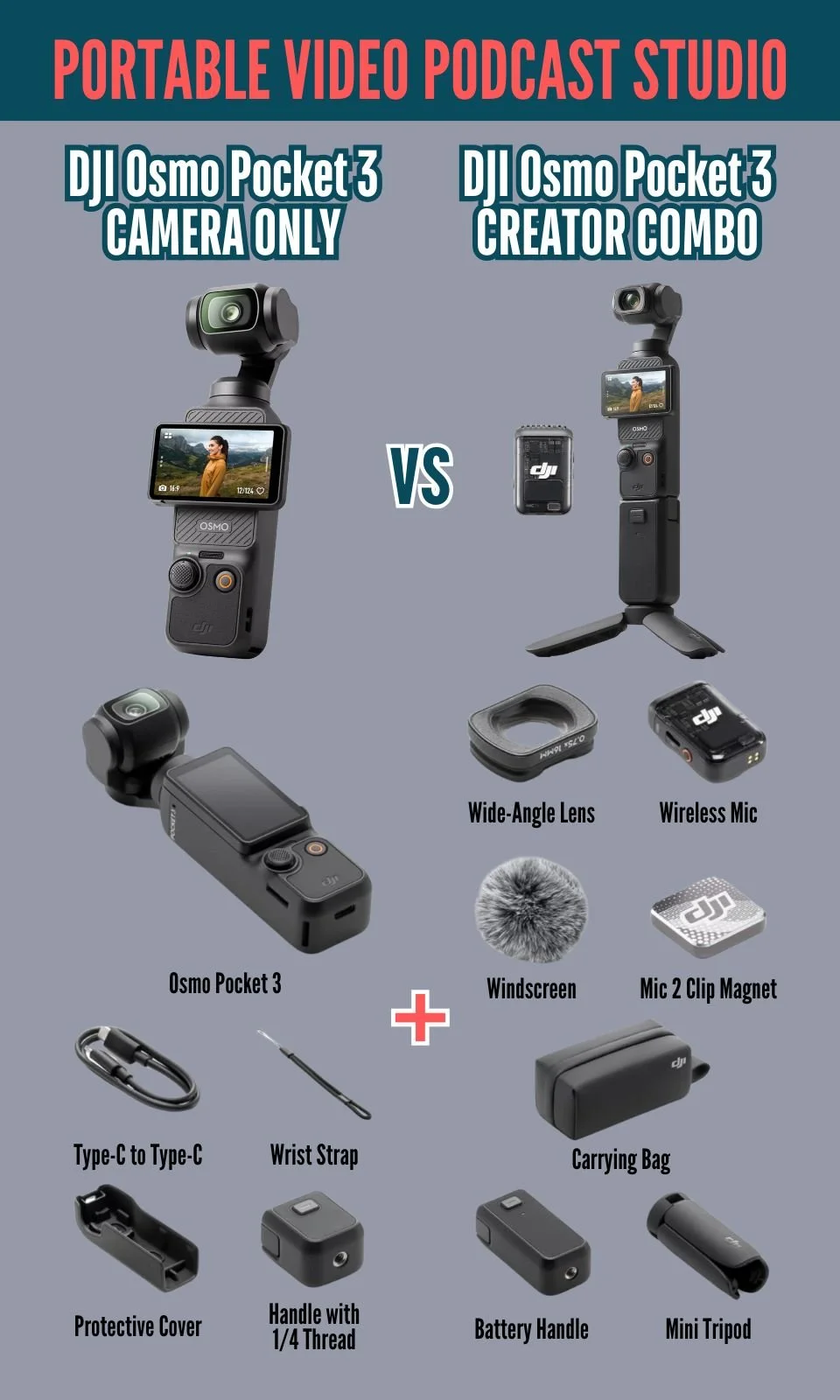
This setup provides flexibility and quality, allowing you to record a podcast anywhere with ease.
Creating content on the go doesn’t just mean capturing visuals, it’s about achieving great audio quality too.
Below, I’ll guide you through my tests with three popular USB podcast microphones connected to the DJI Osmo Pocket 3.
Each microphone brings something unique to your portable setup, helping you create that polished podcast sound even when you’re out of the studio.
But before I take you outside to test this portable podcast studio while walking in nature, I will stay in my studio and quickly test my two favorite USB podcast mics.
As you can see, I'm using the RØDE PodMic USB Mic with the DJI Osmo Pocket 3 Camera.
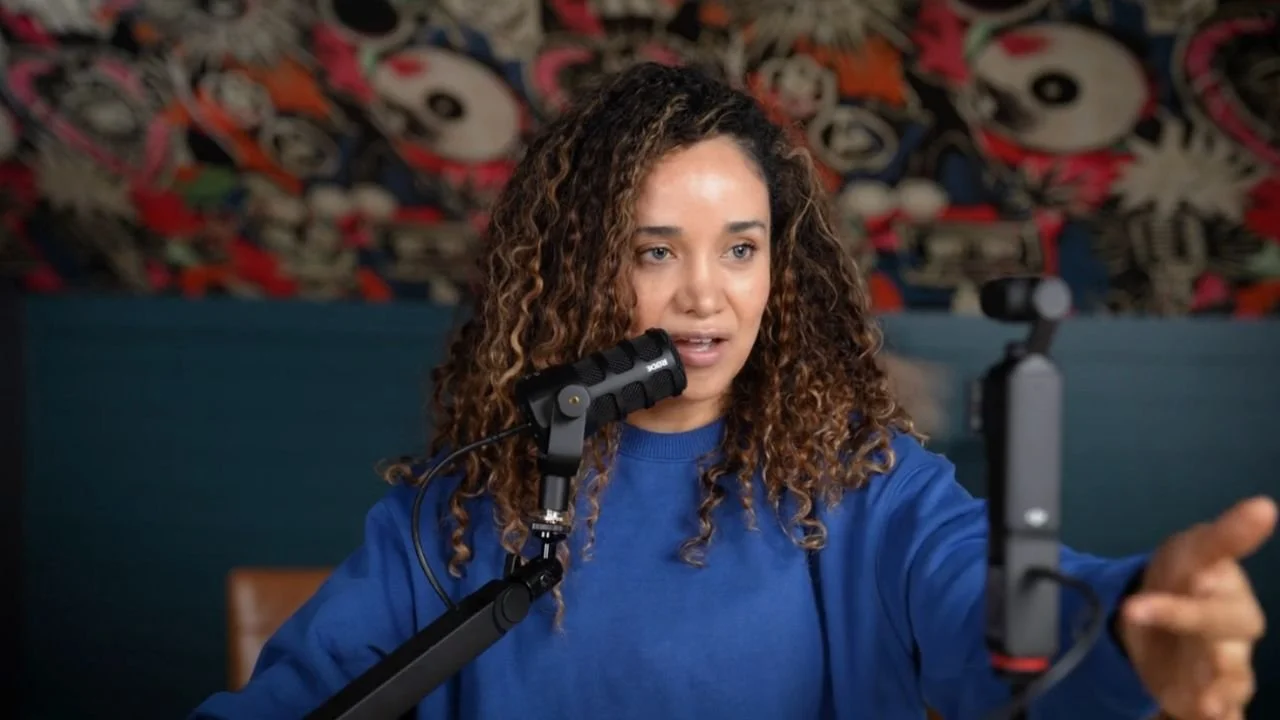
Here’s why this setup works:
Sound Quality: The PodMic is known for producing rich audio with a robust, broadcast-like quality. It’s ideal if you want your podcast to sound professional, even in less controlled environments.
I recommend using the Pocket 3 camera and recording with a podcast microphone because it will sound a little bit better and give you that feel of recording a podcast.
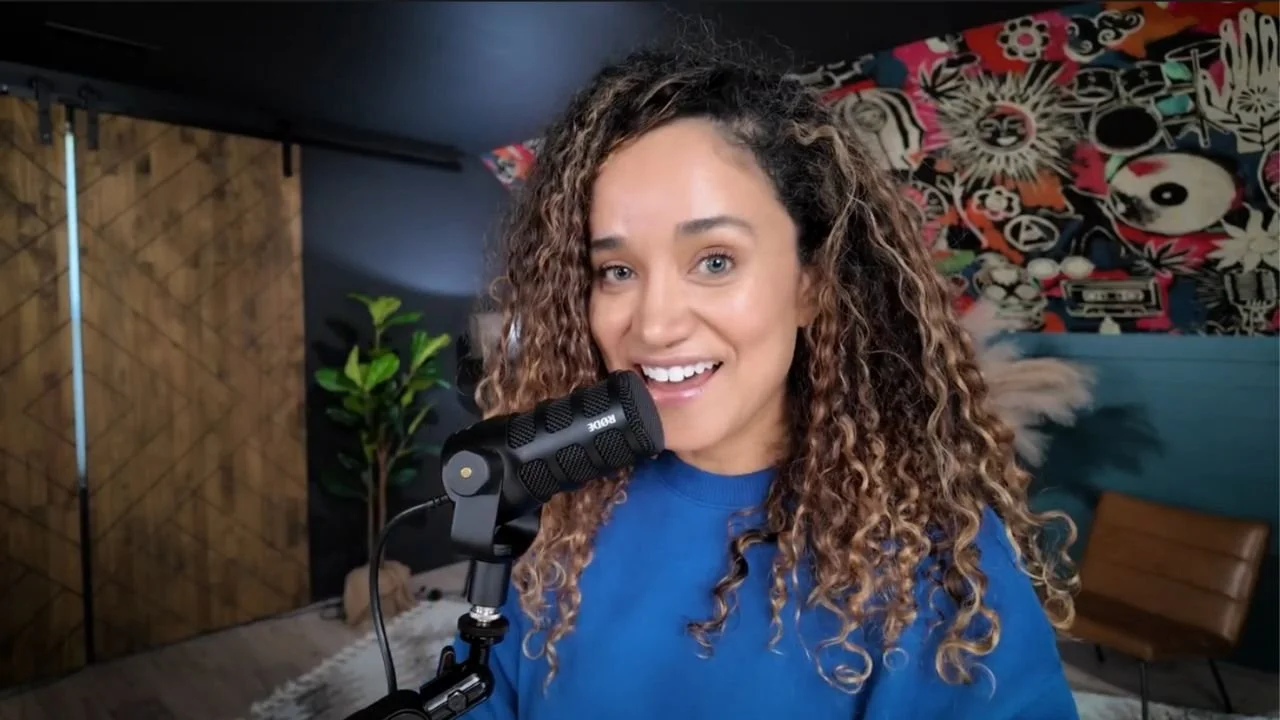
This setup is particularly useful for travel. Whether you’re in a hotel room or at a conference or event, the PodMic provides that familiar, rich sound quality.
I also tested it with the Elgato Low-Profile Boom Arm, but you can hold the PodMic by hand or use a lightweight portable stand for ease while traveling.
The Shure MV7+ USB Microphone is highly versatile, with a sound quality that rivals studio recordings.
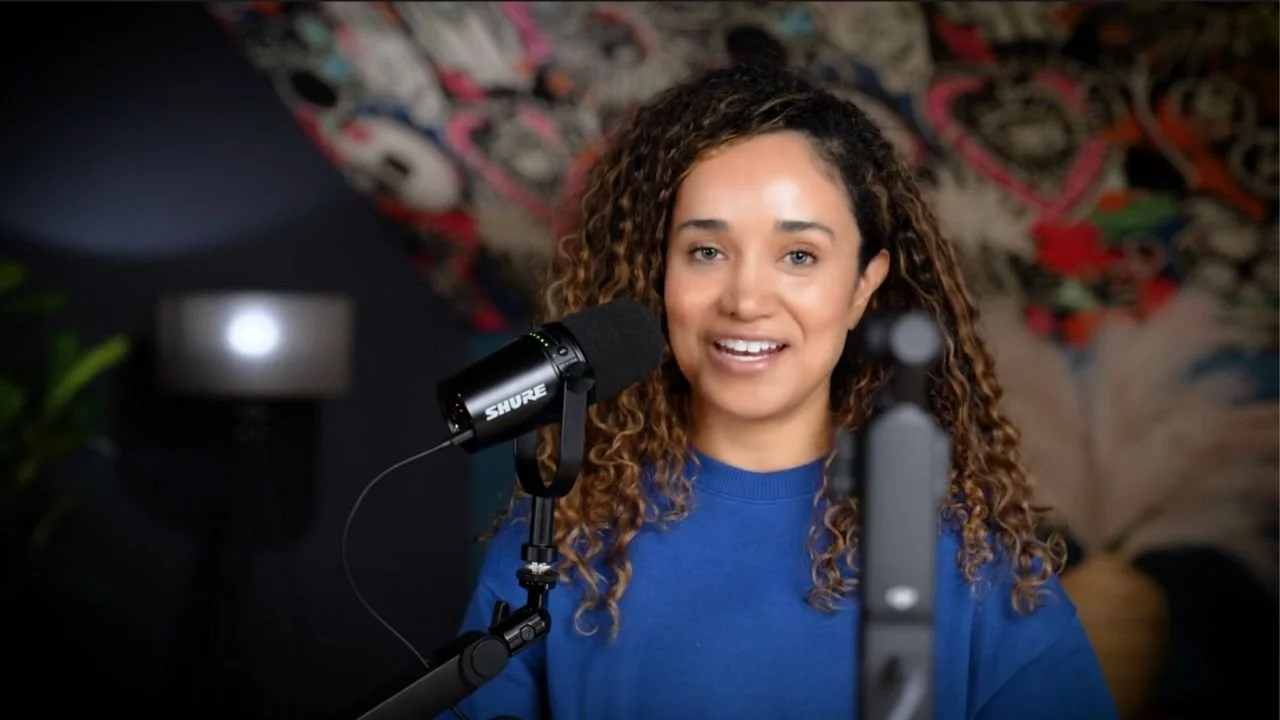
Connection Setup: The MV7+ connects directly to the DJI Osmo Pocket 3 camera via USB-C (NO adapter needed) and works seamlessly with the Osmo’s controls.
Sound Quality: Known for its detailed and crisp audio, the Shure MV7+ is an excellent choice if you want to capture professional-quality audio outside of the studio.
Although recording great audio is very important when producing a video podcast, you may find that the wireless microphone included in the Creator Combo is all you need.
The DJI Osmo Pocket 3 Camera is the COOLEST camera* I've ever seen and we have a LOT of different cameras and lenses here in the studio.
*I’ll dive into all of the cool camera features later in this post.
Here’s another look at the video image quality produced with Pocket 3 Camera:
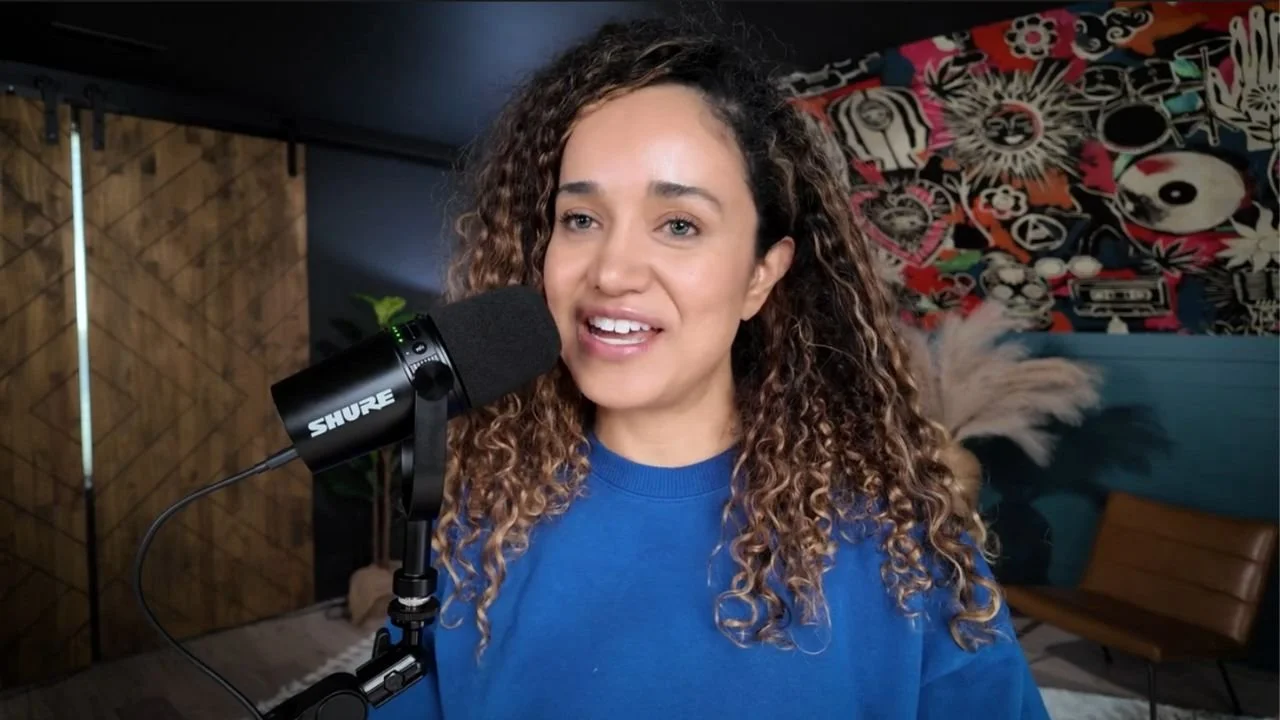
But as I demonstrated, you can plug a USB microphone into the Pocket 3 camera (NO bulky external audio interface needed) and get both amazing audio and that podcast look that we all like and are going for as podcast creators making it easy to record a video podcast while traveling.
First things first. I tested the DJI wireless microphone that comes in the DJI Osmo Pocket 3 Creator Combo.
But as I said earlier, the wireless microphone may be all you need to record your video podcast while traveling.
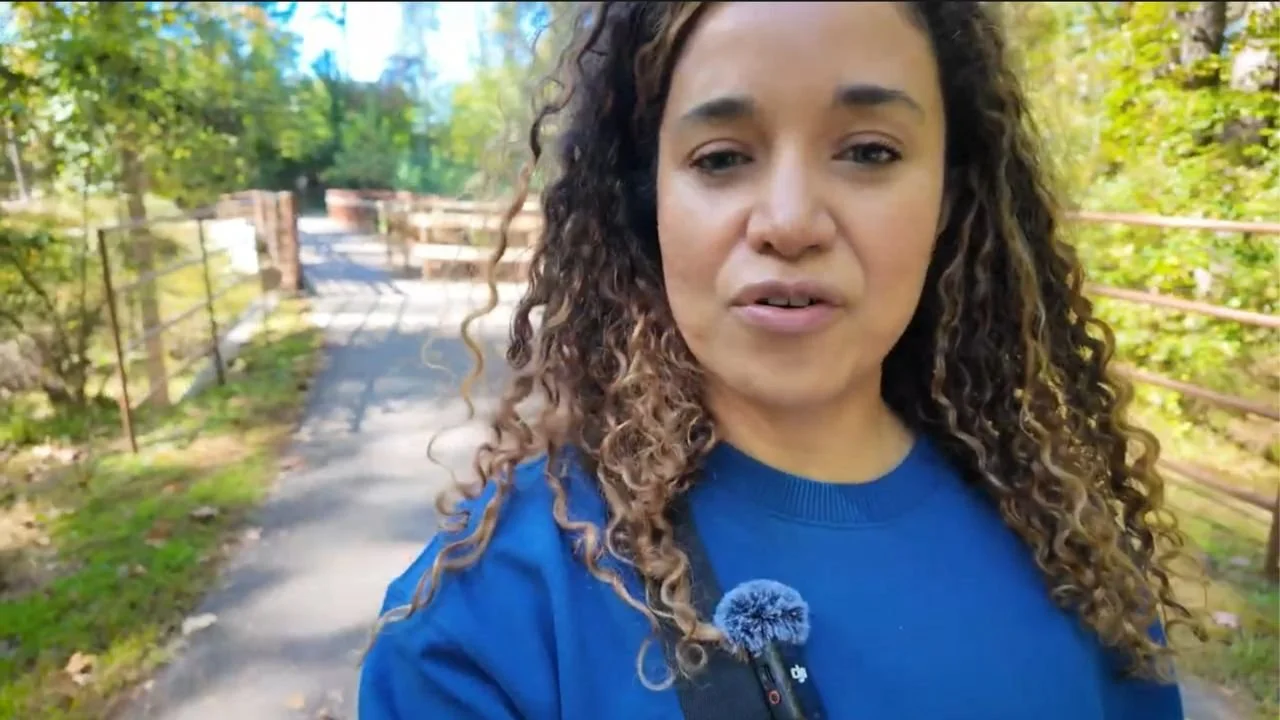
However, if you’re thinking, “Well, that doesn't look like a podcast, she's not holding a microphone!” the Audio-Technica ATR2100x-USB microphone is a solid choice that will get you that classic handheld podcast look.
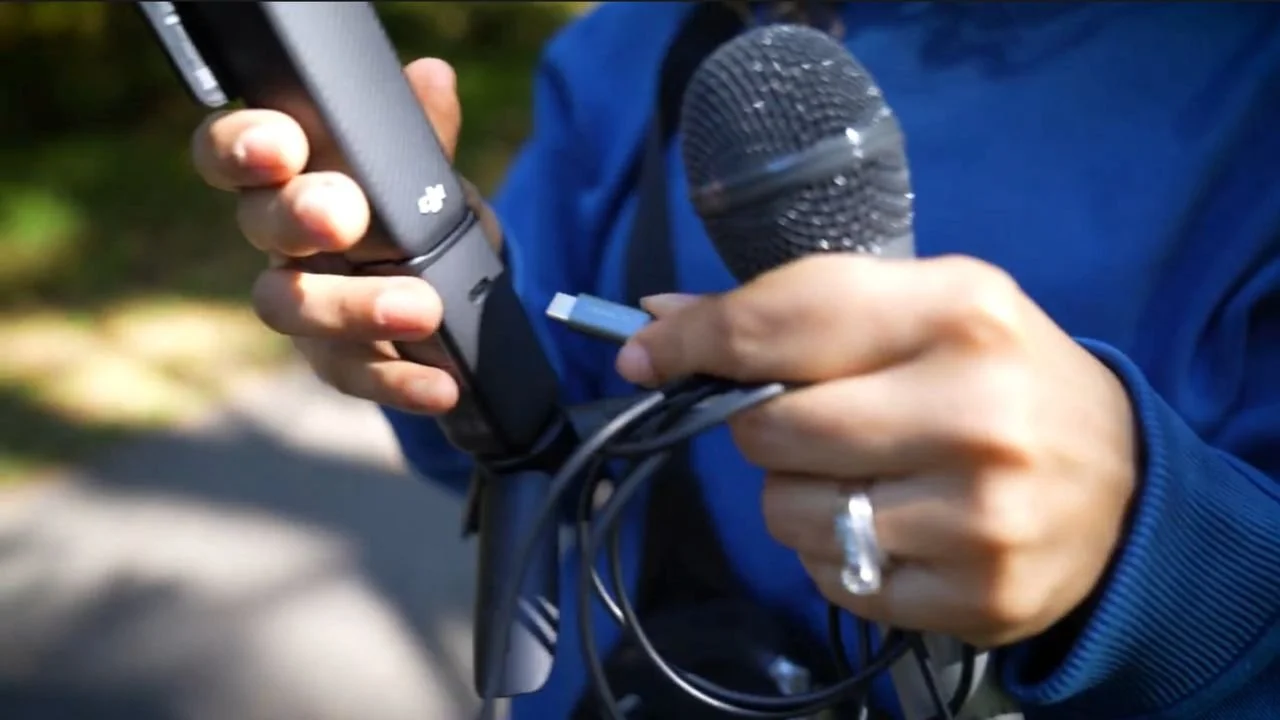
I tested it with the Osmo Pocket 3 to see if it could deliver high-quality audio in a portable setting.
Here’s how it performed:
Sound Quality: This microphone produces clear audio that’s perfect for outdoor or mobile recordings. If you’re picky about audio fidelity and want a handheld microphone look, the ATR2100x delivers.
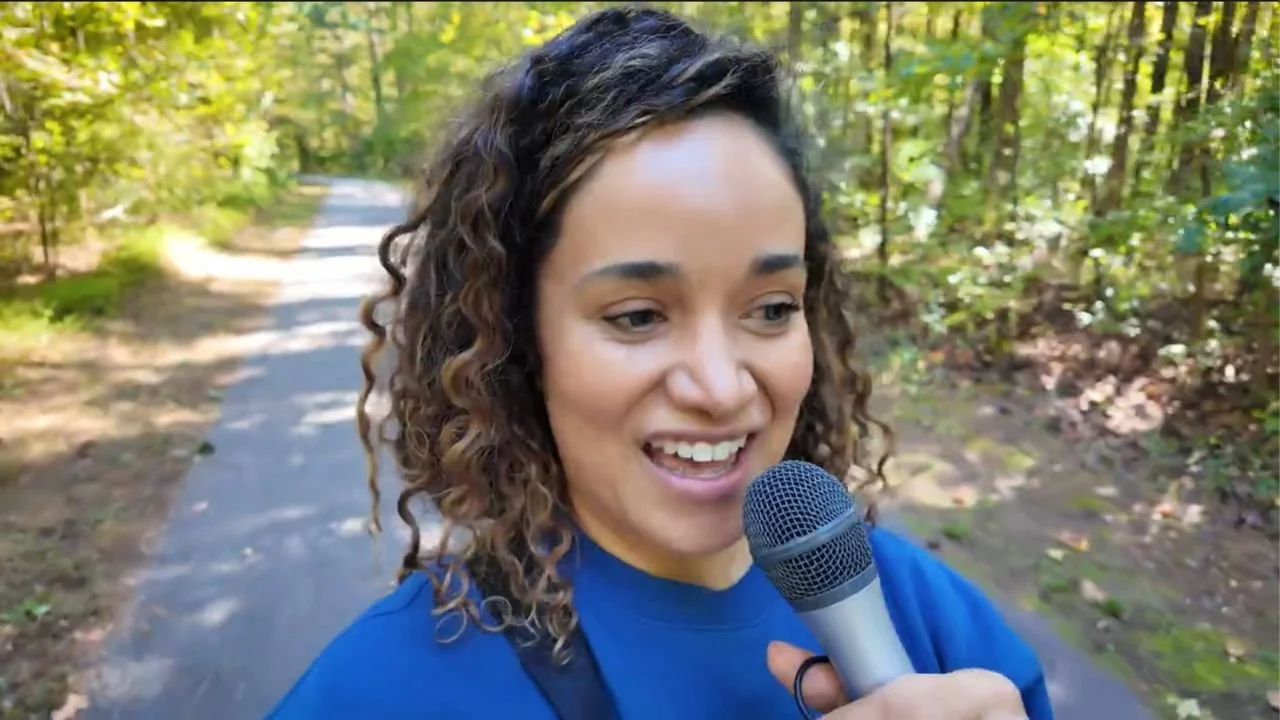
This microphone, paired with the Osmo, allows you to capture quality audio while adding a professional, “podcast-ready” look to your setup, perfect for capturing spontaneous ideas on a morning walk or nature trail.
Some of us spend hours recording our podcasts or our videos in our studios, and we never leave our office or house, which can be very detrimental to our mental and physical health.
When we’re stuck in the studio, our content can start to feel as confined as our environment.
If recording in the same spot every time has started to feel stale, imagine how it feels for your audience.
This is where the DJI Osmo Pocket 3 comes in…
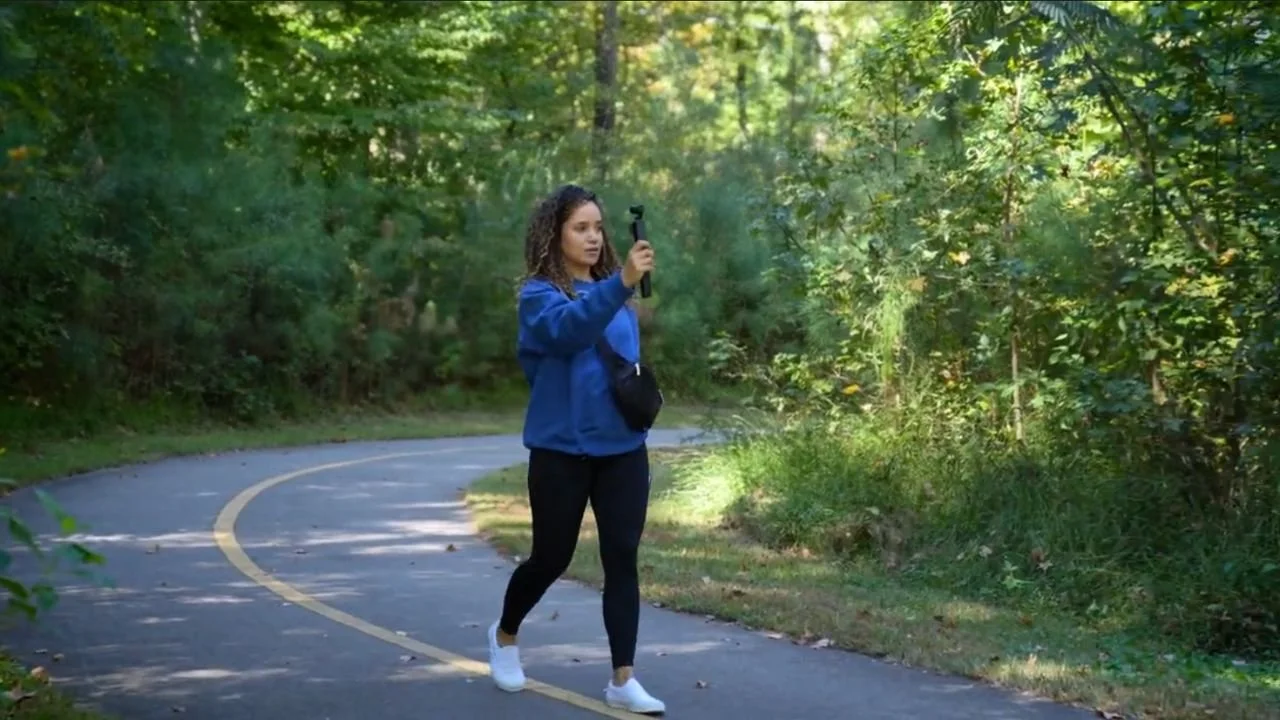
It’s compact, easy to carry, and the perfect excuse to take your podcast outside, adding a fresh, natural energy that can’t be achieved indoors.
A change in scenery often means a change in perspective.
Imagine walking a quiet trail, camera and mic in hand, capturing ideas as they come to you.
I know there are a lot of podcast creators who record their podcasts while they walk.
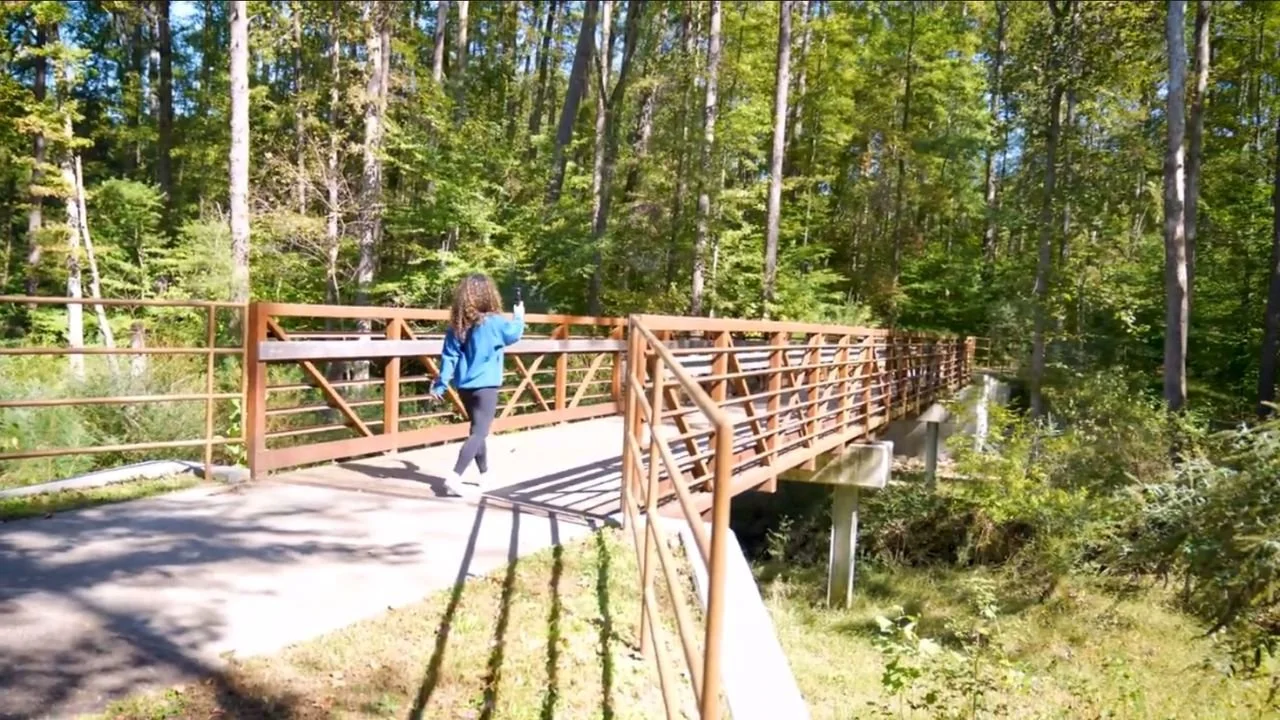
Movement and nature is just a really cool way to get the ideas out.
With the Osmo Pocket 3, you can easily capture those inspired moments in real-time, right as they come to you.
And while walking the dog may or may not work, solo walks are perfect for recording and letting inspiration flow.
Your podcast is your creation, so make it your own!
Break free from studio walls, and let the world be your recording space.
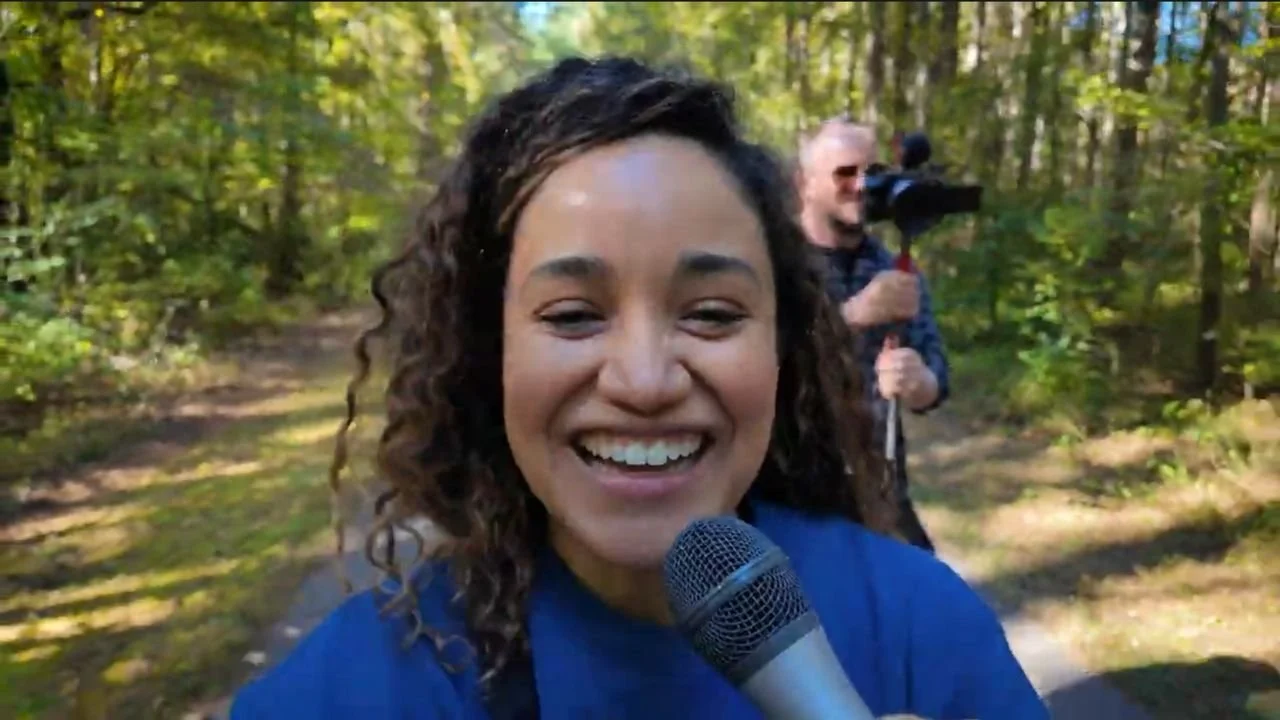
Whether it’s a quick thought during a morning walk, reflections at the airport, or insights from a conference, the Osmo Pocket 3 empowers you to record high-quality, on-the-go content.
Doing something out of the ordinary could make a big impact on your podcast and on how your listeners experience it.
By taking your content outdoors, you’re not only refreshing your creativity but also offering your audience a more dynamic, authentic experience.
Embrace the flexibility to record whenever, wherever, and see how your podcast benefits from a little change of scenery.
The DJI Osmo Pocket 3 is more than just a camera, it’s a compact vlogging powerhouse with features that make it ideal for capturing high-quality video and audio on the go.
Here are some standout features that enhance the portable video podcasting experience:
The Osmo Pocket 3’s gimbal stabilizer keeps footage smooth even during movement, making it perfect for capturing dynamic, vlog-style shots outdoors.
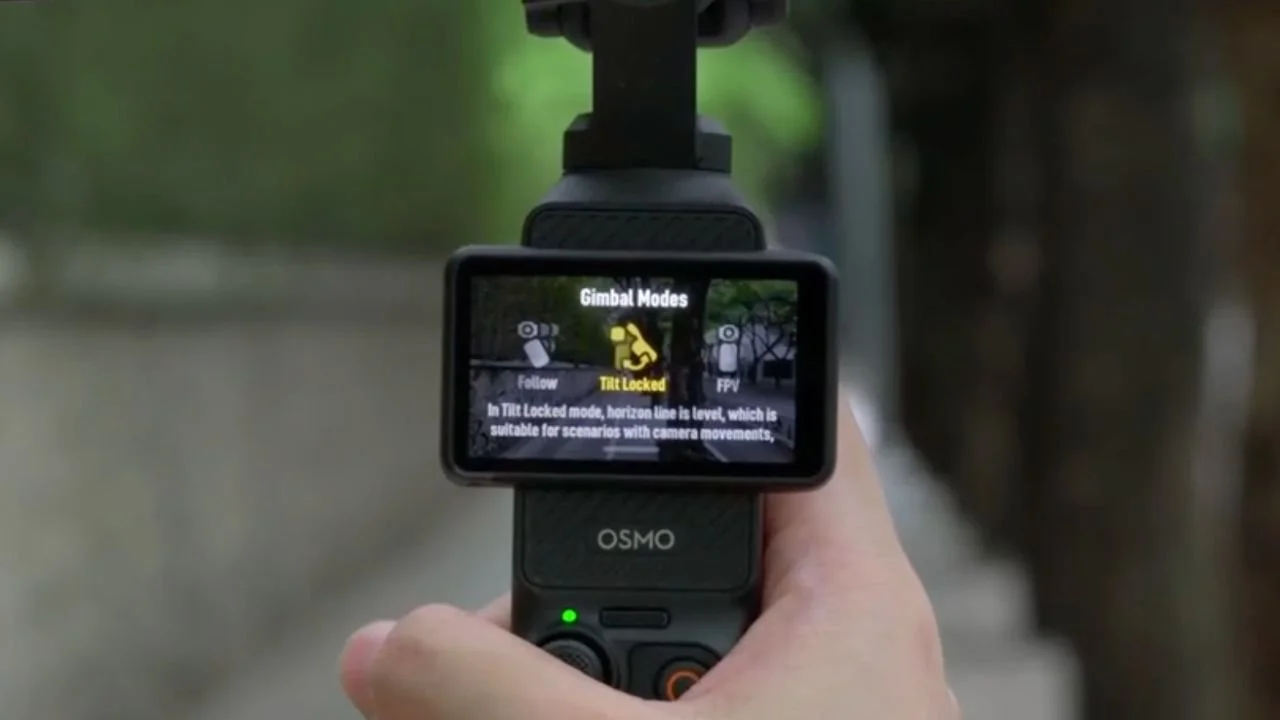
The camera can lock onto and follow your face or other selected subjects, keeping you in focus as you move.
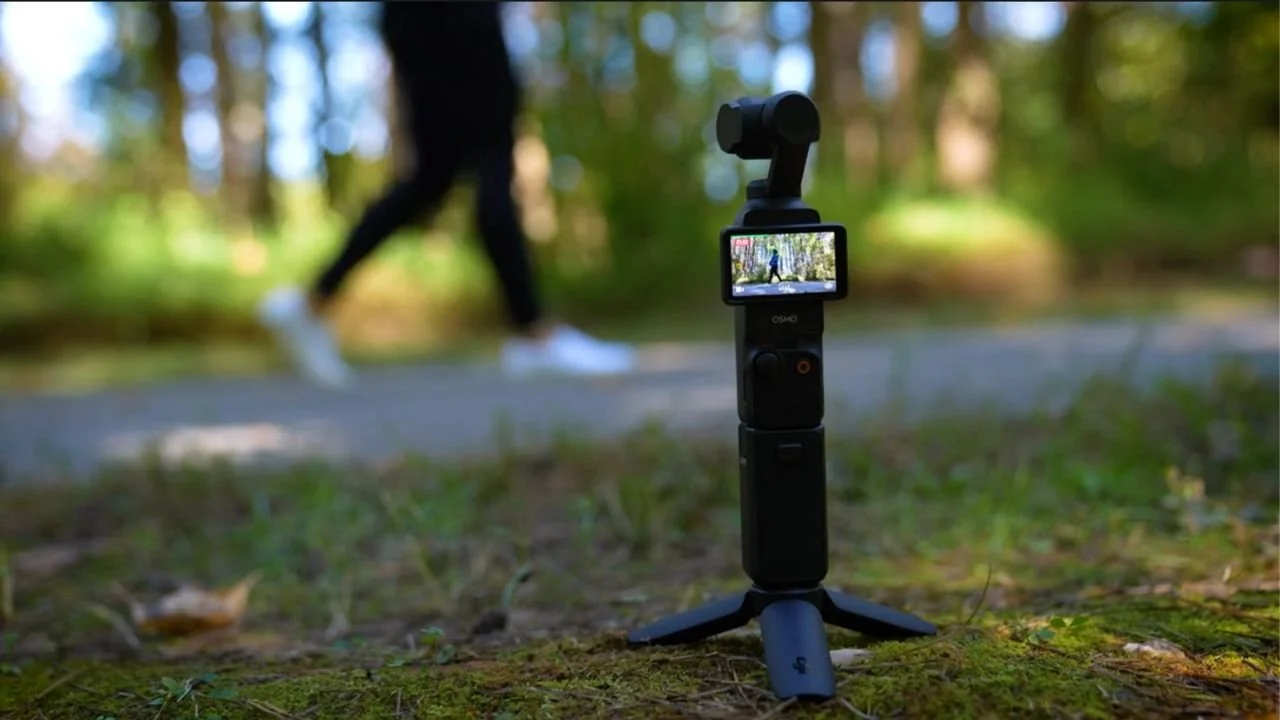
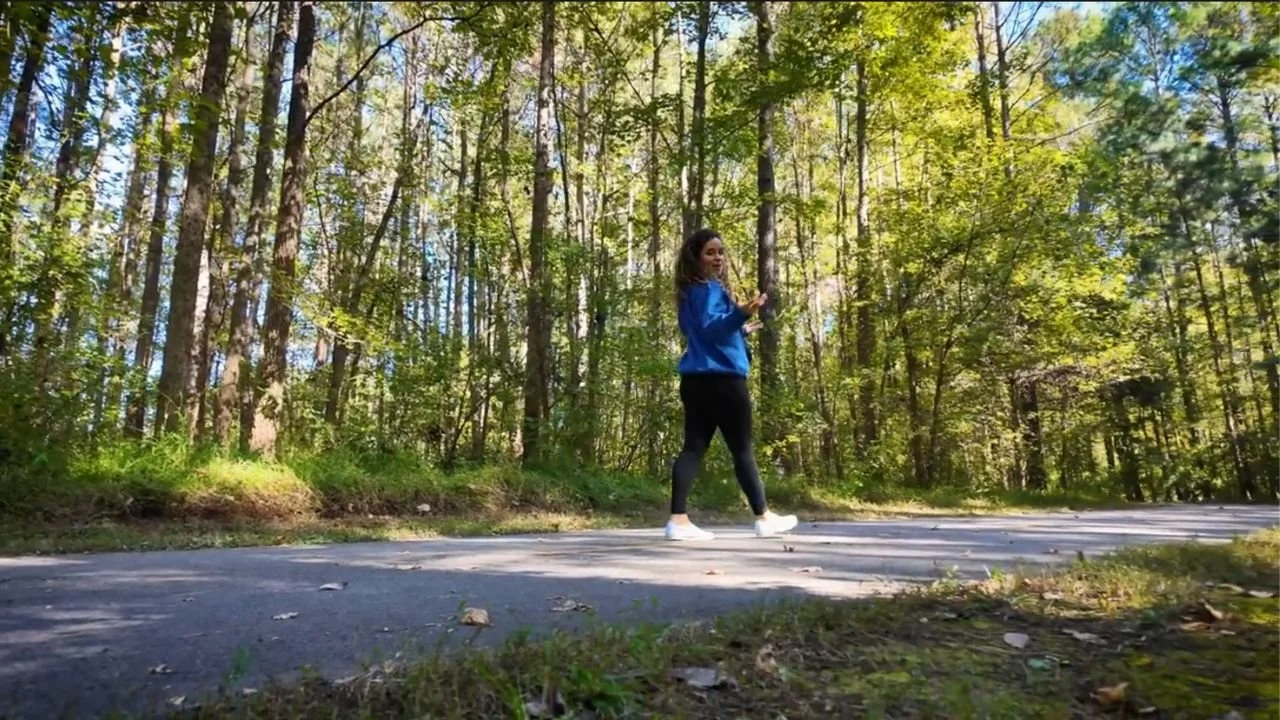
You can even set your Osmo camera down on the ground and keep walking because it will track your movement. How cool is that!?!
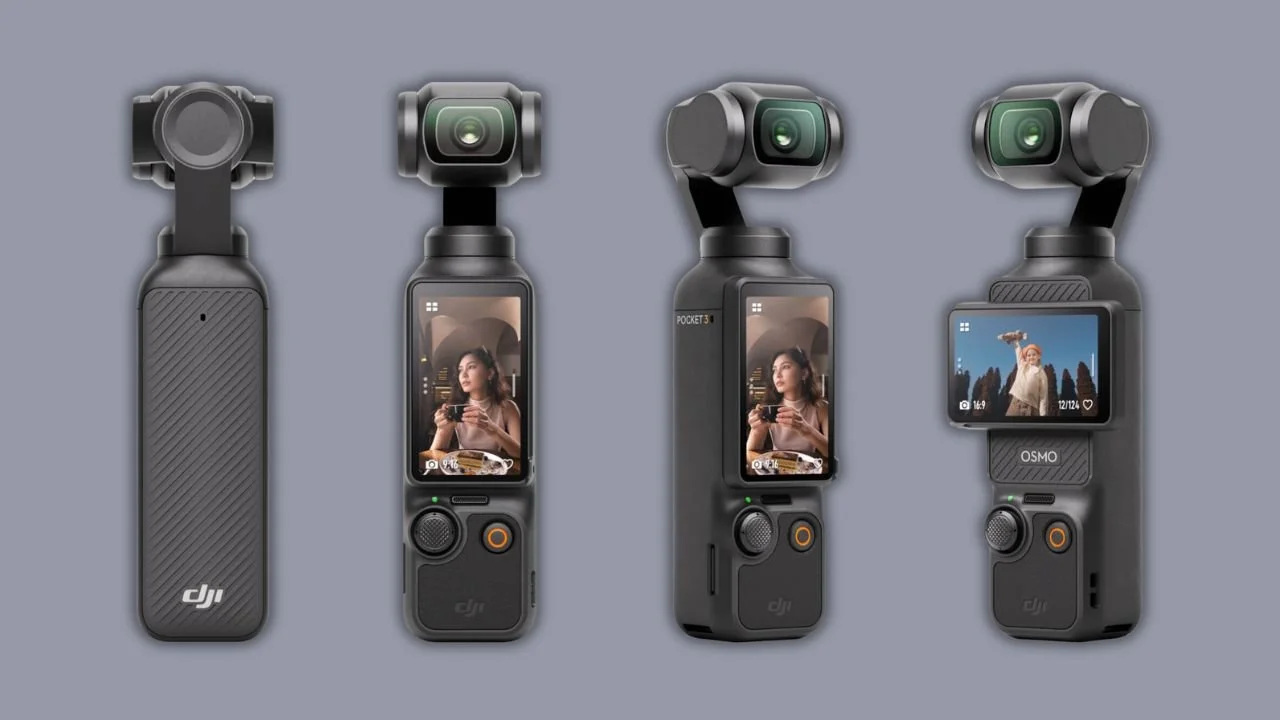
The Osmo Pocket 3 features a 2-inch screen that rotates, allowing you to frame shots from different angles and check your composition easily, whether you’re in front of or behind the camera.
Charging time depends on the charger, cable, temperature, and battery conditions. Check DJI’s current specifications for the test conditions behind its fast-charge figures.
Small enough to fit in your pocket, the Osmo Pocket 3 is easy to carry, making it perfect for spontaneous podcast recordings.
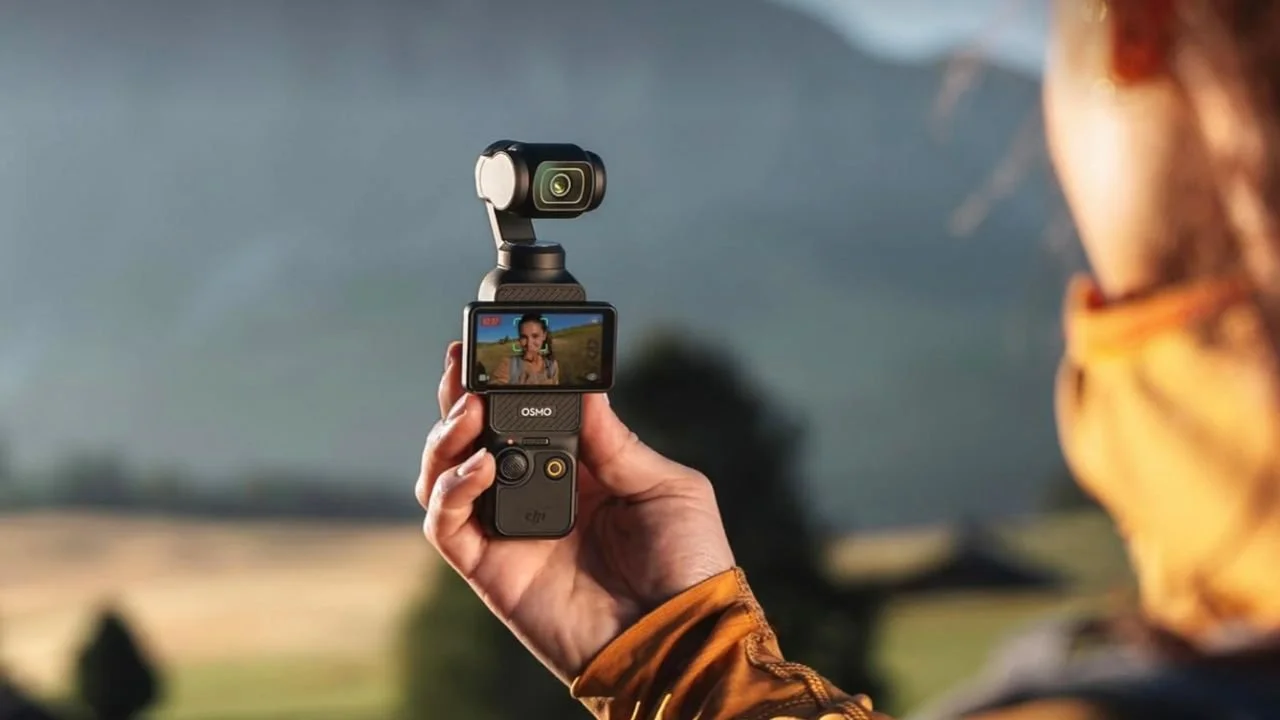
These features make the Osmo Pocket 3 a strong choice for podcasters who want to capture quality video and audio anywhere, whether on a scenic hike or in a cityscape.
The DJI Osmo Pocket 3 Creator Combo Vlogging Camera paired with a reliable USB podcast microphone proves that high-quality video podcasting isn’t limited to the confines of a studio.
This setup allows you to keep content fresh and add variety for your audience.
With its compact design, excellent audio options, and advanced stabilization features, it allows podcasters to capture their content wherever inspiration strikes.
Whether you're on a scenic hike, attending a conference, or simply looking to freshen up your recording space, this camera offers flexibility, ease of use, and a polished, professional result.
Experimenting with different microphones and outdoor settings can open up new creative avenues, giving your podcast a dynamic, authentic feel that resonates with listeners.
So, if you’re ready to break free from the studio walls and explore the possibilities, the Osmo Pocket 3 Creator Combo is a powerful tool to have in your kit.
Take your podcast on the road, find new inspiration in new places, and let your creativity thrive.