Gear & guides
Our 2024 comparison of three podcast hosts, with context for evaluating hosting, distribution, and changing plan features.
Some links in this story are affiliate links. If you buy through them, we may earn a commission at no extra cost to you.
Check who controls your RSS feed and how you would export or move it.
Compare the features you will actually use: distribution, analytics, ads, and team access.
Check the video workflow separately; a video on Spotify does not automatically become a video on every podcast app.
| Option | Why we considered it | Check before choosing |
|---|---|---|
| Spotify for Creators | A straightforward hosting and Spotify video workflow | RSS setup, video distribution, monetization eligibility |
| Buzzsprout | Audio publishing, analytics, and production tools | Upload allowance and add-on costs |
| RSS.com | Audio hosting and multilingual resources | Plan features and distribution workflow |
You’re all excited about planning your brand-new podcast and can’t wait to share your message and connect with your audience, but then you’re met with the reality that there are many moving parts to making a podcast, and one of those is choosing a web host.
A web host is a place on the web where you upload the audio files of your podcast and other relevant assets like your podcast cover, name, and description.
It’s also the main hub for the distribution of your podcast, making it accessible to your listeners on Spotify, Apple Podcast, and other podcast players.
Through your web host, you also have access to data so you can track useful information about your audience.
Now, many of these hosting services are available in the market, and they all offer different features, which can make this whole process very overwhelming.
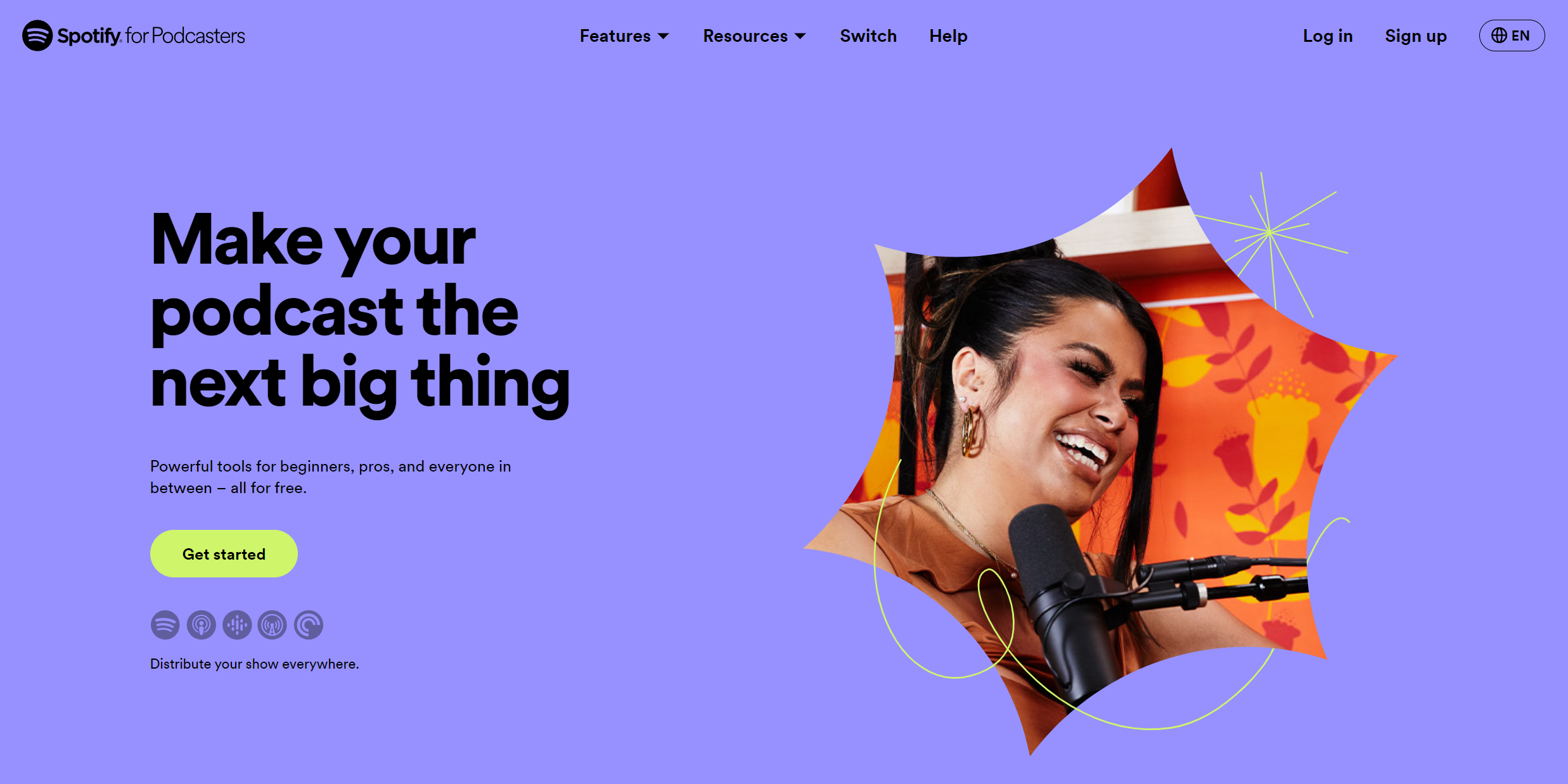
Spotify for Creators is a FREE podcast-hosting service.
1. Upload Unlimited Episodes
There are no limitations when it comes to how many episodes you can upload to a platform.
2. Supports Video Podcasts
Spotify supports video episodes, including workflows for shows hosted elsewhere. Check the current Spotify for Creators instructions for your hosting arrangement; video distribution differs from audio RSS distribution.
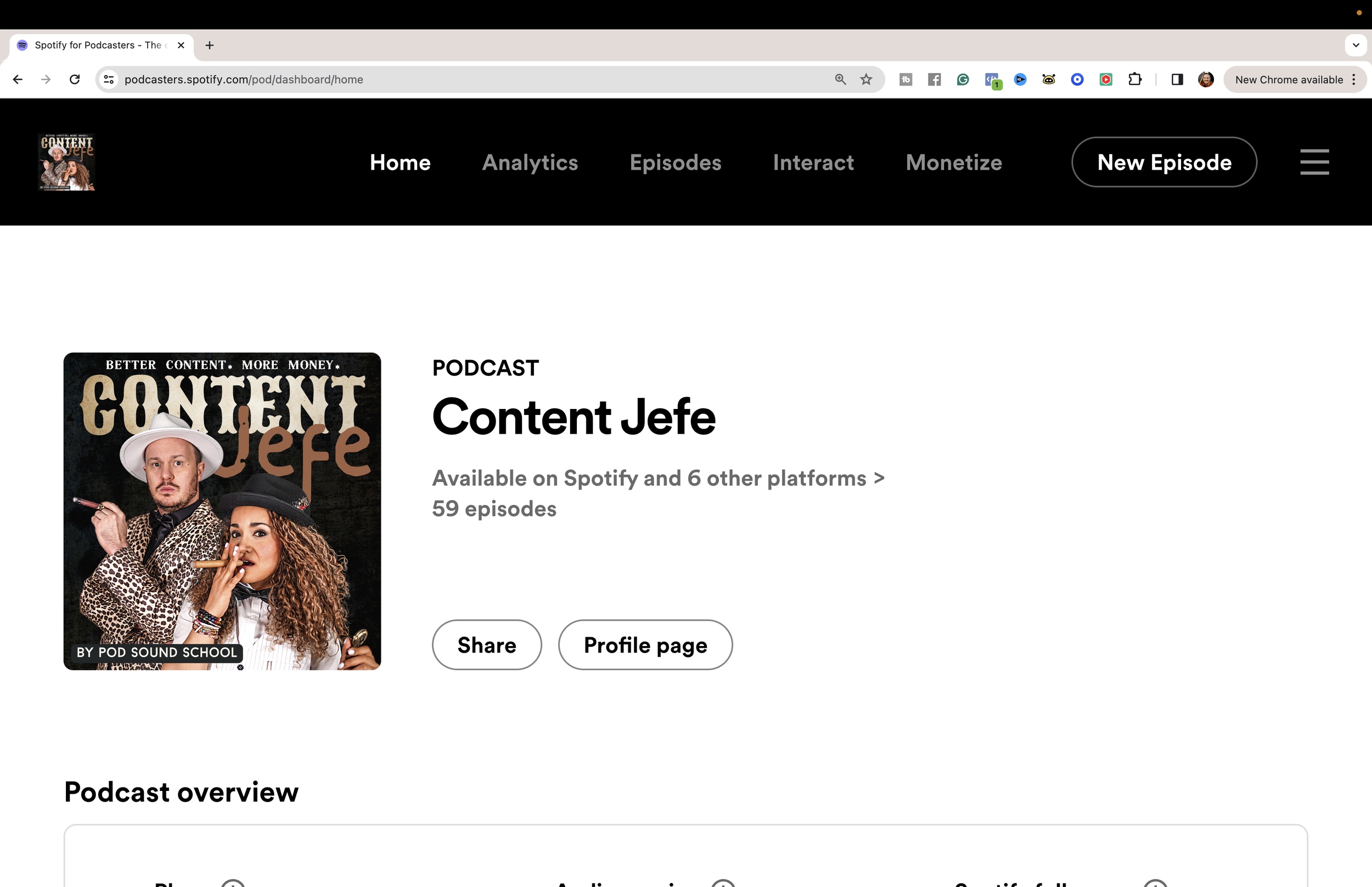
Spotify introduced this feature for podcast creators in 2022, and we were eager to try it because platforms often favor content that utilizes their latest features.
3. Easy-To-Use Interface
Spotify for Creators has an easy-to-use interface where you can just drag and drop your audio files, add the title and description for your episode, and either publish your episode right there or schedule it for later.
When you post your episode, it automatically posts to Spotify.
And I made a video showing you how to upload your podcast to Spotify for Creators for FREE in 2024 [BEGINNERS GUIDE].
Submit your audio RSS feed to other podcast directories
Enable your RSS feed, then complete the submission and verification steps required by Apple Podcasts, Amazon Music, and the other directories you choose.
5. Get Episode Analytics and Audience Insights
You also have access to basic analytics to get insights about the performance of your episodes.
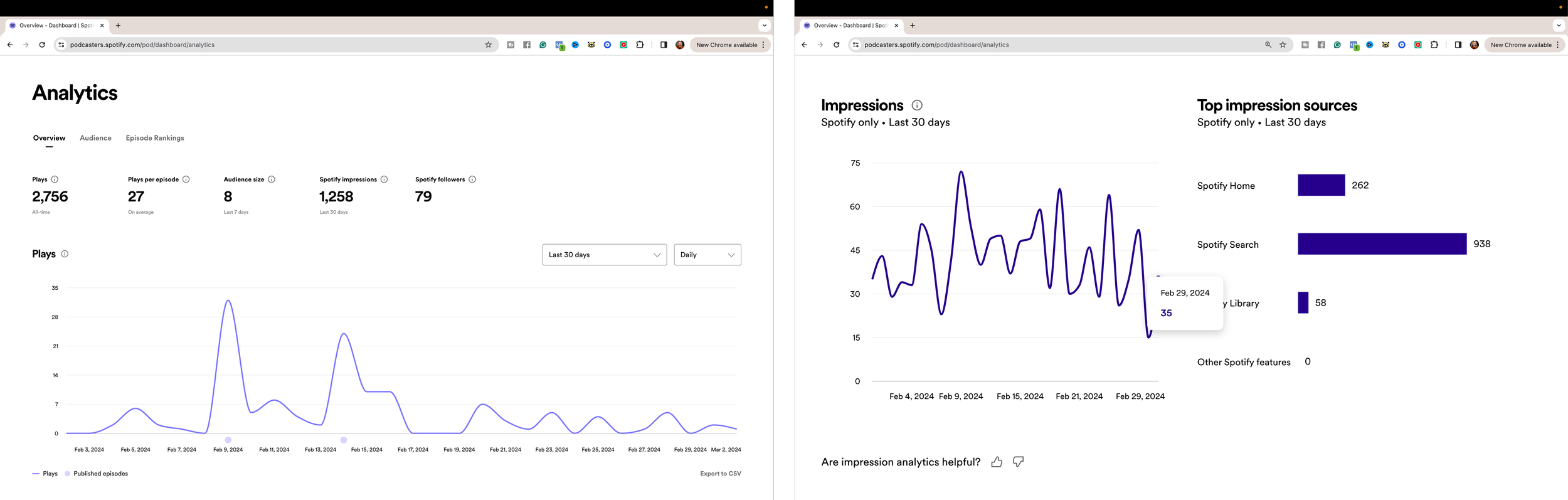
And Insights about your audience, like where they’re listening from, which app they are using to listen to your podcast, whether they listen on Apple Podcasts, Spotify… their age, and their gender.
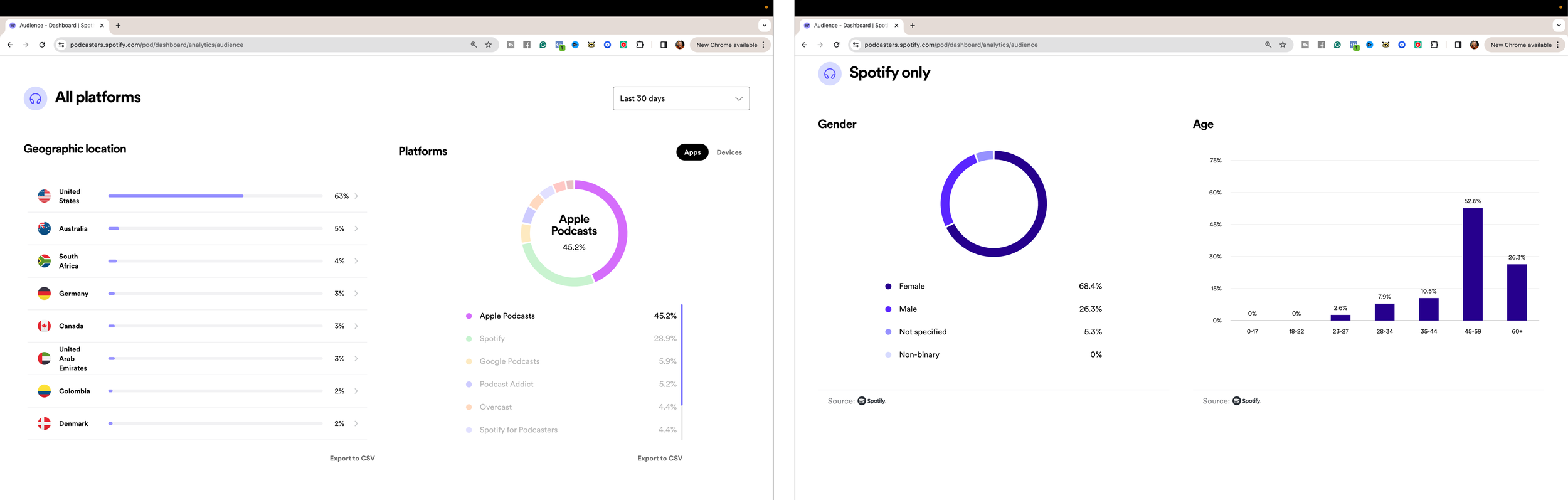
Very useful stuff you can use to refine and improve your podcast.
6. Get a Profile Page so Your Audience Can Listen Online
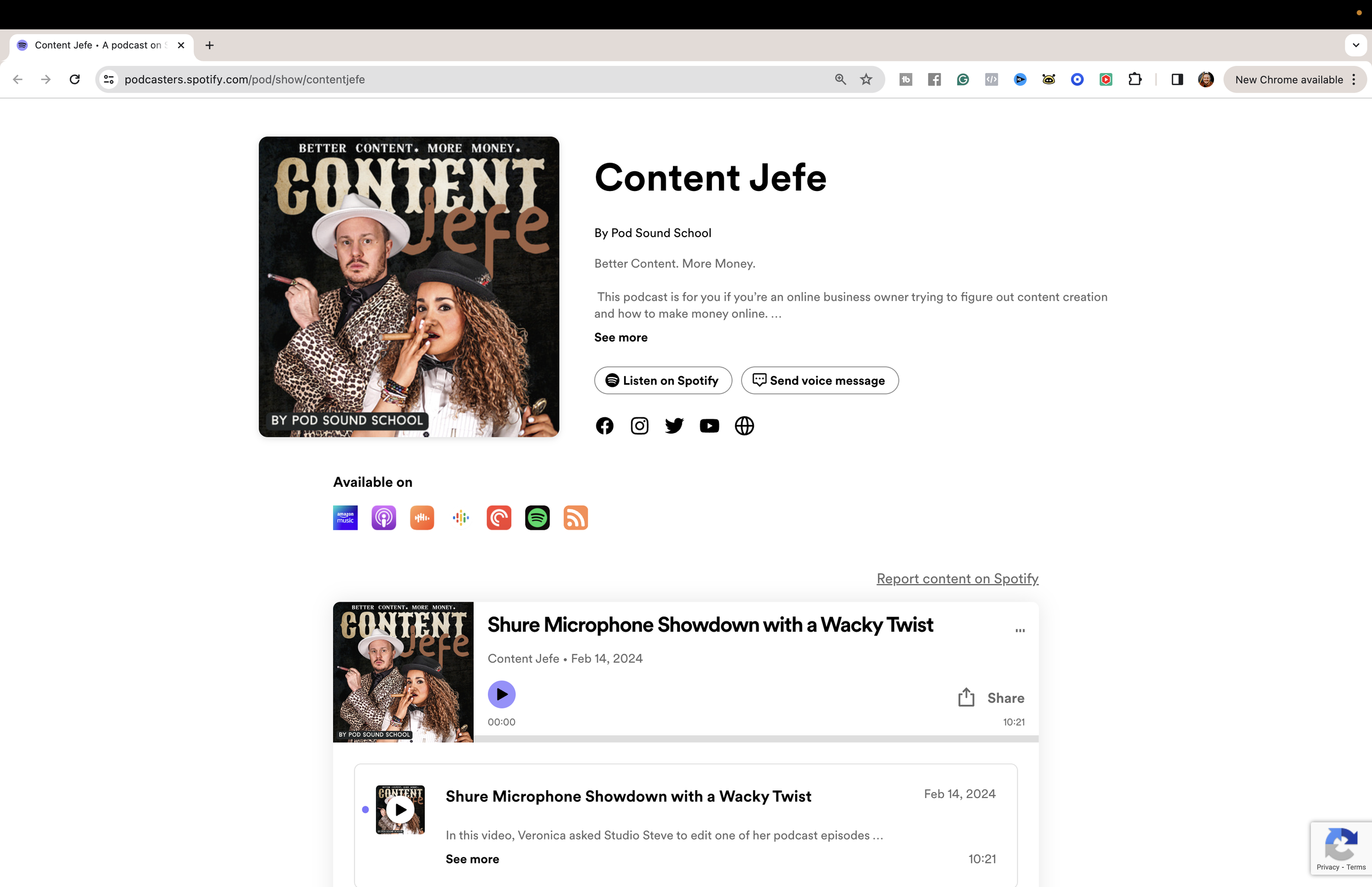
You also get a profile page, which is like a landing page where people can scroll through your catalog of episodes and listen from a web browser.
1. You Don’t Have a Lot of Control Over Your Content
Keep your original media and a copy of your feed details. Any hosting provider can change its tools, plans, or terms, so understand your export and migration options.
Monetization depends on eligibility and market
Spotify’s monetization options and requirements have changed since the original 2024 recording. Review the current Partner Program and subscription eligibility for your account.
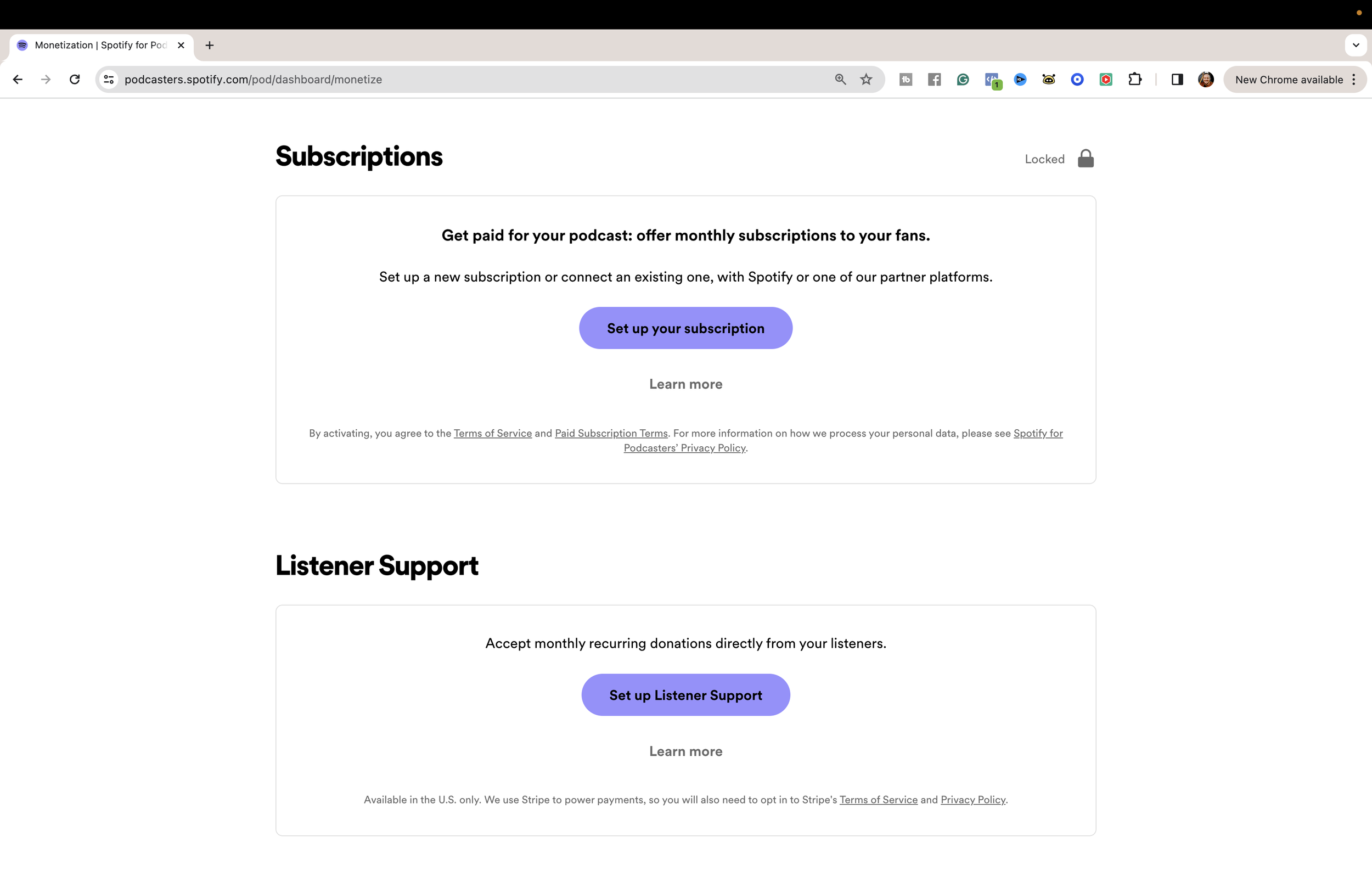
Do not plan your budget around advertising or subscription income before you know the relevant requirements and your audience demand.
So Spotify for Creators, although a free option, comes at the cost of uncertainty and also fewer features and flexibility when it comes to monetizing your audience.
Buzzsprout is a PAID subscription podcast hosting service. But you can sign up without a credit card and upload up to two hours of free audio to try their service.
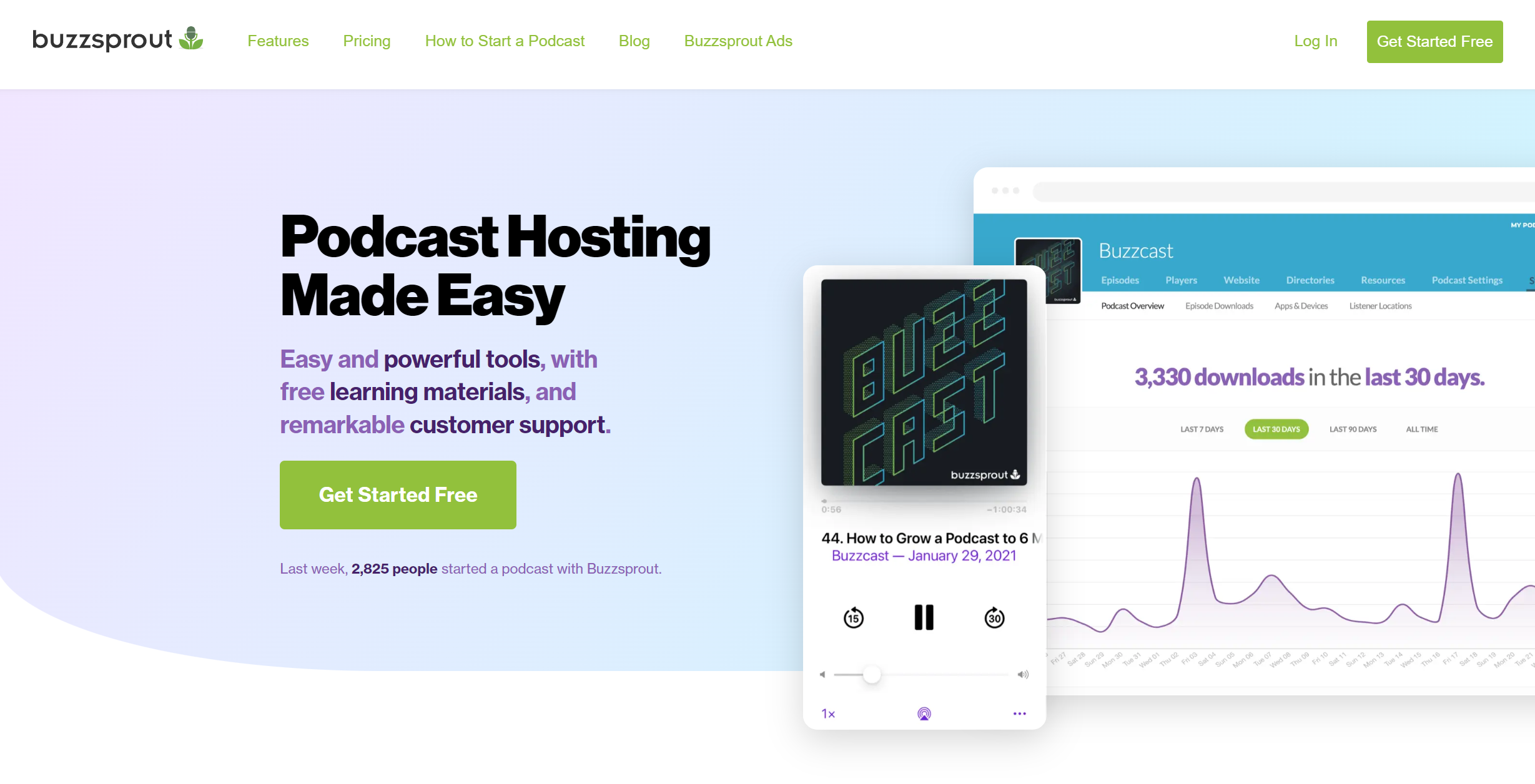
Compare Buzzsprout’s current plans against your upload volume and any add-ons you need. The prices shown in the original walkthrough are historical.
Hosting
Distribution to the podcast players
Comprehensive analytics
BUT, in addition, it has 3 of my favorite features to reach your audience in real time, make money directly from your content, and save time in your production workflow.
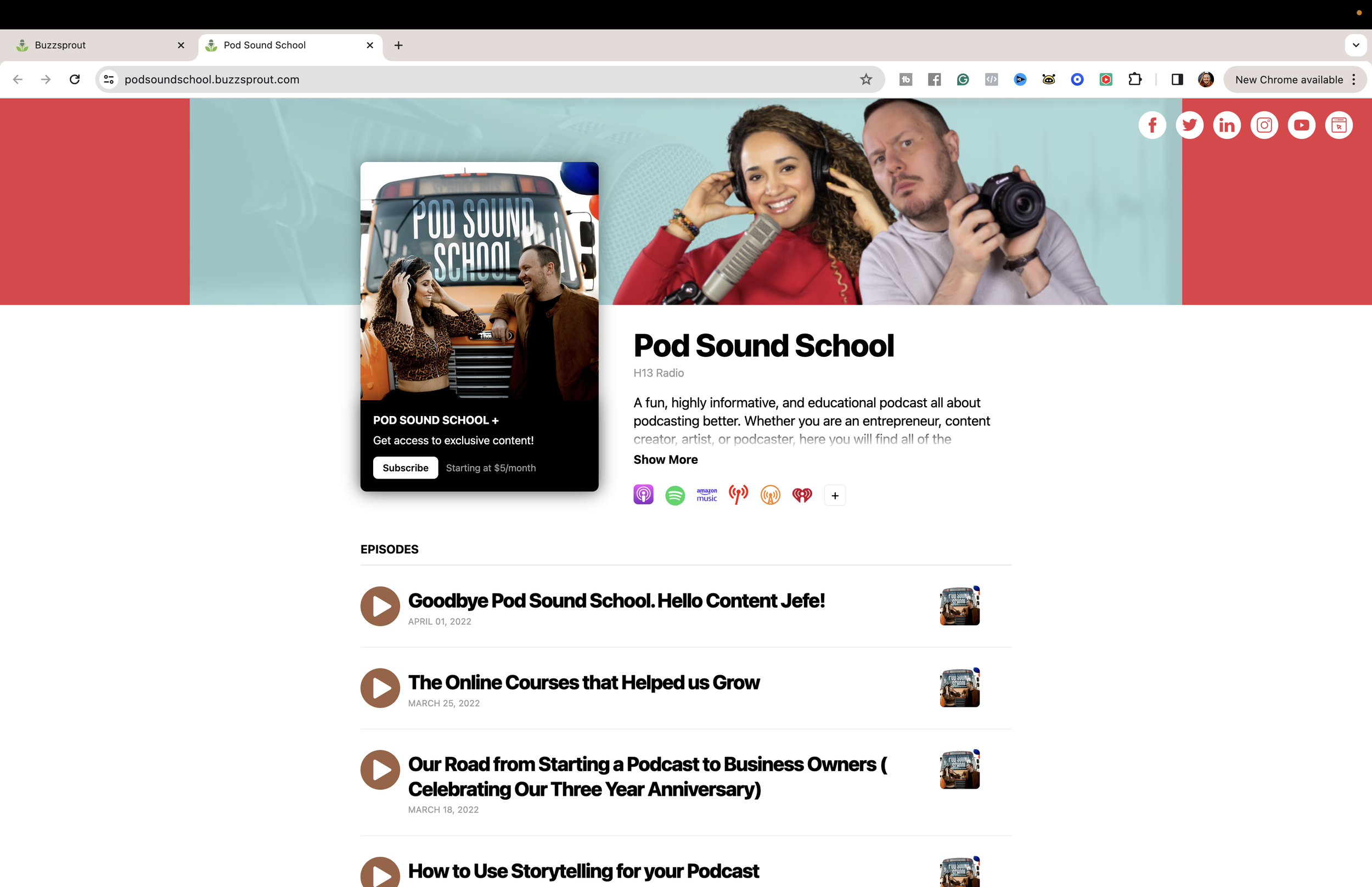
1. Dynamic Content
With Dynamic content, you can add pre-roll, mid-roll, and post-roll to your episodes.
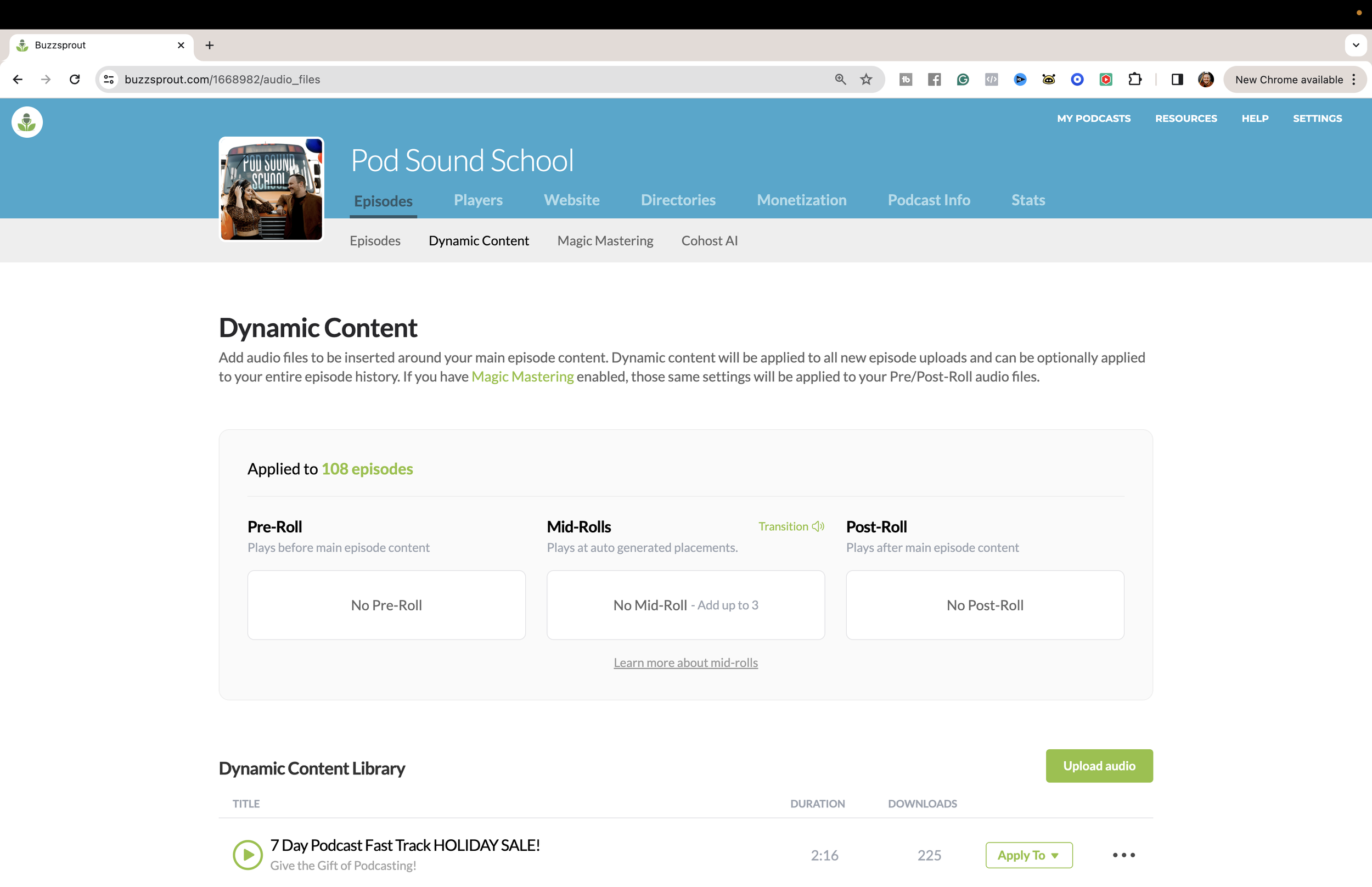
And if this is your first time hearing about this, these are audio clips you can insert in your episodes with announcements about events, promotions, ads, or sponsor content.
They are placed either at the beginning, in the middle, and/or at the end of the episode.
Why do I like this feature so much?
If you have an offer for a product or a service that you’re really excited to share with your audience, you can record a piece of audio talking about it, and use this feature to insert this piece of audio into new episodes you upload or to your entire library of episodes.
So it doesn’t matter if they are listening to episode #4 or episode #100 of your podcast. Your listeners will get up-to-date information about your events, promotions, and fast offers in real time.
When your event, product launch, or sponsor collaboration is done, you can remove your dynamic content from your episodes and replace it with a new one.
This is a feature you can use from day one to start making money from your podcast.
So, if you’re thinking about promoting seasonal launches and events, sharing updates with your audience, or working with sponsors, you want to sign up with Buzzsporut because of this feature alone.
2. Buzzsprout Ads
With this feature, you can allow other podcasts to advertise their shows within your episodes and make money every time an ad plays in your episodes.
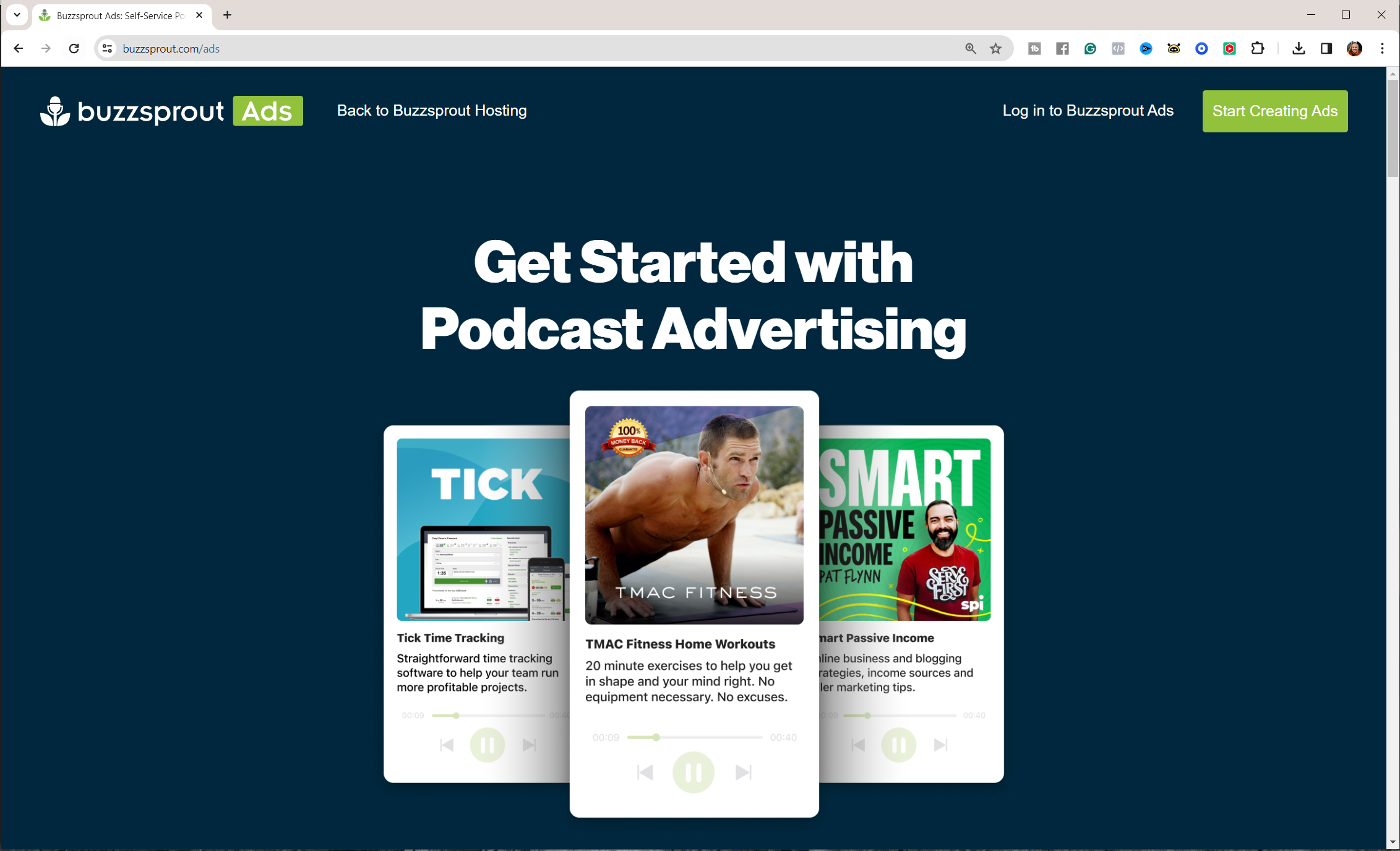
This is a great way to generate passive income from your podcast.
And the good thing is that you have complete control over which shows get to advertise on your show.
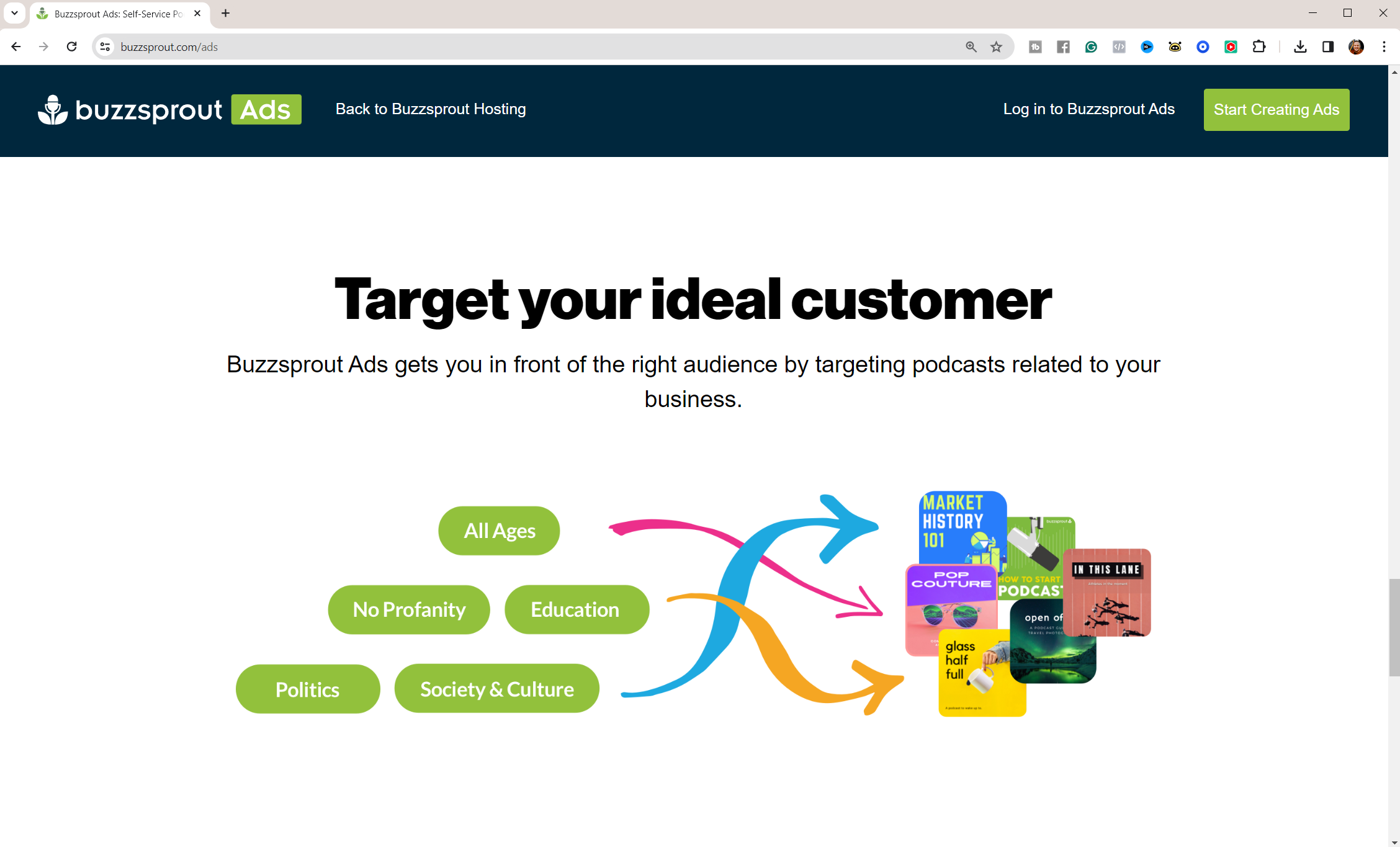
You don’t have to keep track of the duration of the campaign on your podcast because Buzzsprout removes the ad automatically when the budget allocated for the campaign runs out.
This is also a tool you can use to advertise your podcast on thousands of podcasts that you share similar audiences with so you can grow your audience faster. Pretty cool stuff, right?!
3. Cohost AI
Buzzprout also has a feature called Cohost AI, and it’s going to blow your mind! I recommend this feature if you’re running your podcast solo and don’t have a podcast manager or a VA.
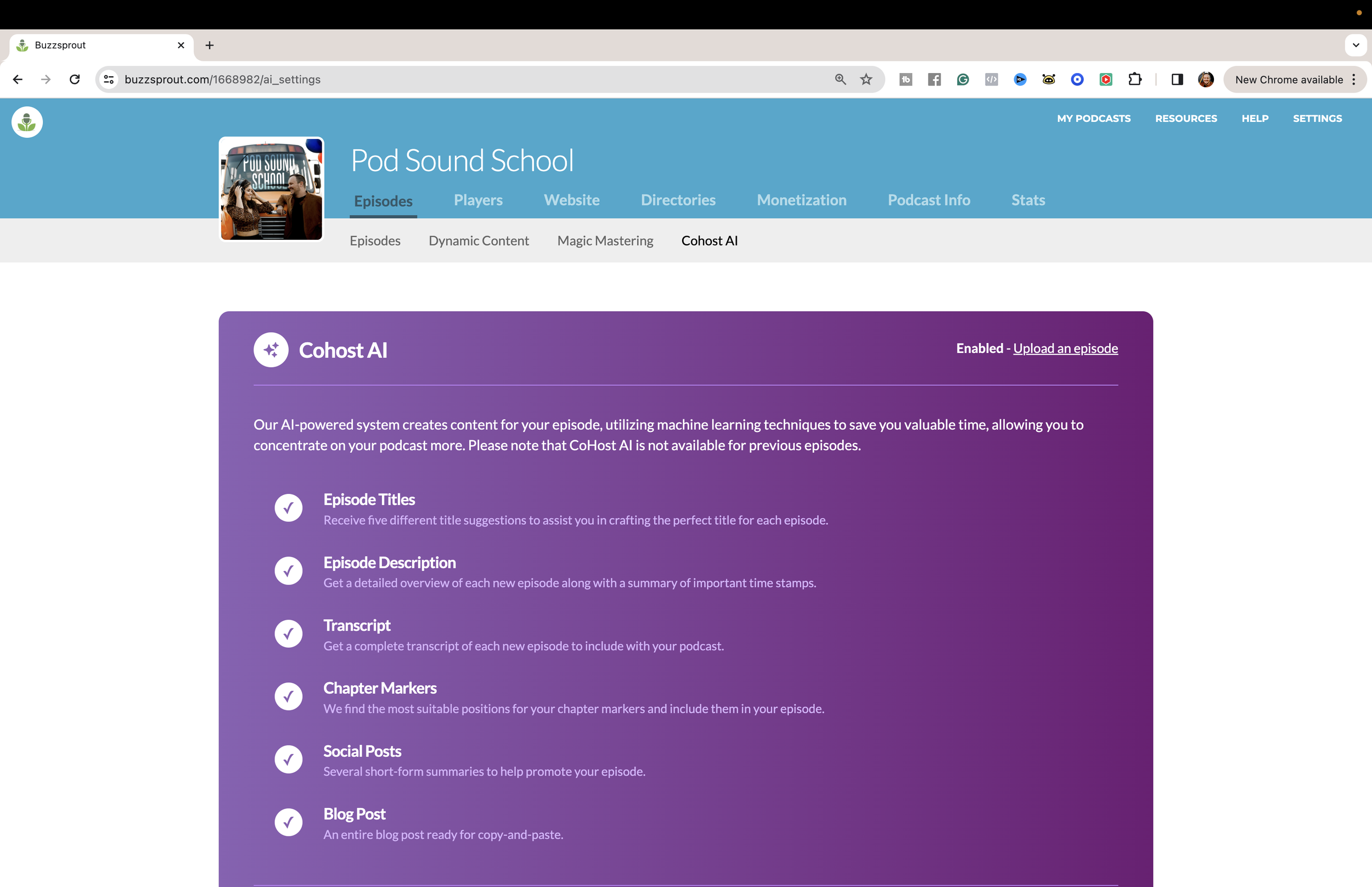
This feature comes at an additional cost but will save you a lot of time in your production workflow, And we all know time is money.
How Buzzsprout Cohost AI Works:
When you upload your episode, which you can do by dragging and dropping your files, then Cohots AI starts automatically to create a transcription of your episode. NOTE: This can take a few minutes, and you will get an email from Buzzsprout telling you the script is ready.
Cohost AI gives you 5 title ideas to choose from and a comprehensive description of your episode right there on the upload screen.
This feature also adds chapter markers to your episodes, which are incredible for your listeners because they can easily navigate your episodes and find information quickly.
This feature will save a lot of time and will eliminate any workarounds in your posting workflow.
RSS.com is also a PAID podcast hosting service that offers the same basic features that Spotify for Creators and Buzzsprout offer regarding hosting, distribution, and access to analytics.
1. Additional Distribution and Monetization Options
RSS.com is one of my favorite hosts because they’re always innovating and adding new features to the platform to facilitate distribution and monetization.
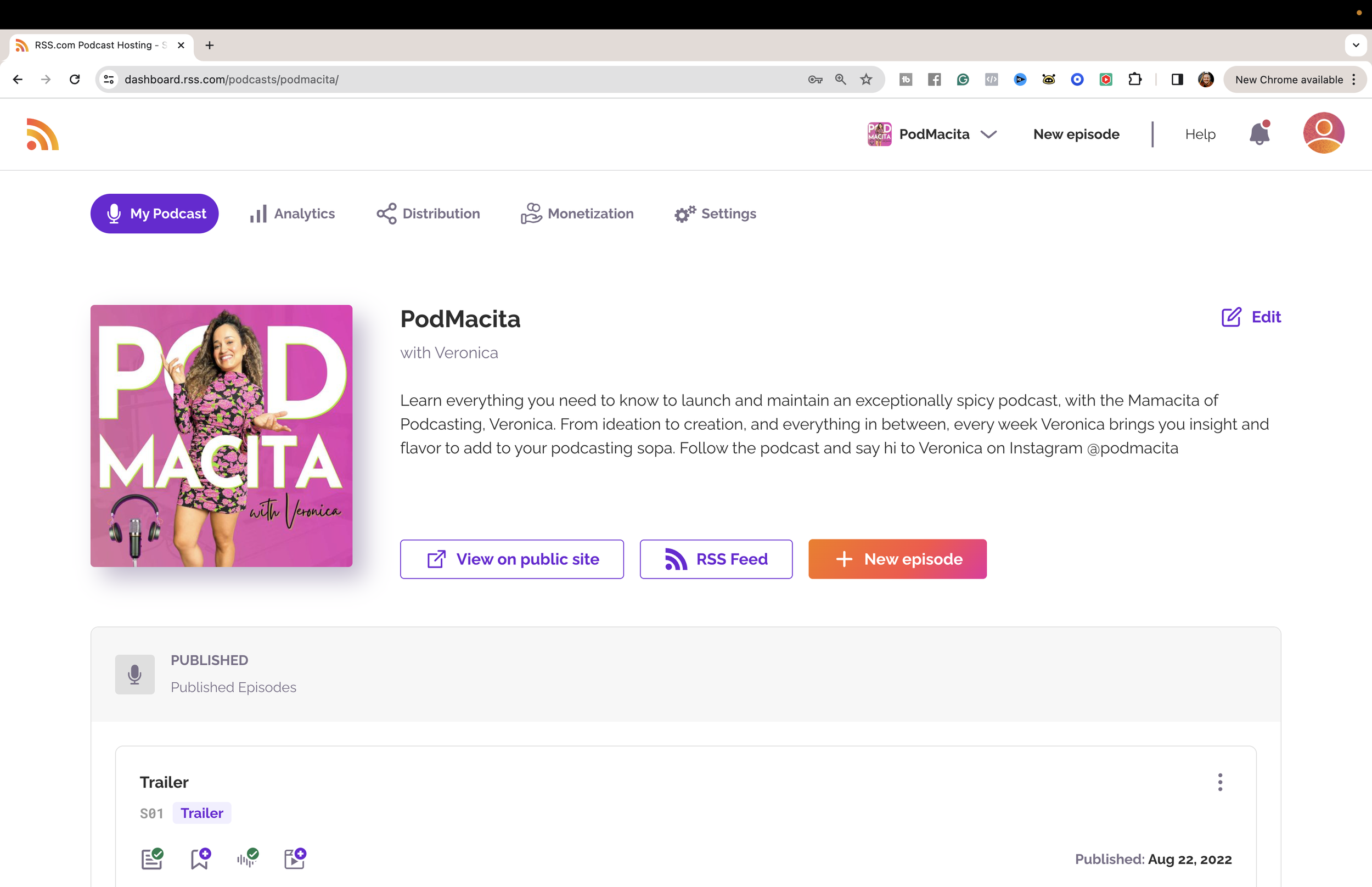
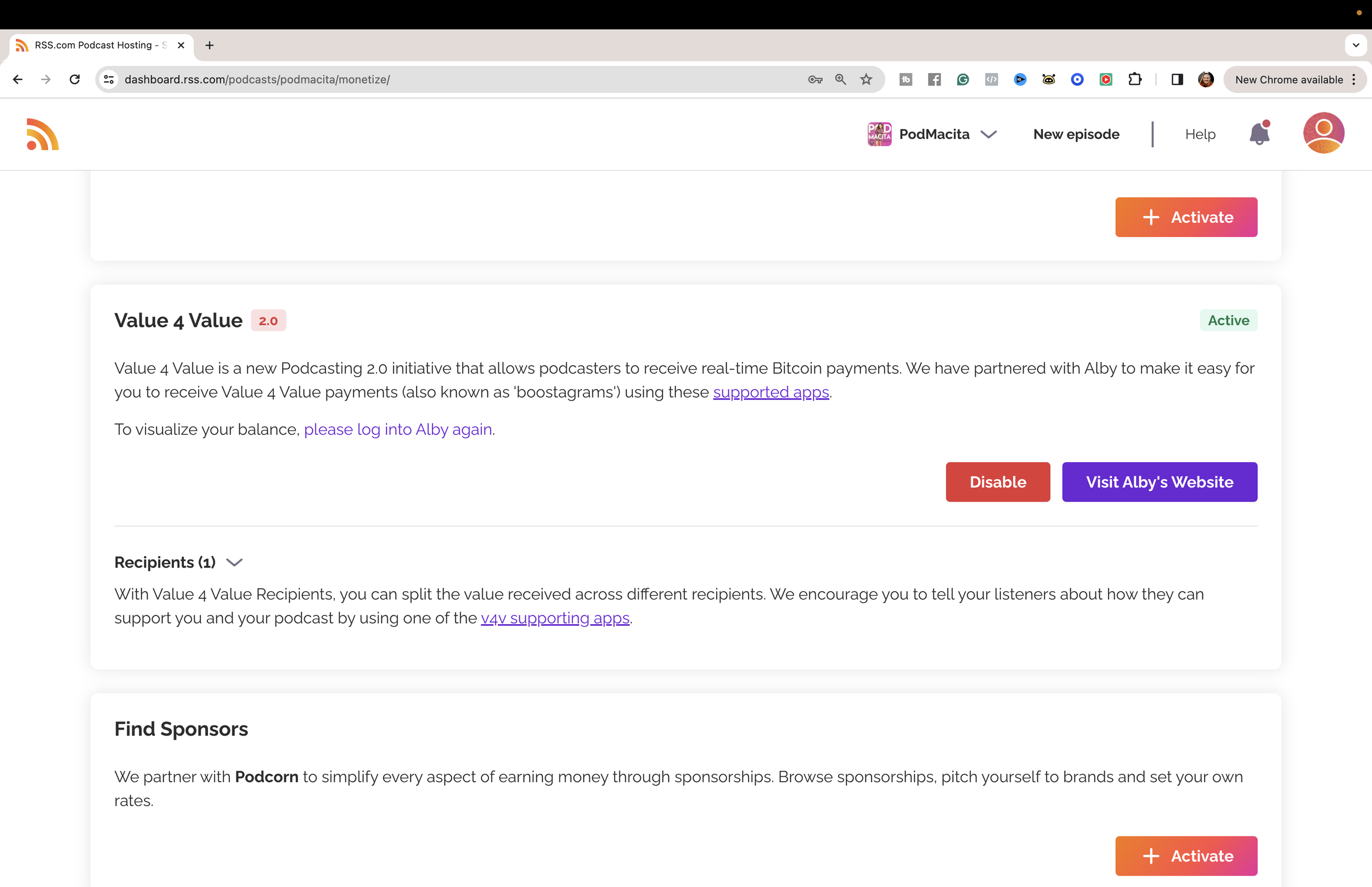
For example, you can receive Bitcoin payments from your listeners besides setting up your podcast to get subscriptions and donations. So, if your audience is into Value 4 Value payments or Bitcoin, RSS is a great alternative.
2. Easy to Automatically Post Episodes to YouTube
Another convenient feature is that you can set up the distribution of your episodes directly to YouTube from your dashboard with only a few steps.
Which If you don’t have the time or the bandwidth to go all into your YouTube strategy, this will at least make your podcast available on YouTube Music, another podcast player.
3. Multi-Language Interface
RSS.com’s multilingual interface and Spanish-language resources were useful to me as a Spanish-speaking creator. Check the current supported languages and features for your account.
My clients trust me to make this decision for them.
So I’m going to help you decide.
If you’re making an AUDIO-ONLY PODCAST and you’re using your podcast to generate traffic for your offers or events:
I will go with Buzzsprout because you can use dynamic content.
If you’re making a VIDEO PODCAST:
This may seem like more work, but if you plan to spend time making a video podcast, you should post it on Spotify and YouTube to give your content more reach and exposure on different platforms.
Whether you opt for the comprehensive analytics of Spotify for Creators, the dynamic capabilities of Buzzsprout, or the innovative features of RSS.com, remember: your hosting decision is not just about today but about the future of your podcast and its connection with your audience.