Gear & guides
Hear our comparison of AI speech enhancement and a Waves plugin chain, with examples recorded in three different environments.
Some links in this story are affiliate links. If you buy through them, we may earn a commission at no extra cost to you.
Compare the untreated recording, the AI version, and the manually processed version at similar playback levels.
Listen for words that sound altered, room tone that pumps, and noise that returns between phrases.
Keep the original audio so you can change your mind about the treatment.
Premiere Pro includes Enhance Speech alongside other tools in the Essential Sound workflow. This article compares the tools and presets as we used them in the original recording.
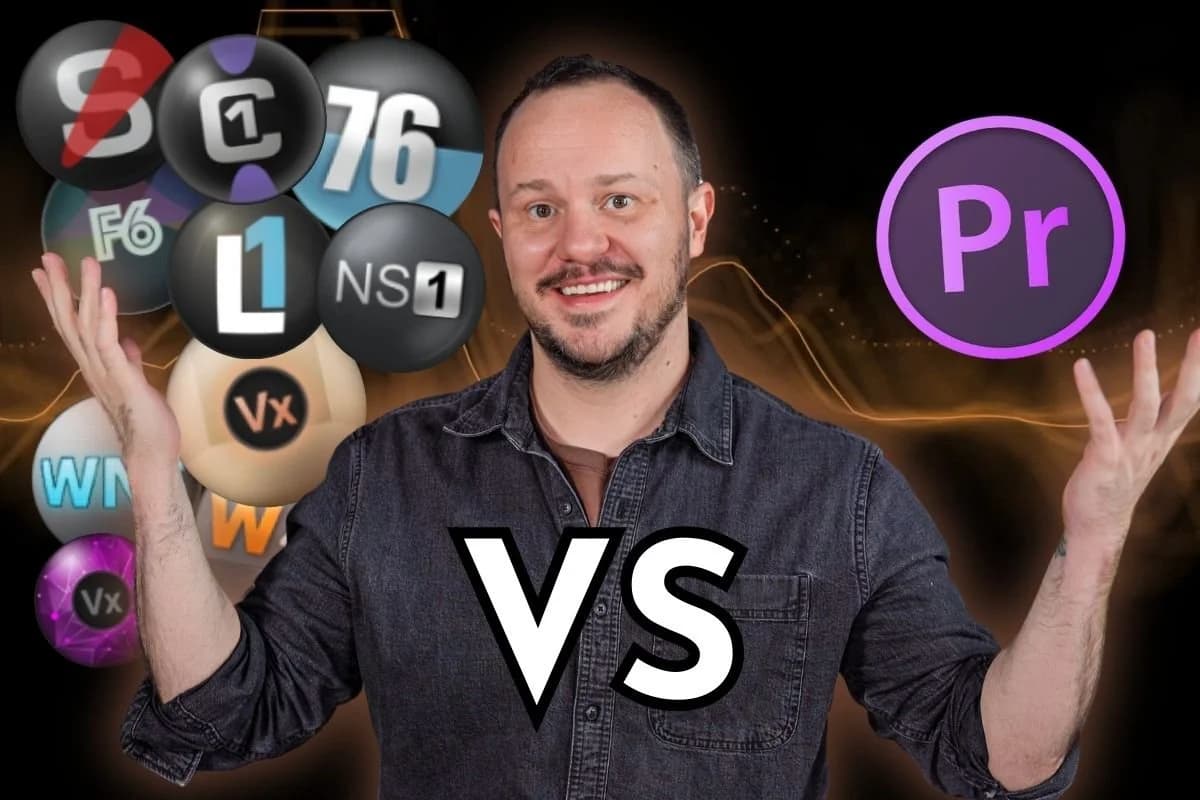
It means that with audio and video podcasts, all of the work we've had to do with audio treatment traditionally inside complex digital audio workstations using VST plugins like Waves can now be done directly inside Adobe Premiere.
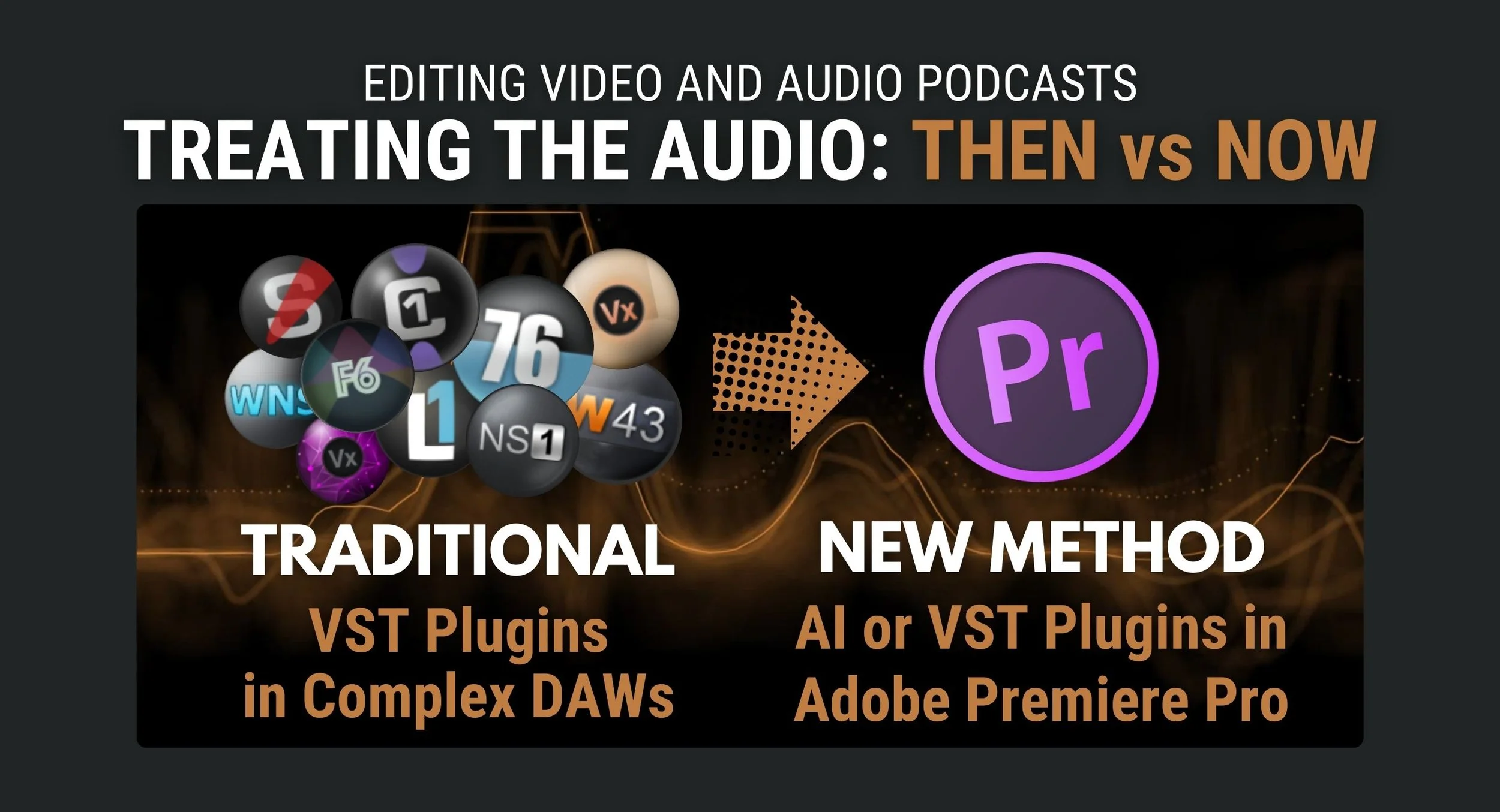
But what is this AI wizardry?
How does Adobe Podcast AI Essential Sound compare to:
the traditional Virtual Studio Technology (VST) plugins
and the years of experience that an audio engineer needs to use all of these plugins and adjust all the parameters?
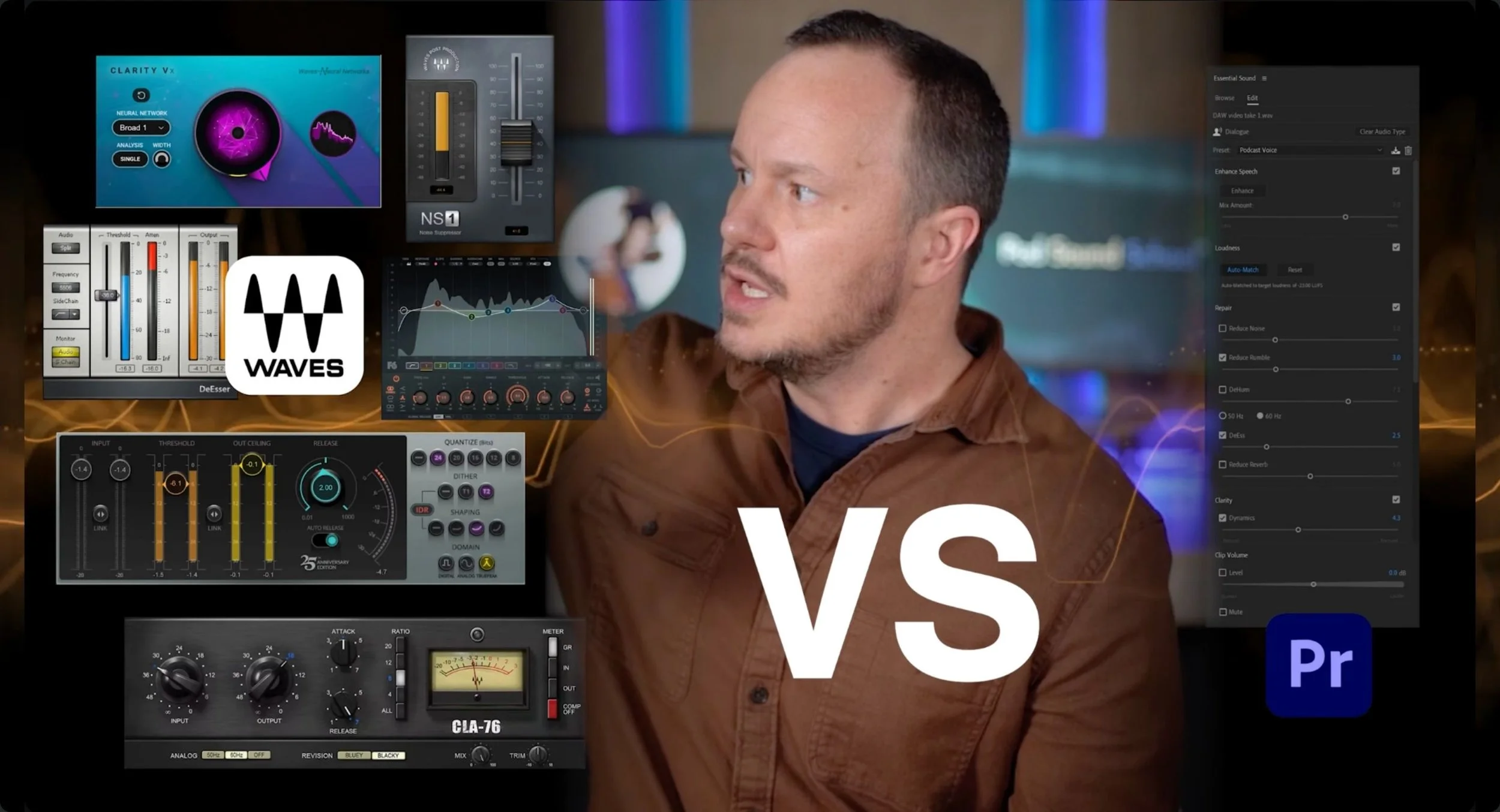
I have the same burning question and it's imperative that I find out!
I'm going to run some tests with you so that we can see how Adobe's AI podcast features compare with the years of experience that audio professionals put into using their VST plugins like Waves.
Can you use AI podcast technology to create a result that sounds equal in quality to audio treated with VST plugins?
This will make a lot more sense to you when we hop into the computer and take a look at the contenders.
I’m Stephen, AKA Studio Steve, an audio nerd since birth and co-founder of PSS Creative Media.
Okay, now that I’ve introduced myself, let’s look at the contenders.
Okay, so here we are in Adobe Premiere Pro. I’ve opened up some clips that I created that provide really good examples of audio issues that we deal with all the time as podcast editors.
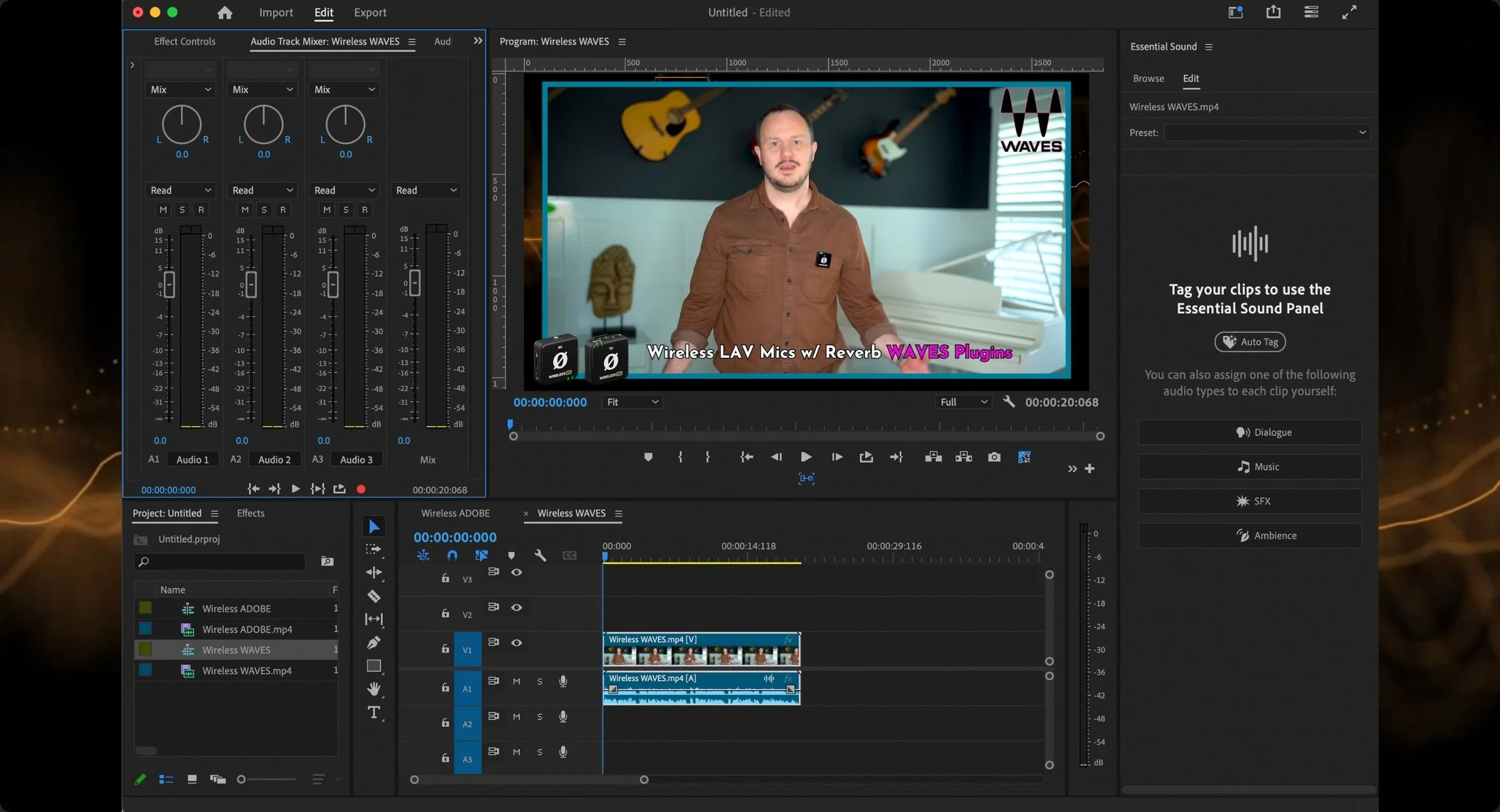
But before I give you a tour of Adobe Premiere Pro, it’s important to know that because video podcasts have now become the new norm for podcasters, every podcaster, whether they like it or not, will eventually be forced to incorporate video into their podcast, the benefits are impossible to ignore.
So because of that, it's becoming more and more rare in my work to even get into a digital audio workstation at all.
And that's because Adobe Premiere Pro has this amazing built-in audio track mixer that allows you to use third-party VTS plugins.
Let’s take a look at Adobe Premiere Pro’s audio track mixer panel.
If you click the little arrow (upper left corner of the panel), it opens up your inserts and sends which is where you’ll insert your audio effects.
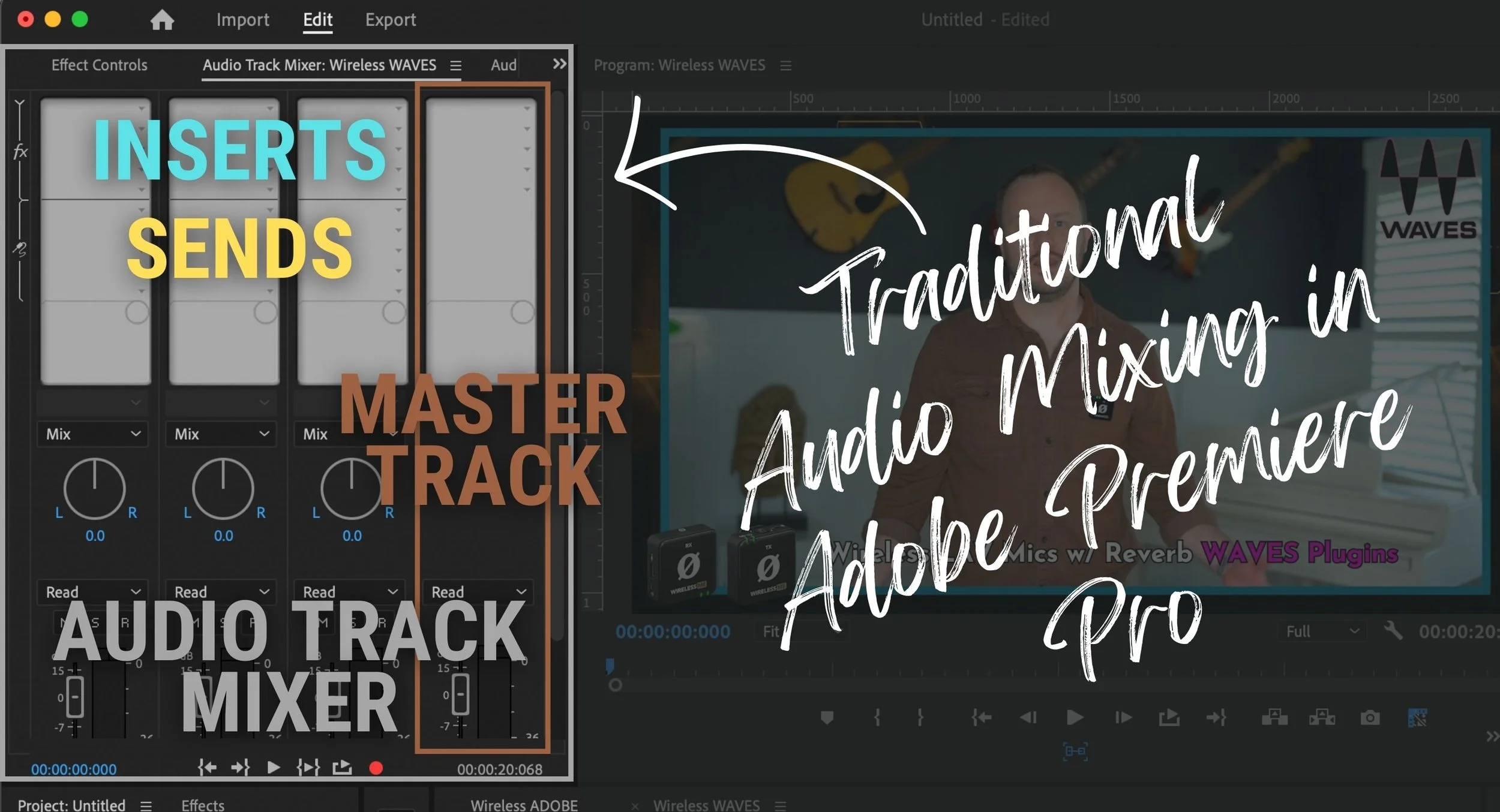
This works with every audio track in your mix, and each track can be renamed so you know which track is which.
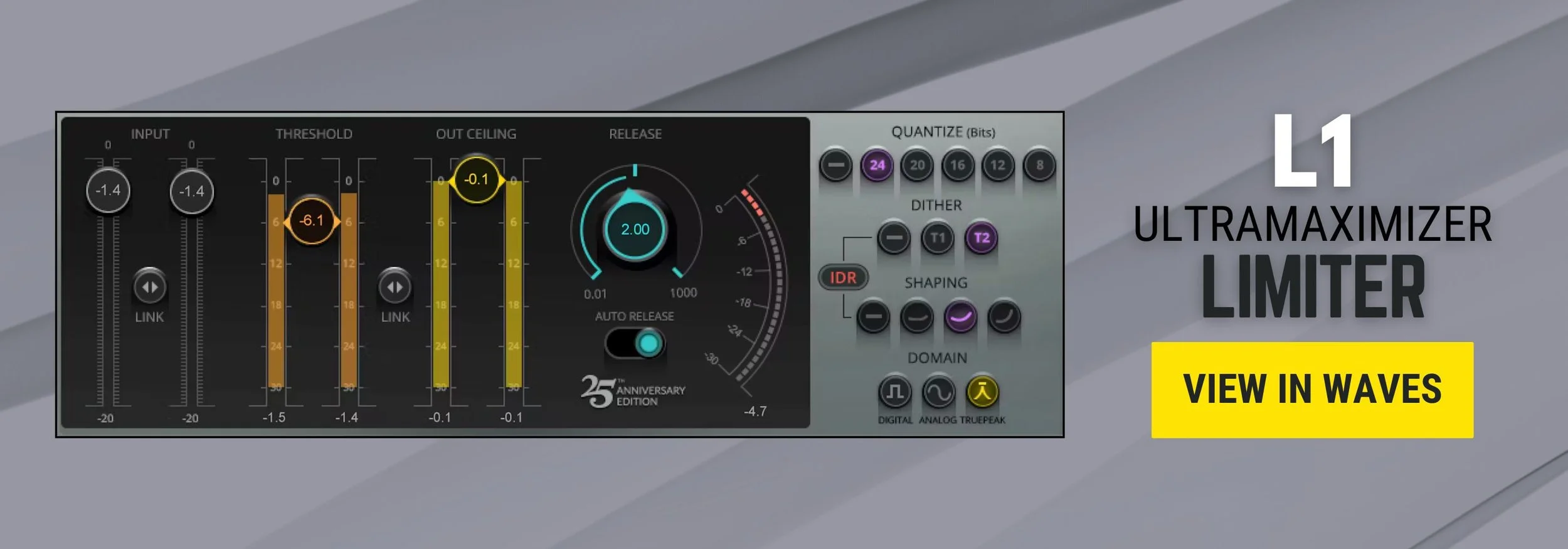
We also have the master mix, which allows us to use a master limiter like my favorite the L1 Ultramaximizer. Really cool stuff!
This audio track mixer panel is where, for years now, I've been using the Waves plugins directly here in Adobe Premiere Pro. I don't have to export my timeline into Adobe Audition or Reaper to fix it up there.
I do most of my audio processing right here in Adobe Premiere Pro.
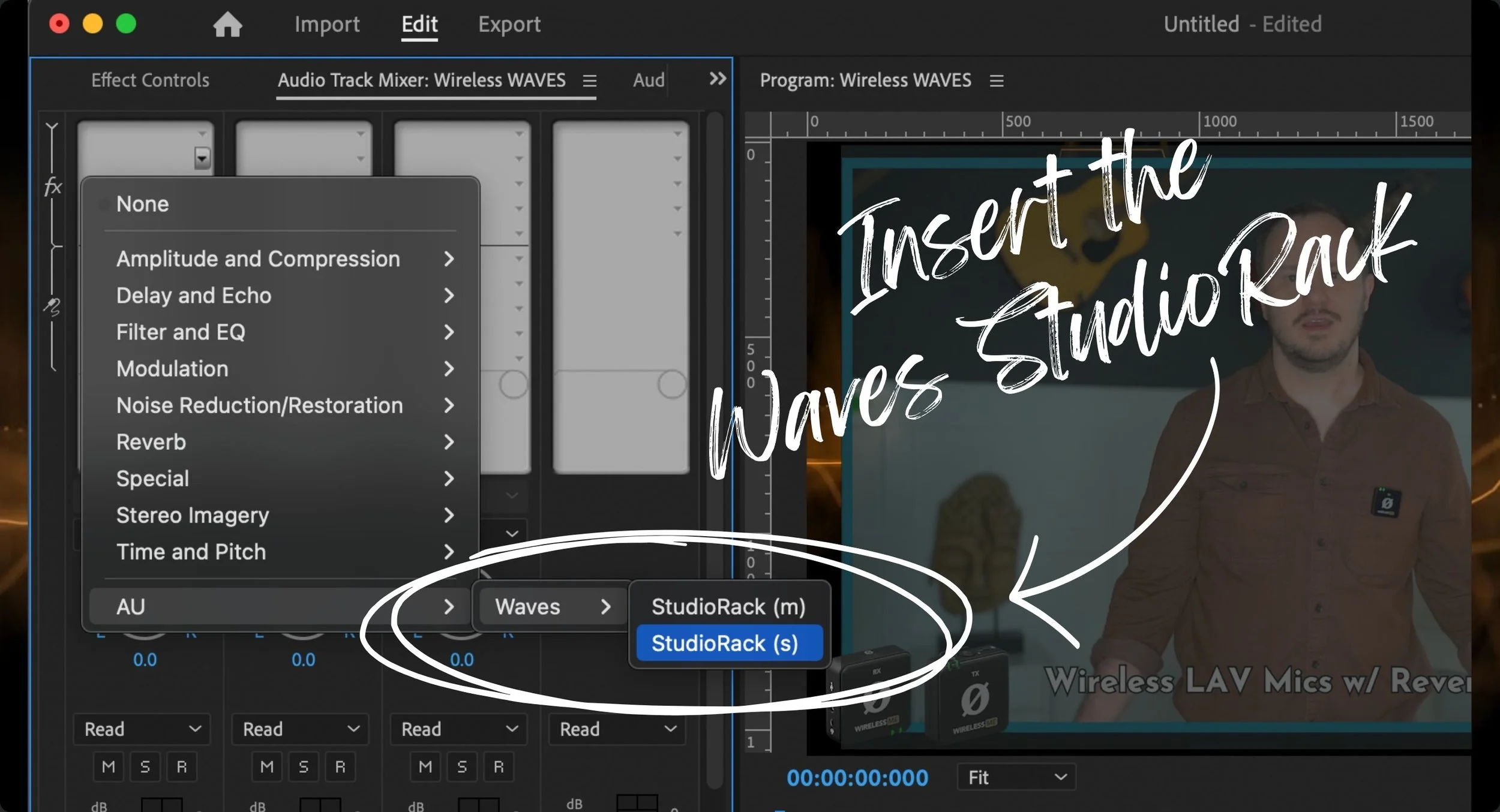
To use the Waves Plugins in Adobe Premiere Pro:
Click on one of the inserts
Select AU
Select Waves
Select StudioRack
Double-click on StudioRack in the track where you inserted it
If you're unfamiliar with Waves plugins or Waves audio…
Waves has been making amazing digital plugins since the 90s, and they're really thought of as the TOP PLUGINS used by audio professionals.
Right now you have Waves Audio and Universal Audio which both make plugins that hold that title.
Waves StudioRack lets you organize a chain of plugins into a reusable preset. Check the current compatibility and licenses for the rack and each plugin separately.
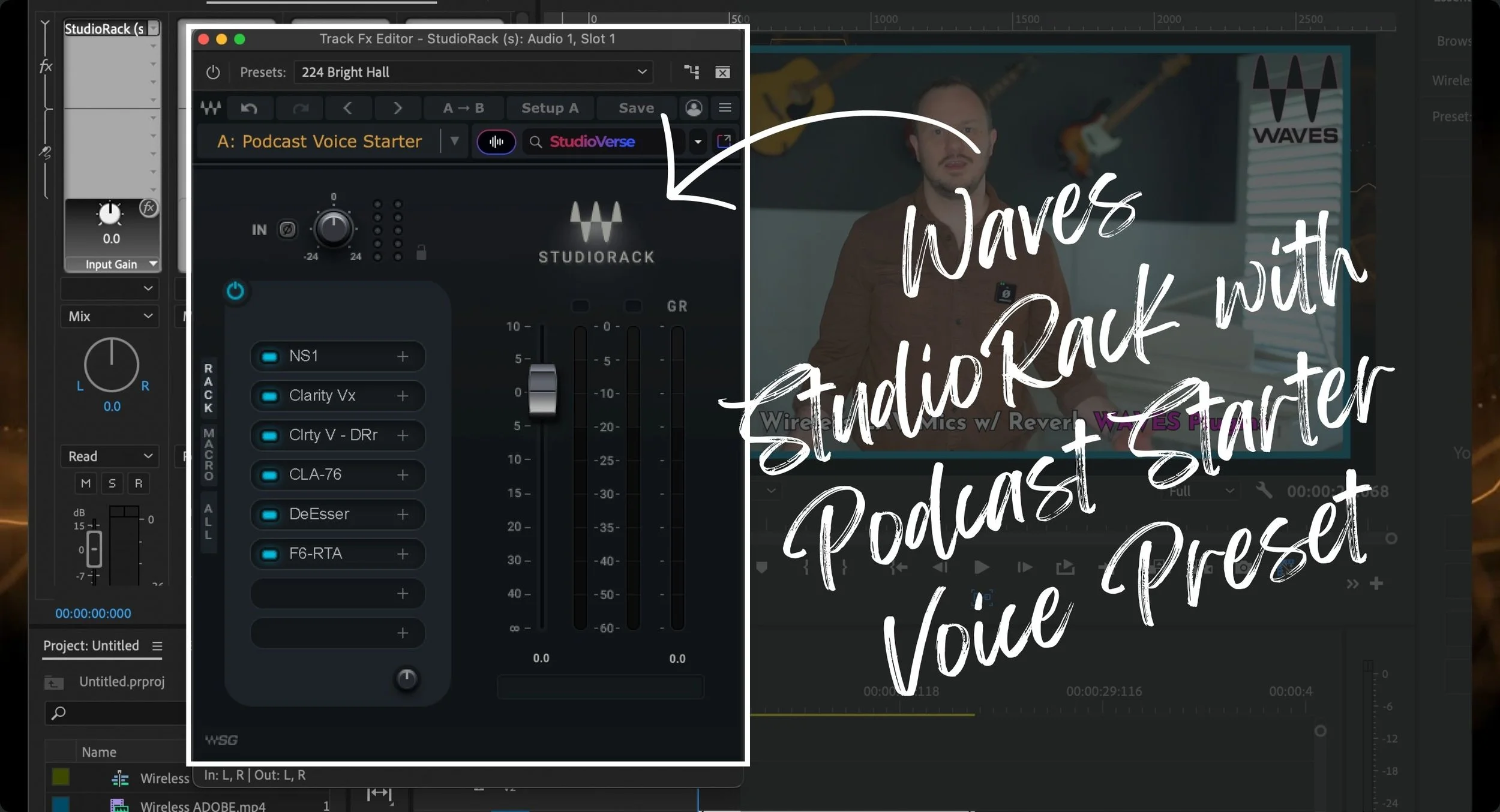
The first 3 are essential noise-reduction plugins:
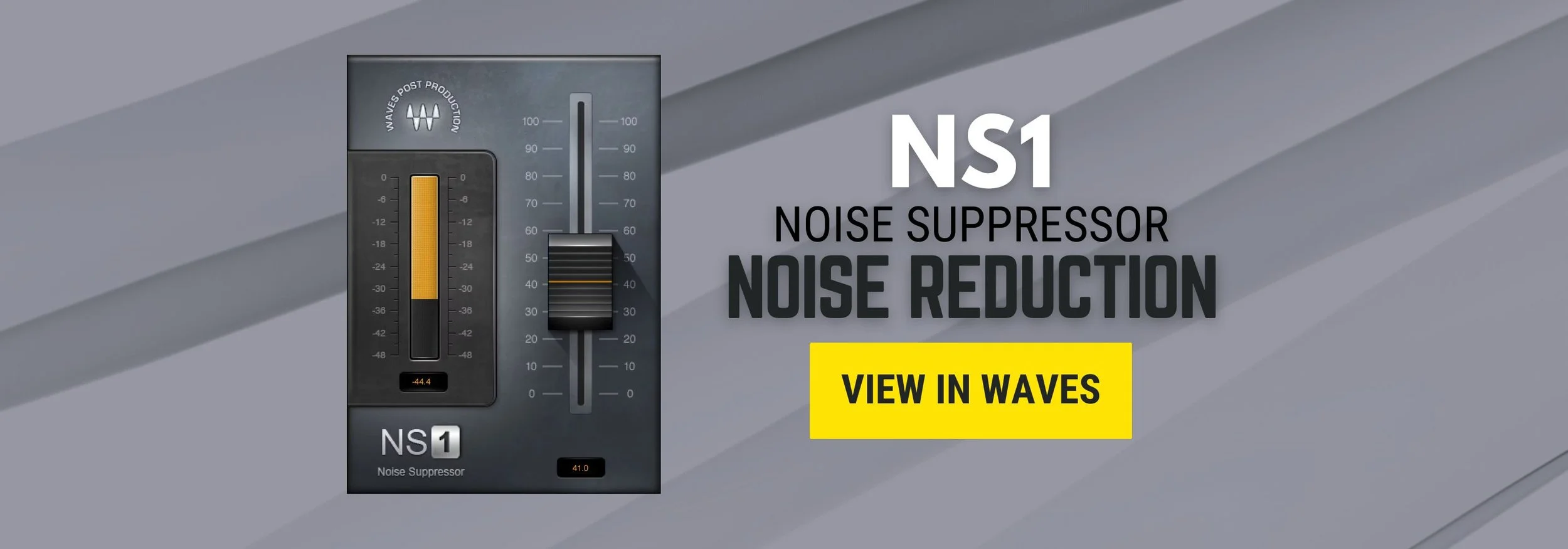
1: NS1
2: Clarity Vx
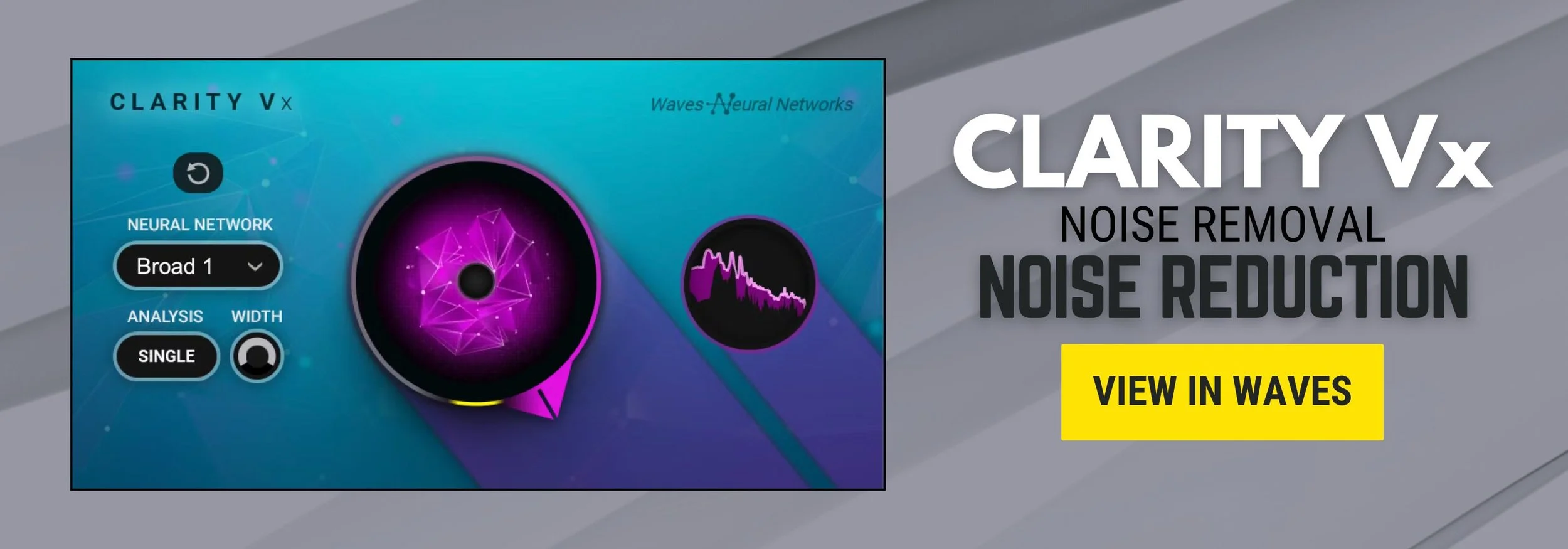
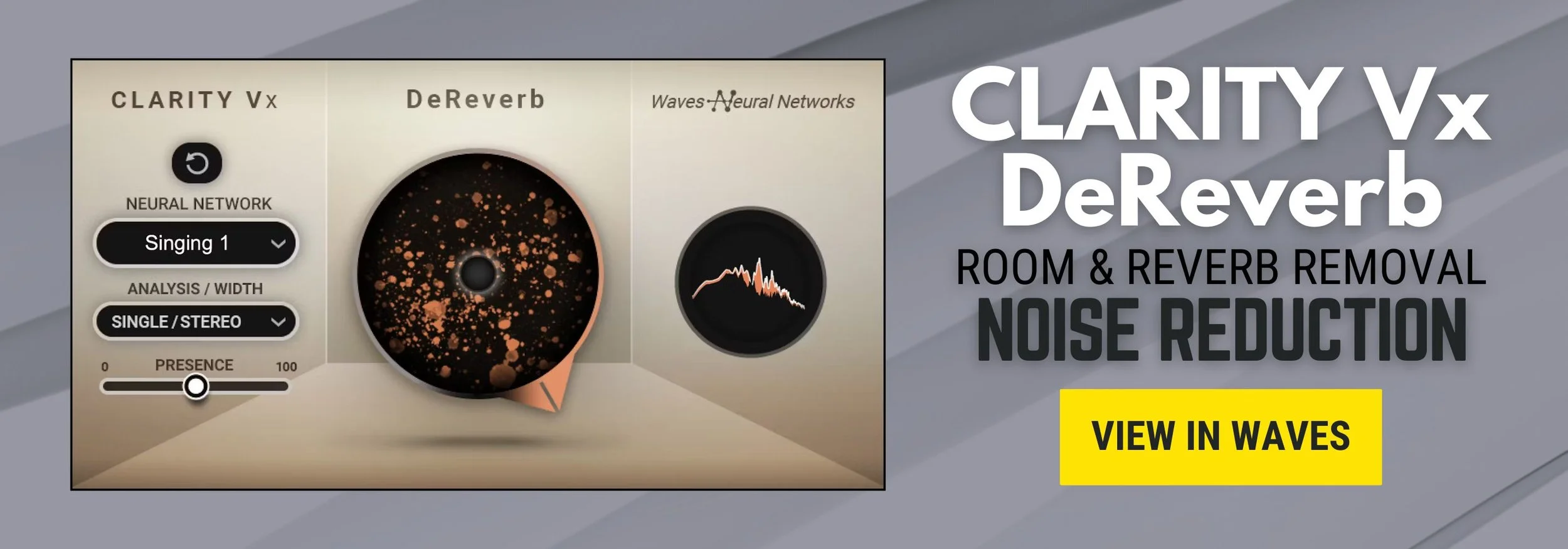
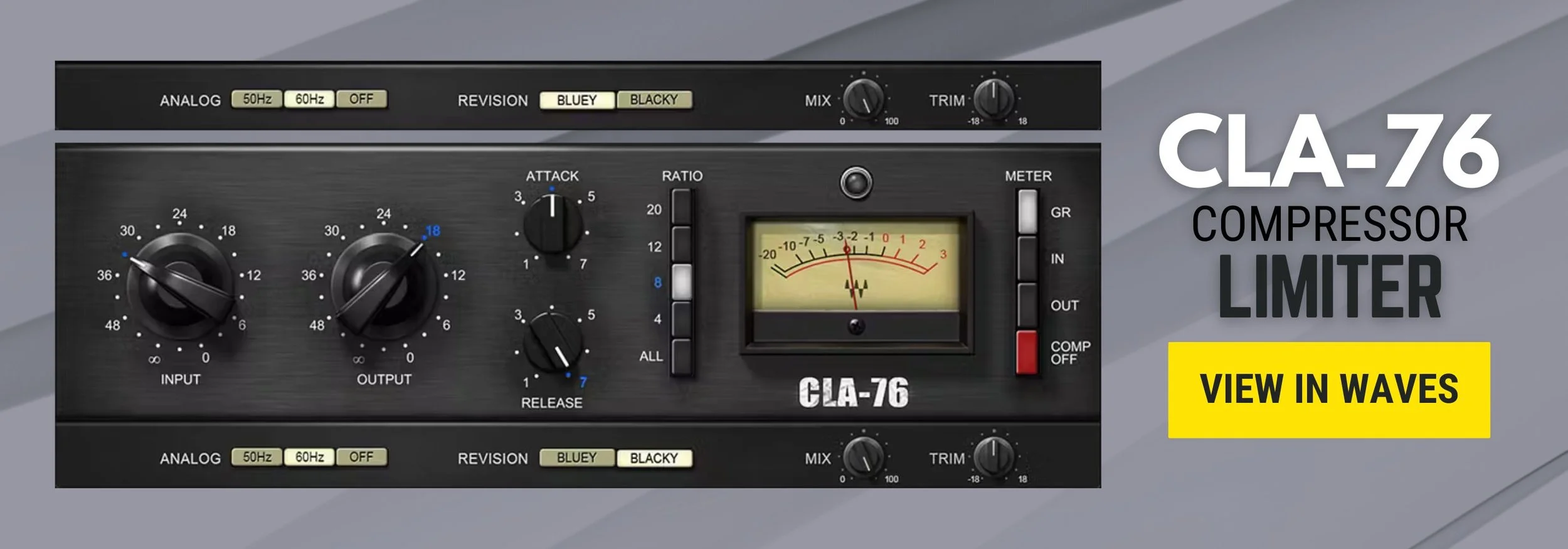
Next, of course, is my favorite compressor (or at least the digital version of my favorite compressor):
4: CLA-76
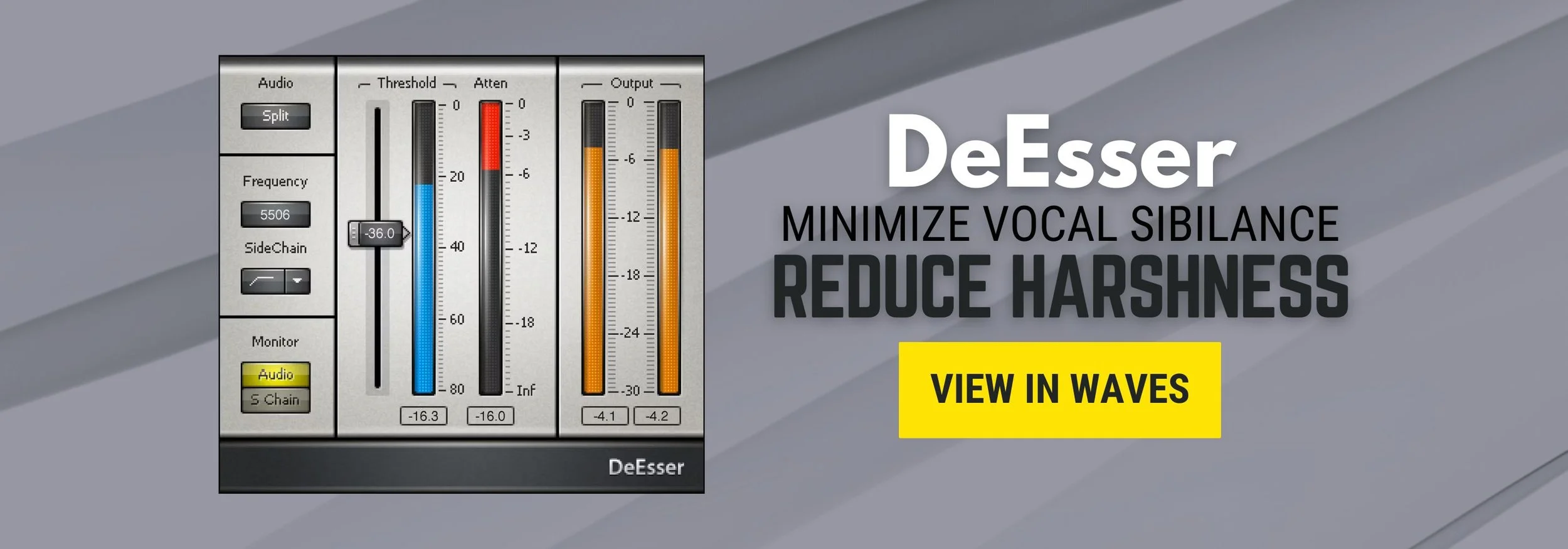
For softening and equalizing:
6: DeEsser
7: F6-RTA
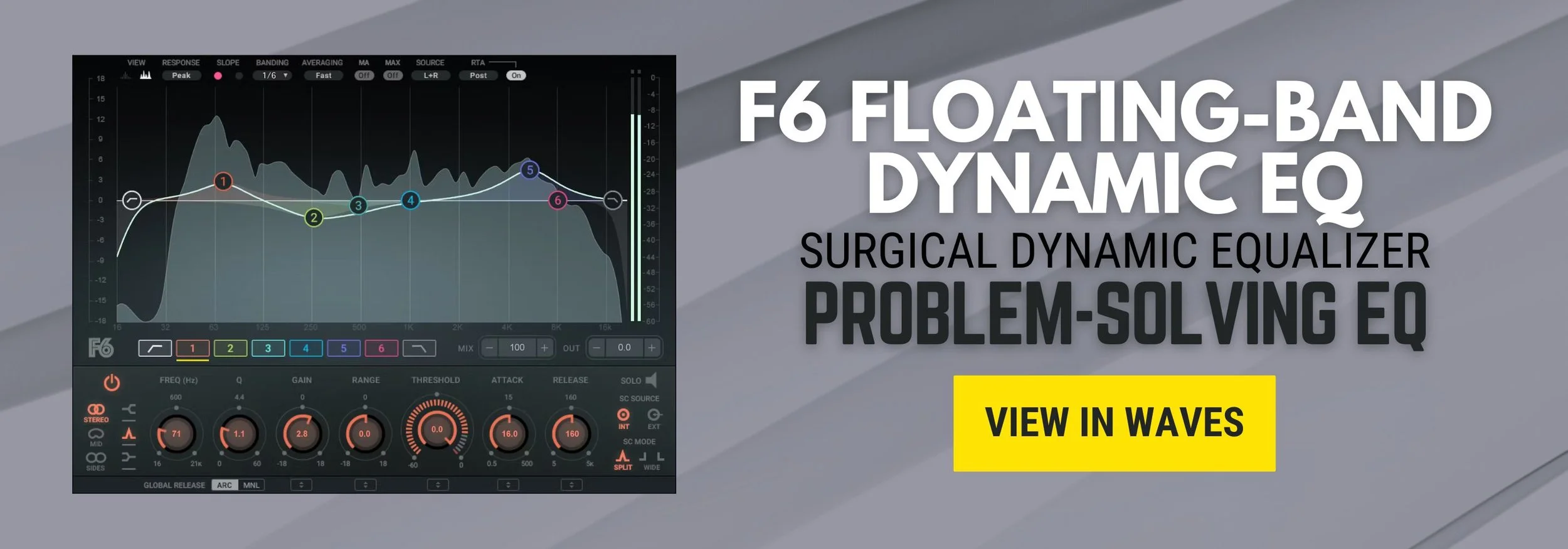
So this is a wonderful starting point.
And then, like I said, as an audio professional with years of experience playing with these little parameters, it’s very simple for me to do this stage of mixing, what you call the processing stage, usually within a few moments for each voice.
But let's close the studio rack and let's take a look at Adobe's somewhat new and amazing features.
To open the Essential Sound panel, go to Premiere’s Window menu and select Essential Sound.
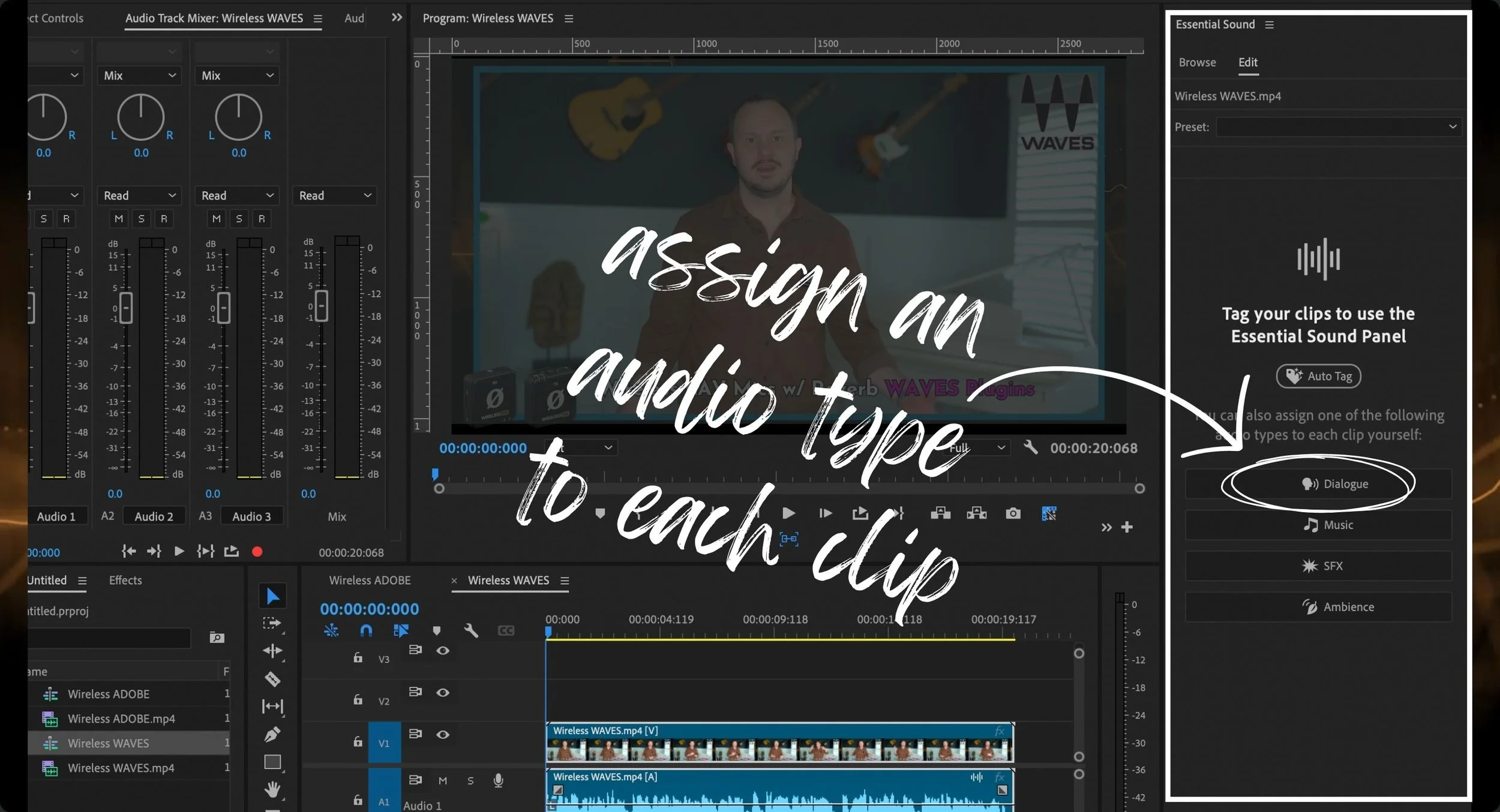
Before touching the Essential Sound panel, go to the Timeline panel and click on the audio clip you’d like to treat.
Next, click on the Dialogue button to assign that audio type to the clip you selected. In my case, I’m treating my podcast voice recording, so I selected Dialogue.
In the Presets dropdown menu, select Podcast Voice.
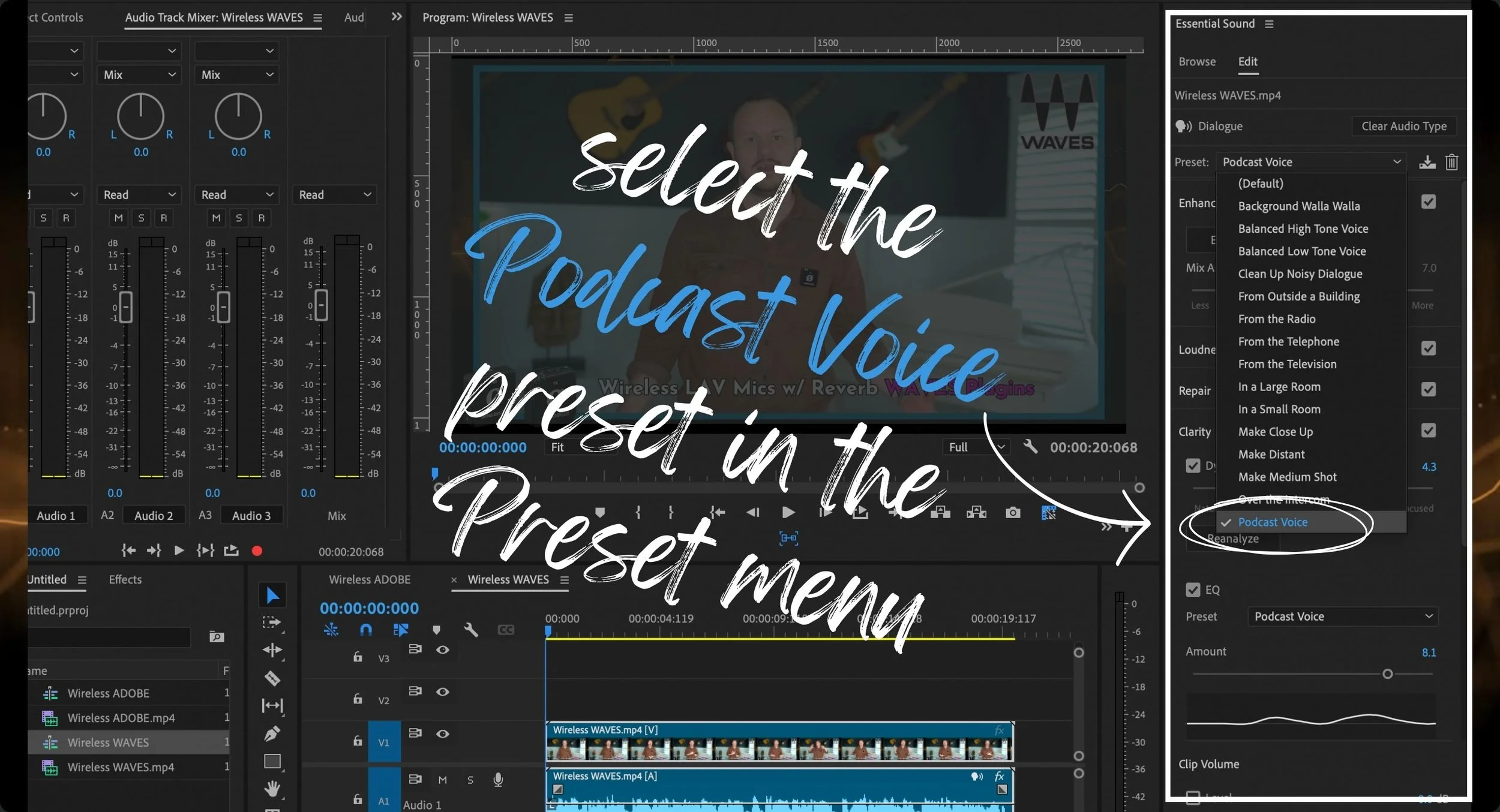
Right out of the box, this Podcast Voice Preset does some amazing things.
Then you can use the sliders to refine each separate effect:
Reduced Noise
Reduce Rumble
Dehum
DeEss
Reduce Reverb
Dynamics (a compressor)
EQ
Vocal Enhancer
Under Dynamics, the slider says Natural on one side and Focused on the other side. That basically means less compressed and more compressed, so you can really compress it if you slide it over to the Focused side.
Conveniently, the EQ setting is already preset with a classic-sounding podcast EQ. You can of course adjust the amount of EQ easily with the slider.
All of these effects are built into Adobe’s Essential Sound panel. So now as part of your workflow, you can quickly apply the Podcast Voice Preset right off the bat before you start cutting and snipping.
The benefit is that you can have professional-quality audio within seconds, but does it actually give you the highest-quality audio?
1, Using a USB microphone in a home office with a noisy air filter running on full-blast in the background
2, Using Riverside on an iPhone in a car with the engine running and the air-conditioner turned on
3, Using a wireless LAV microphone standing in a big fancy-looking room with a lot of nasty reverb
🟤 Raw, Untreated, no audio effects applied
🟤 Expertly treated, using professional VTS Waves plugins
🟤 AI treated in seconds, using Adobe’s Essential Sound Podcast Voice Preset
Listen to those 3 audio comparison tests, and then share your opinion in the comments below this video because we all have different ears.
After the tests, I’ll share what I heard and where I would still reach for manual processing.
Here I am in an office setting with a USB microphone, a classic example for podcasters and content creators.
And I plugged in an air filter and turned it on full blast in the background.
Common podcast audio problems that need to be fixed in the edit:
Hums
Oscillating tones
Air vents
Air units
Fluorescent lights
Another classic example is that industry expert who you've been trying to get on your show and they only have time to join your Riverside session on their phone, in their car, and they've parked but they've left the car running because it's hot outside.
The audio from a recording session like this will always need treatment in post-production editing.
Here's another classic setup for content creators and podcasters, a wireless lavalier microphone. In this case, I'm using the Wireless ME by RODE
Creators like to show off big, fancy-looking rooms, but usually that comes with some really nasty reverb. This type of audio recording will definitely need to be treated with a DeReverb solution in post-production editing.
So what did you think? Which treatment do you think sounds better?
A. Expertly treated, the set of Waves plugins with a lot of experience and practice behind it
B. AI treated, Adobe Premiere's AI magic tool with a couple of button clicks
The short answer: I think this means you can get away with only using Adobe Premiere Pro.
And I'm not even talking about the Adobe Creative Cloud membership where you get After Effects and Photoshop and Adobe Audition and Lightroom. I think all you need is Adobe Premiere Pro. I've long felt this way about Adobe Premiere, thinking that it is the main workhorse of a video editor and an audio editor.
🟣 You can use professional third-party plugins in Premiere because of Adobe’s open collaboration with companies like Waves Audio and so many other cool companies that have plugins
🟣 Its truly professional adjustments, parameters, and capabilities make it a true workhorse for professionals
🟣 Now it's even more accessible to everyday creators
And while it is an extremely complicated program to learn, like any other Adobe program, once you get in there and start learning the panels and the tools and everything else, it becomes accessible really quickly.
So what about our friends, the Digital Audio Workstations?
Digital Audio Workstations have always been a thing of music and film production. That's where podcasters took it from.
Along the way we've had to make adjustments to our digital audio workstations and little tweaks here and there to make it work better for broadcast and podcast voices because DAWs really haven't been the ideal tool for us for a long time.
Now in the world of music production, film production, and sound design, of course, digital audio workstations aren't going anywhere because they need the capability of having thousands of tracks, routing, panning, and advanced effects design.
But with podcasting and content creation, we’re not editing anything as complex as sound design for a Hollywood movie.
Yes and No 🤔
Audio-only work still benefits from a dependable editing workflow. Keep the tools that let you repair a recording, organize tracks, and make deliberate mix decisions.
🟢️ B) Although AI audio correction and enhancement tools are really good (like Harry Potter wizardry good, in fact), the audio sounds digitally altered (less natural)
🟢️ C) Let's face it, the AI plugins don't fix every problem and they don't work for every scenario. What are you going to do when it doesn't work for your scenario and you don't have any other tools? This is another reason why I recommend you learn how to edit audio professionally and have a collection of VST plugins.
🟢️ D) It's great to be able to capture audio on a laptop from anywhere (no internet connection needed) whenever you need to with a good solid program like Reaper that doesn't bog down your computer, captures really high-quality audio, and gives you all of the capabilities of editing that audio.
While I do think that Adobe Premiere could really be your one go-to tool as an editor, I don't think that it's the only tool you need to have in your toolkit.
Any craftsperson is likely going to use one or two tools as their main weapons, but that doesn't mean they don't have hundreds of tools in their bag.
I believe that every content creator or editor still needs a digital audio workstation, a good solid program that doesn't take a lot of CPU. Even if it's not a program that you find yourself going into a lot, you always have it there when you need it.
Learn the fundamentals of gain, EQ, dynamics, routing, and listening. Those skills help you judge the results of any automated tool.
Then choose the combination of tools that fits the project, rather than committing to one application for every situation.
By equipping our students with a comprehensive set of tools and skills, we ensure they are well-prepared for the diverse demands of content creation today.
Whether you switch over to Premiere Pro or not, you're still going to need to have a set of tools in your toolkit, and most of them will be subscriptions.
Descript Pro
a trusty digital audio workstation like Reaper (a one-time $60)
Waves Audio plugins, either get a subscription that unlocks all of the Waves plugins or get a specialized set of Waves plugins that work for any situation you encounter as an editor
🔴 A) You can edit the audio professionally using third-party plugins in video editing software like Premiere Pro and DaVinci Resolve
🔴 B) AI technology makes audio sound almost as good as audio treated using professional plugins, and most clients and podcast listeners don’t care about having perfectly polished audio or all the bells and whistles, 1 or 2 tracks, a little bit of music, and a few sound effects will typically suffice for business owners who podcast for business
🔴 C) Every podcaster will eventually be forced into incorporating video into their podcast because the benefits of having your podcast on YouTube are impossible to ignore, so you’d be all set with Premiere
🔴 D) AI technology makes audio editing more efficient and more accessible to everyday creators thanks to platforms like Descript, Premiere Pro, Final Cut Pro, and DaVinci Resolve, so this way of editing will become more and more mainstream
The Takeaway from my Yes/No Answer: With AI audio editing software in Premiere Pro and Descript being wizardry good and the industry shifting to video, soon podcast editors may never need to learn how to use a DAW. However, the shift to video is slower than it seems, and AI doesn’t currently work for every scenario so don’t toss your DAW out just yet!
Adobe Premiere Pro's integration of Podcast AI Essential Sound presents a significant advancement in audio editing, particularly for podcasters and video content creators. The convenience and efficiency offered by AI tools in Premiere Pro are undeniable, allowing editors to achieve high-quality audio with minimal effort compared to the traditional use of VST plugins like Waves, which require a deeper level of expertise and experience.
From my tests, it's clear that AI can perform impressively well, delivering results that are remarkably close to those achieved by professional audio engineers using sophisticated plugins. This opens up new possibilities for content creators who may not have the extensive audio engineering background traditionally required to produce polished audio.
AI can be a useful first pass, but difficult recordings may still need manual repair and a careful final listen.
Ultimately, the best approach is a hybrid one: leveraging the power and convenience of AI tools in Premiere Pro for quick, high-quality results, while maintaining a solid foundation in traditional audio editing techniques for those times when AI falls short. This ensures that editors are versatile and well-prepared to meet the diverse demands of content creation today and in the future.