Gear & guides
The cameras we trust, from a straightforward webcam to the full-frame setup in our own studio. Choose a camera, understand the setup, and find the accessories that bring it together.
Some links in this story are affiliate links. If you buy through them, we may earn a commission at no extra cost to you.
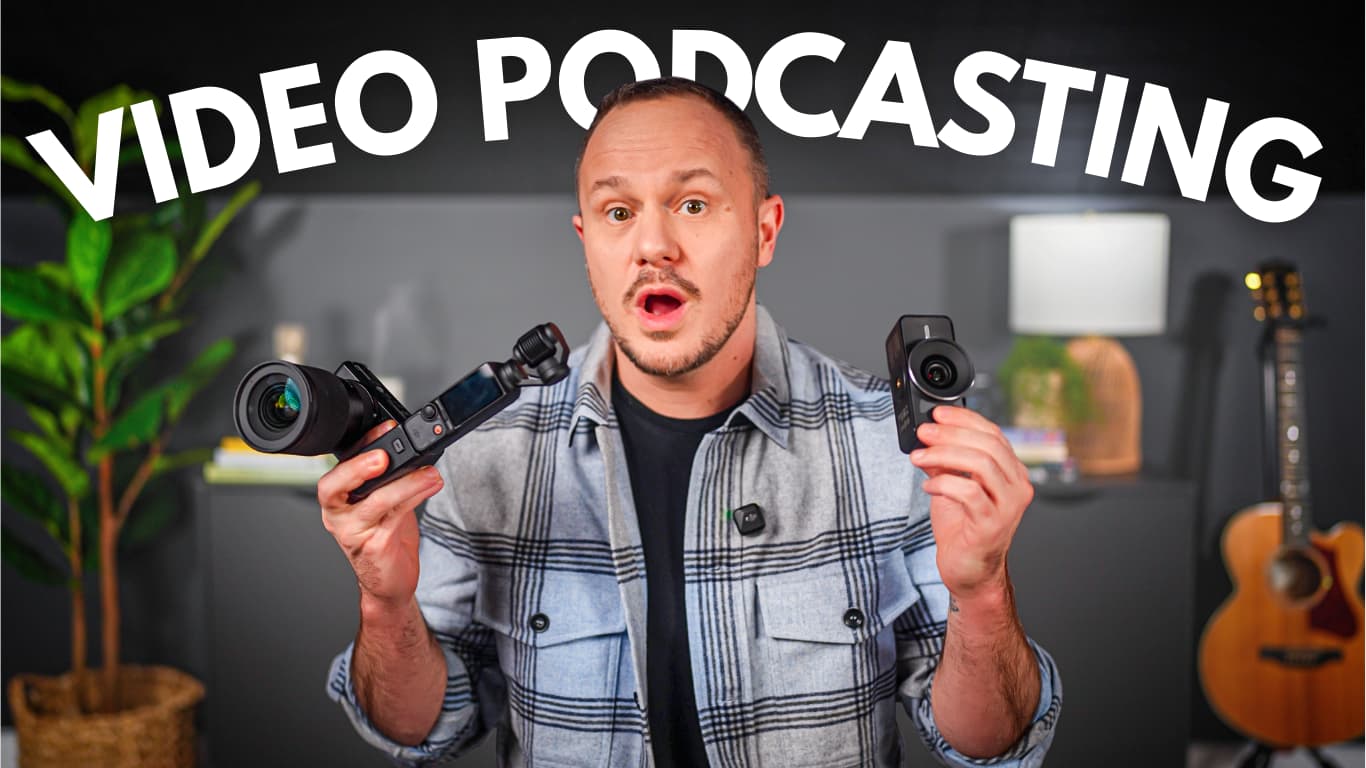
If you're starting a video podcast or upgrading your studio in 2026, choosing the right camera is one of the most important decisions you’ll make. At PSS Creative Media, we test cameras constantly. We plug them into Riverside. We try them with different mics. We see how long they run before overheating. And we look at real footage side by side, so you don’t have to guess.
This guide brings together the cameras we trust, organized into consumer, prosumer, and professional setups. Each option includes product and accessory links, so you can think about the whole setup before buying a camera.
A camera should fit the way you make your show. Start with the workflow, then explore the full setup below.
| Camera | A good fit for | Setup |
|---|---|---|
| Elgato Facecam 4K (Webcam) | Simple desktop recording | Consumer |
| iPhone (iPhone 11 to iPhone 17) | A camera you already own | Consumer |
| DJI Osmo Pocket 3 | Travel and small spaces | Prosumer |
| Sony ZV-E10 + Sigma 16mm F1.4 | An interchangeable-lens setup | Prosumer |
| Sony A7 IV + Sony 35mm G Master | Our full-frame studio setup | Professional |
| Sony FX30 (Honorable Mention) | A cinema-focused workflow | Professional |
See real examples from the cameras in this guide, side by side.
For a first show or a dependable desktop setup, a webcam or the phone you already own can keep the process simple.
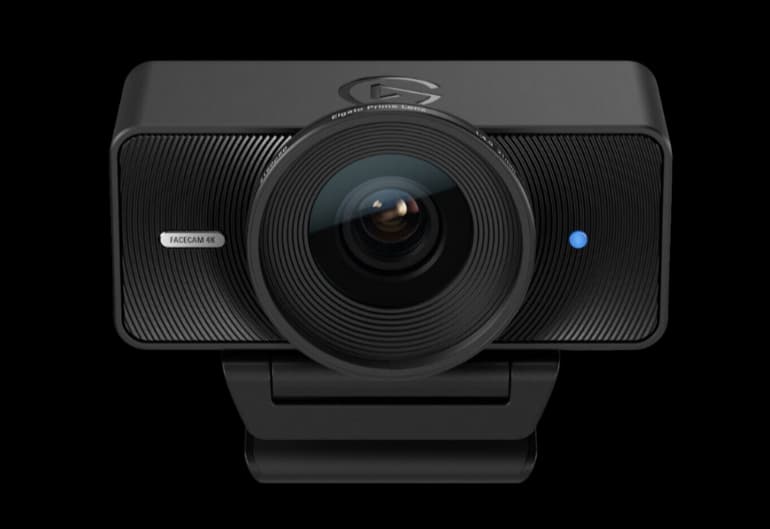
A simple, clean solution for creators who want a camera at their desk. Manual control in Elgato Camera Hub lets you settle on an exposure and white balance that work for your room.
A webcam depends on your computer and recording app. Set your lighting and framing before judging the image.
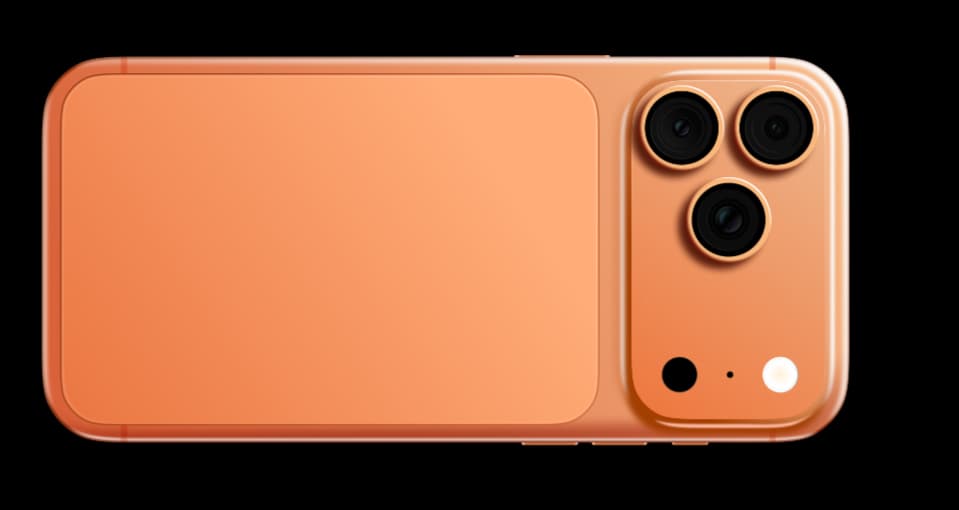
One of the most underrated video podcast cameras. If you already own an iPhone, you may already have the camera you need. Record directly on the phone or use a supported computer workflow.
Match the cable to your phone: iPhone 15 and later use USB-C. Earlier models in this guide use Lightning. Recording quality and Continuity Camera compatibility depend on the model, software and app.
Step into dedicated cameras when you want more control over your image, your lenses, or the places you record.
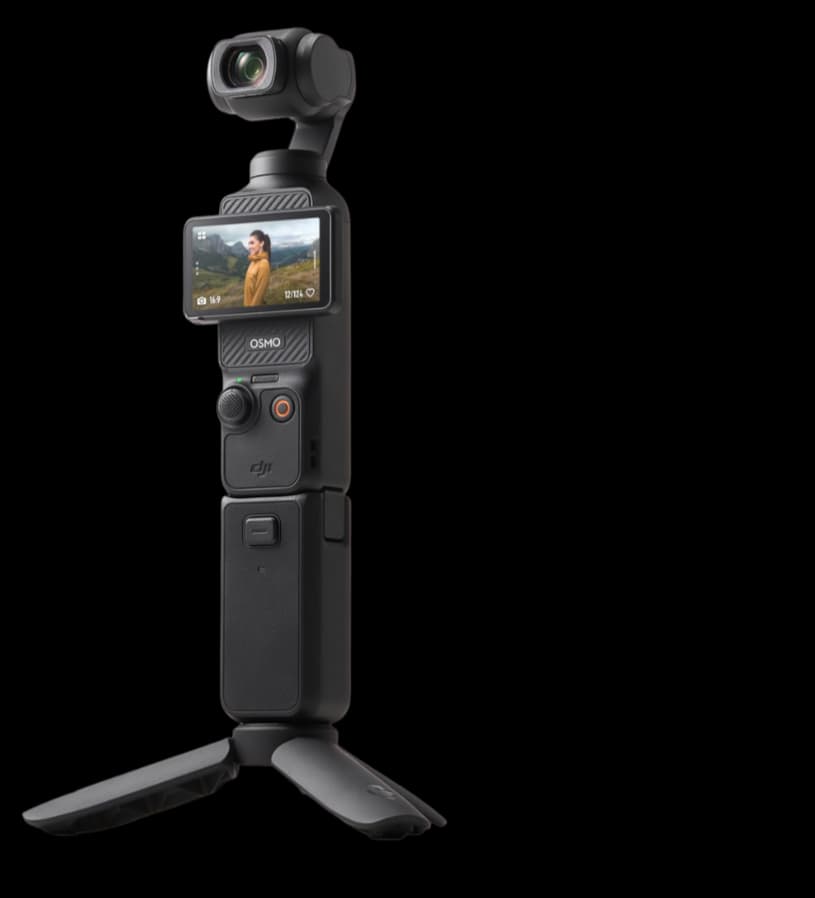
Tiny footprint, beautiful internal 4K, and a built-in gimbal. This is one of our favorite cameras for podcasts and YouTube videos away from the studio.
Add a compatible microSD card and a mount that fits your setup. Internal recording and USB webcam modes are different workflows.
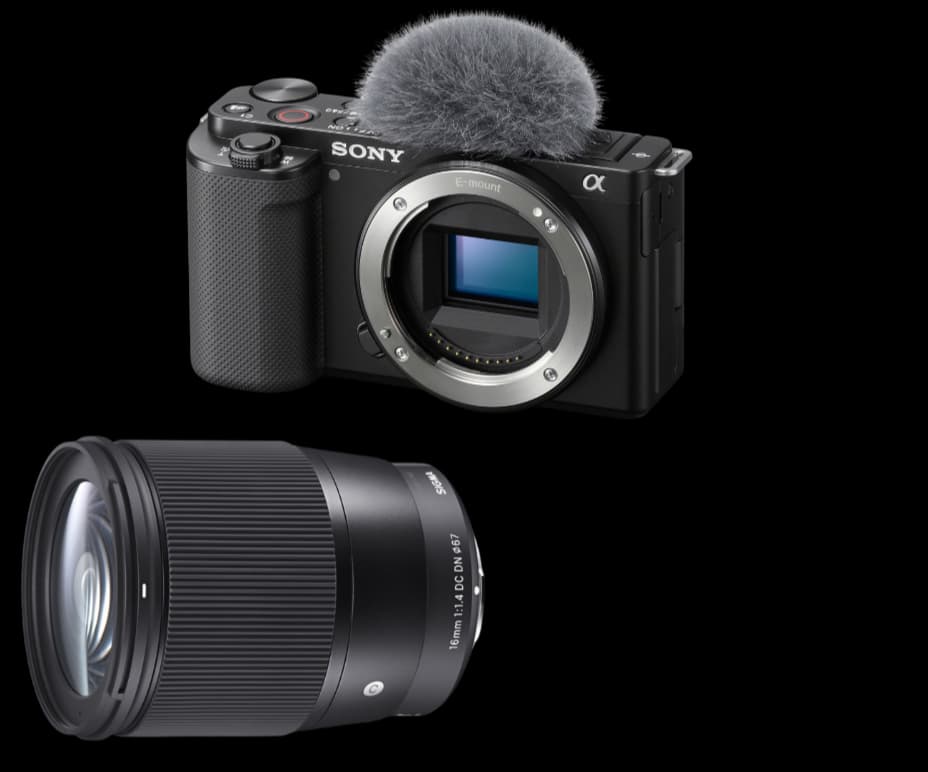
The Sony ZV-E10 paired with the Sigma 16mm F1.4 gives you the background separation and lens flexibility many creators want when moving beyond a phone or webcam.
For the HDMI-to-computer setup listed below, use micro HDMI and a capture device. USB streaming is a separate mode. Test temperature, power and recording duration in your actual room.
For a more involved production, think about the camera together with the lens, lighting, audio and recording workflow.
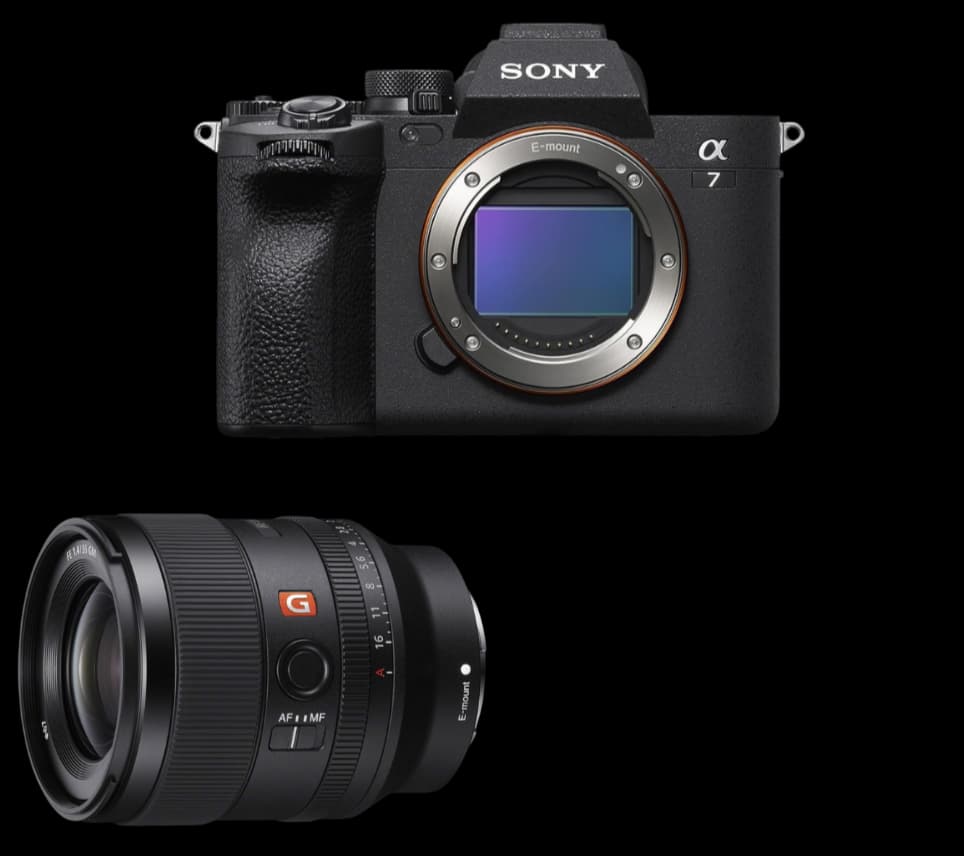
The Sony A7 IV and 35mm G Master lens are the pairing we use at PSS Creative Media. Full-frame footage, autofocus and a full-size HDMI port make it a flexible studio setup.
The A7 IV does not have a blanket 30-minute recording cap. Sony specifies an approximately 13-hour single-session ceiling, with practical recording time limited by heat, power, settings and storage. A capture card is for the HDMI workflow; USB streaming is also available.
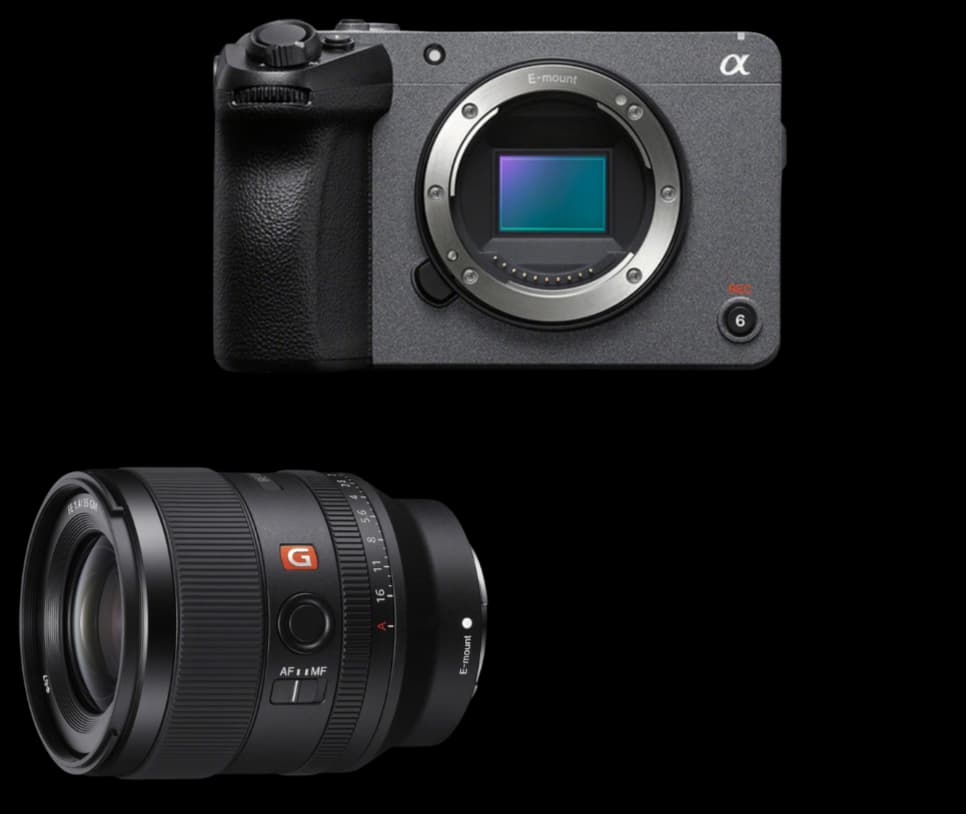
The Sony FX30 is the cinema-focused alternative in this guide. Consider it when long-form production, recording controls and a dedicated video workflow matter more to you than still photography.
This is an APS-C camera, so compare lens framing with your room in mind. Check current body-and-lens prices and test your power, media and recording settings before a long session.
Sound, lighting, the room, and a recording process you can repeat matter too. Start with the microphone comparison, or talk to us about a studio built around your space and your work.