Studio builds
Build your lighting in layers: start with a key light, shape the shadows, and give the background its own look.
Some links in this story are affiliate links. If you buy through them, we may earn a commission at no extra cost to you.
Build a key light first, then add fill only as needed.
Separate background lighting from the light on your face.
Match modifiers and stands to the fixture and load they are designed for.
| Layer | Purpose | Adjust |
|---|---|---|
| Key | Shape the face | Angle, softness, exposure |
| Fill | Control contrast | Distance and intensity |
| Background | Depth and atmosphere | Spill and color |
| Practical | An intentional lamp in the shot | Brightness relative to the face |
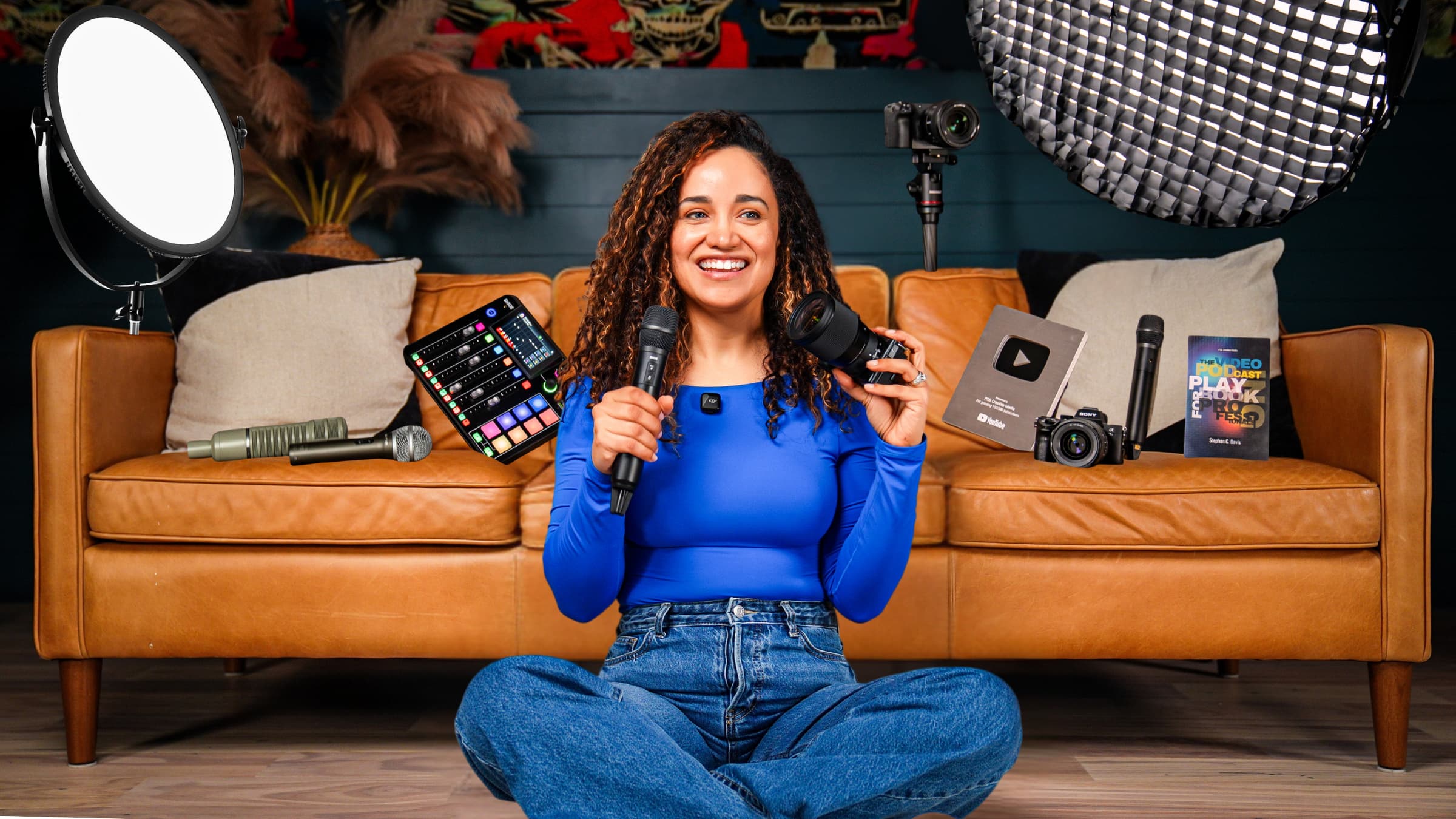
If you want a professional-looking video podcast, YouTube video, or livestream, lighting matters more than the camera you use. The lights you choose and where you place them are the real difference between an amateur shot and a clean, polished, professional look.
In this guide, we’ll walk through the exact lighting setups creators are using today, from affordable beginner options to professional studio lighting. You’ll see what works, what doesn’t, and how to position your lights correctly, even if you’ve never done lighting before.
By the end, you’ll know exactly which lights fit your space, your budget, and your recording style.
All of the links to the studio lights and accessories are below
Many creators assume upgrading their camera will instantly improve their video quality. In reality, poor lighting will make even a $5,000 camera look bad, while good lighting can make an iPhone look incredible.
Lighting controls:
How clean your image looks
How flattering your face appears on camera
How much detail and depth does your background have
Whether your video feels professional or distracting
Before spending money on a new camera, getting your lighting right should always be step one.
For many creators, the first light they ever buy is a ring light. And initially, it feels like a huge upgrade. Faces look brighter, shadows disappear, and everything feels more “camera-ready.”
However, ring lights come with major downsides:
Harsh, flat lighting with no depth
Visible rings reflected in glasses and eyes
Unnatural results that aren’t common in professional video production
Ring lights can be fine for quick vertical videos or casual use, but for creators publishing consistently, LED panel lights are now a far better option at similar prices.
A professional lighting setup doesn’t need to be complicated. At its core, most great shots are built using three main types of light.
Your key light is your primary light source. It should be your most powerful light and is usually placed about 45 degrees off to one side of your face, slightly above eye level and angled downward.
The fill light softens shadows created by the key light. It’s placed on the opposite side of your face and is usually less powerful.
This light is used to bring life and depth to your background. It prevents your scene from looking flat or dark behind you.
Lamps, neon signs, or accent lights in the background add personality and visual interest. These aren’t essential, but they can elevate your scene dramatically when used correctly.
NEEWER 18" RGB LED Round Panel https://geni.us/6IYXXy
NEEWER LED Bi-Color Studio Round https://geni.us/8wu2B1
NEEWER Basics 12" 24W Large Ring Light https://geni.us/yvdq2G
NEEWER 2 Packs Dimmable Bi-Color Panel Lights https://geni.us/XS8I
AMARAN 100dS Studio Light Daylight https://geni.us/OE2Ttn
Color temperature simply refers to how warm or cool your light appears.
Most video lighting uses daylight balance, which is around 5600K. Many modern LED panel lights are bi-color, meaning they can shift between warm and daylight tones.
The key rule is simple:
Keep all your lights as close to the same color temperature as possible.
Matching your lights prevents strange color shifts on skin tones and makes your footage easier to edit.
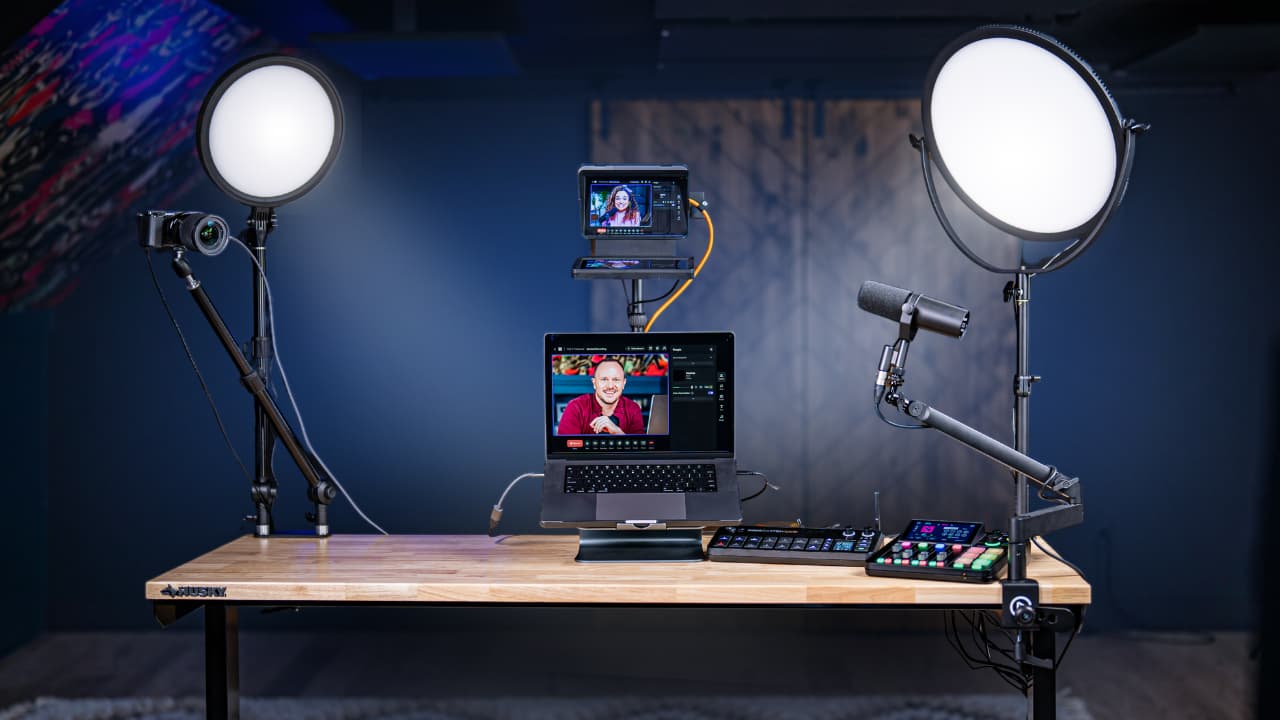
If you’re just getting started, a two-light LED panel setup is more than enough to produce professional results.
Using two LED panels placed evenly on each side of your face creates:
Soft, even lighting
Minimal harsh shadows
A clean look for solo or co-host setups
This approach works exceptionally well for home offices and small studios and is one of the most cost-effective upgrades a creator can make.
For a more polished look, adding a third light changes everything.
In a three-light setup:
One light becomes your main key light
One light acts as fill
The third light is used exclusively on the background
This setup adds depth, separation, and color to your scene, making your videos feel far more professional, especially for co-host podcasts and wider shots.
At the professional level, creators often move to COB (Chip on Board) lights. These are single, powerful light sources that allow for greater control over light direction and intensity.
COB lights are ideal when you want:
More power
More control over where light falls
Cinematic or dramatic looks
They are especially useful in larger rooms or studio environments.
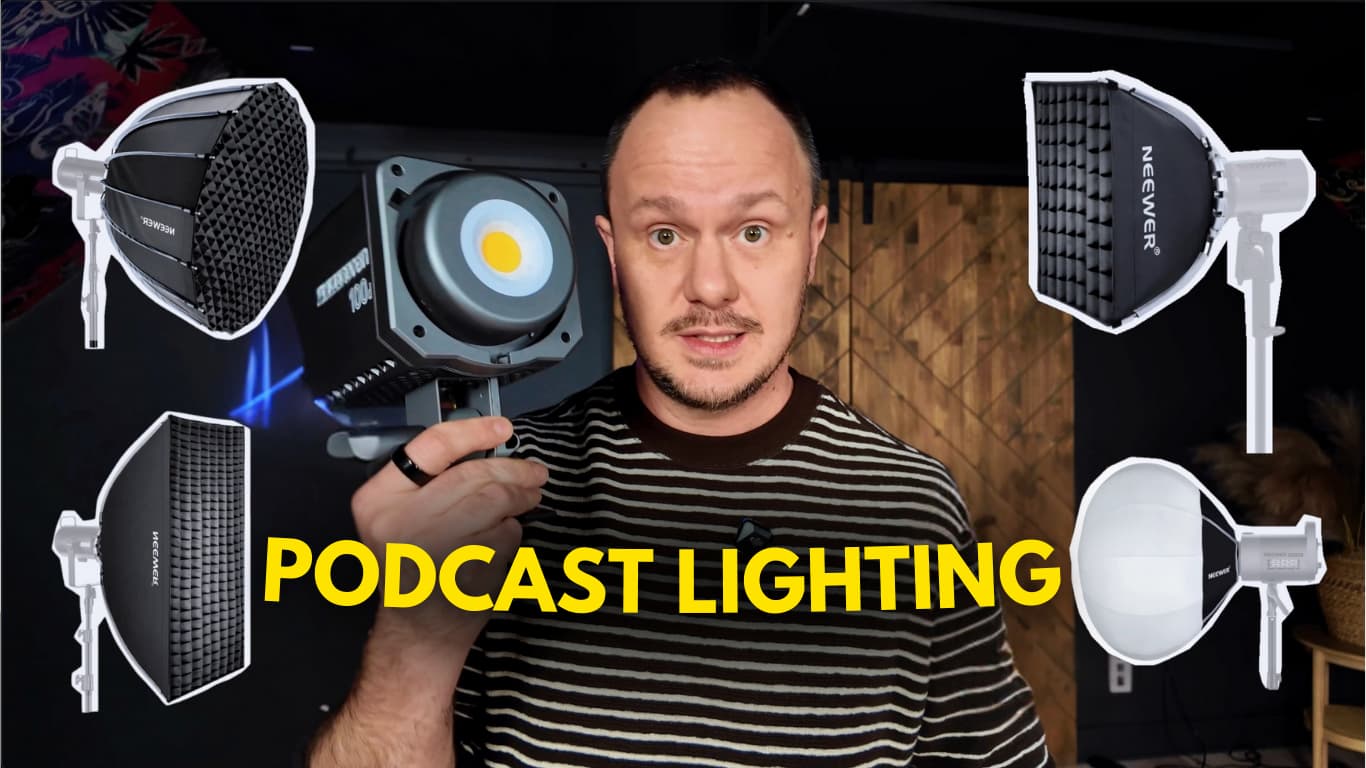
Softboxes shape and control how light behaves. Two types cover almost every use case.
APUTURE Lantern Softbox https://geni.us/V6PfP5
Lantern softboxes spread light evenly in all directions. They’re perfect for:
Co-host podcasts
Filling large spaces
Creating even lighting across multiple people
NEEWER 35.4"/90cm Parabolic Softbox https://geni.us/PFH1SGG
Parabolic softboxes produce more directional light. With a grid attached, they:
Keep light focused on the subject
Prevent light from spilling into the background
Create a more dramatic, cinematic look
This is ideal if you want separation between you and your background.
NEEWER 2 Pack LED Light Panel Softbox https://geni.us/8nwZiH
Panel softboxes are one of the easiest ways to dramatically improve the look of LED panel lights. When paired with panel lights, they soften harsh hotspots, reduce glare, and create a much more flattering look on camera, without adding complexity.
For most beginner and intermediate creators, panel softboxes offer the best balance of quality, simplicity, and affordability.
C- Stand https://geni.us/D80DyR
Professional lighting often requires sturdier stands. COB lights and large softboxes are heavy and top-heavy.
A C-stand provides:
Stability
Flexible positioning
Support for heavier lighting setups
Use stands, ballast, and mounting hardware rated for the fixture and modifier. Follow the manufacturer’s instructions, route cables to avoid pulls, and keep the setup clear of children and pets.
One of the most frustrating parts of lighting setups is attaching softboxes. The easiest approach is to:
Remove the light from the stand
Attach the softbox while it’s on the ground
Then mount the entire unit back onto the stand
This saves time, frustration, and accidental drops.
Sketch the room, the shot, and the position of each light before shopping. For help designing a studio around your space, <a href="/one-on-one-support">tell us about your project</a>.
Lighting technology has improved dramatically. Today’s affordable LED panels and COB lights rival what was once reserved for professional studios.
If you focus on:
Proper light placement
Consistent color temperature
The right setup for your space
You can achieve a professional look without overspending or overcomplicating your workflow.
If you’ve upgraded your lighting after watching this guide, we’d love to hear about it. Our goal is to help you build a studio that makes hitting record easy, and makes your content look as good as it sounds.