Studio builds
Turn a forgotten corner of your home into a professional podcast and video studio.
Some links in this story are affiliate links. If you buy through them, we may earn a commission at no extra cost to you.
Start with the camera position and the space visible in its frame.
Give the key, fill, and background lights different jobs.
Choose a microphone and recording workflow that match how many people will be on camera.
When I looked for a studio near my home, the travel and booking logistics did not fit the way I wanted to create. That experience helped me see the value of a recording space I could use on my own schedule.
Rental studios can be expensive, hard to book, and a hassle to travel to. That’s why one of the smartest investments you can make is creating your own home podcast studio setup.
With the right gear and a little creativity, you can turn a forgotten corner, even a couch nobody uses, into a professional podcast and video studio that helps you create content consistently without breaking the bank.
At PSS Creative Media, we design studios around the people who use them: their space, their content, and the way they work.
This guide walks you step-by-step through building a studio that looks and sounds professional.
The main reason for building a podcast studio is convenience. But here are more:
Save money compared to renting a studio
Record on your schedule without travel or booking stress
Control your environment for consistent quality
Create content faster so you can publish regularly
Whether you want to start a podcast, launch a YouTube channel, or record professional videos for your business, building a home studio is the most efficient way to start.
For beginners and pros alike, the best combo is the Sony ZV-E10 paired with the Sigma 16mm f/1.4 lens.
The Sigma lens creates a beautiful blurred background for a cinematic look.
The ZV-E10 is intuitive, affordable, and creator-friendly.
This setup works in small home offices as well as larger rooms.
This combination gives you professional quality without requiring a big studio.
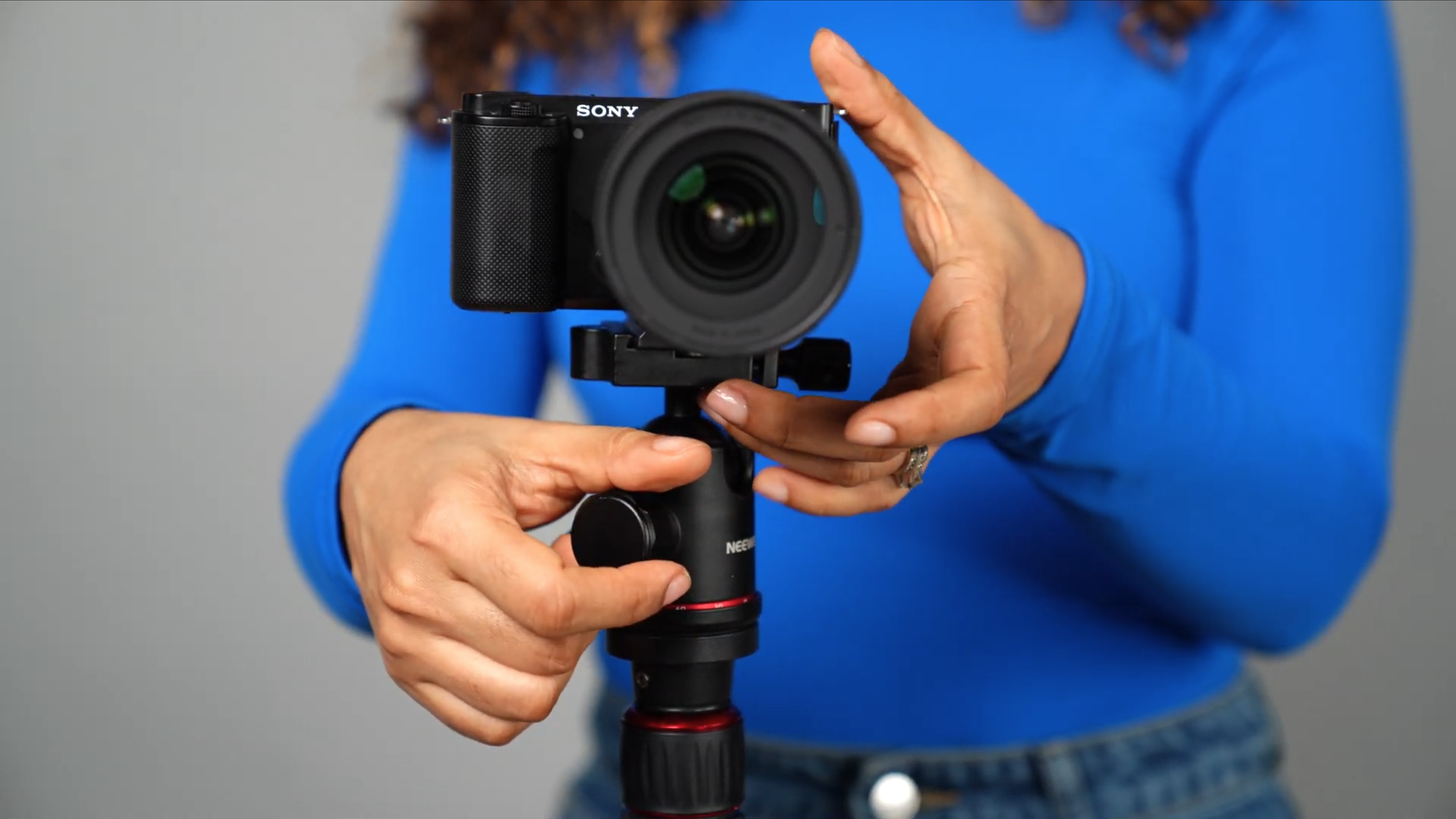
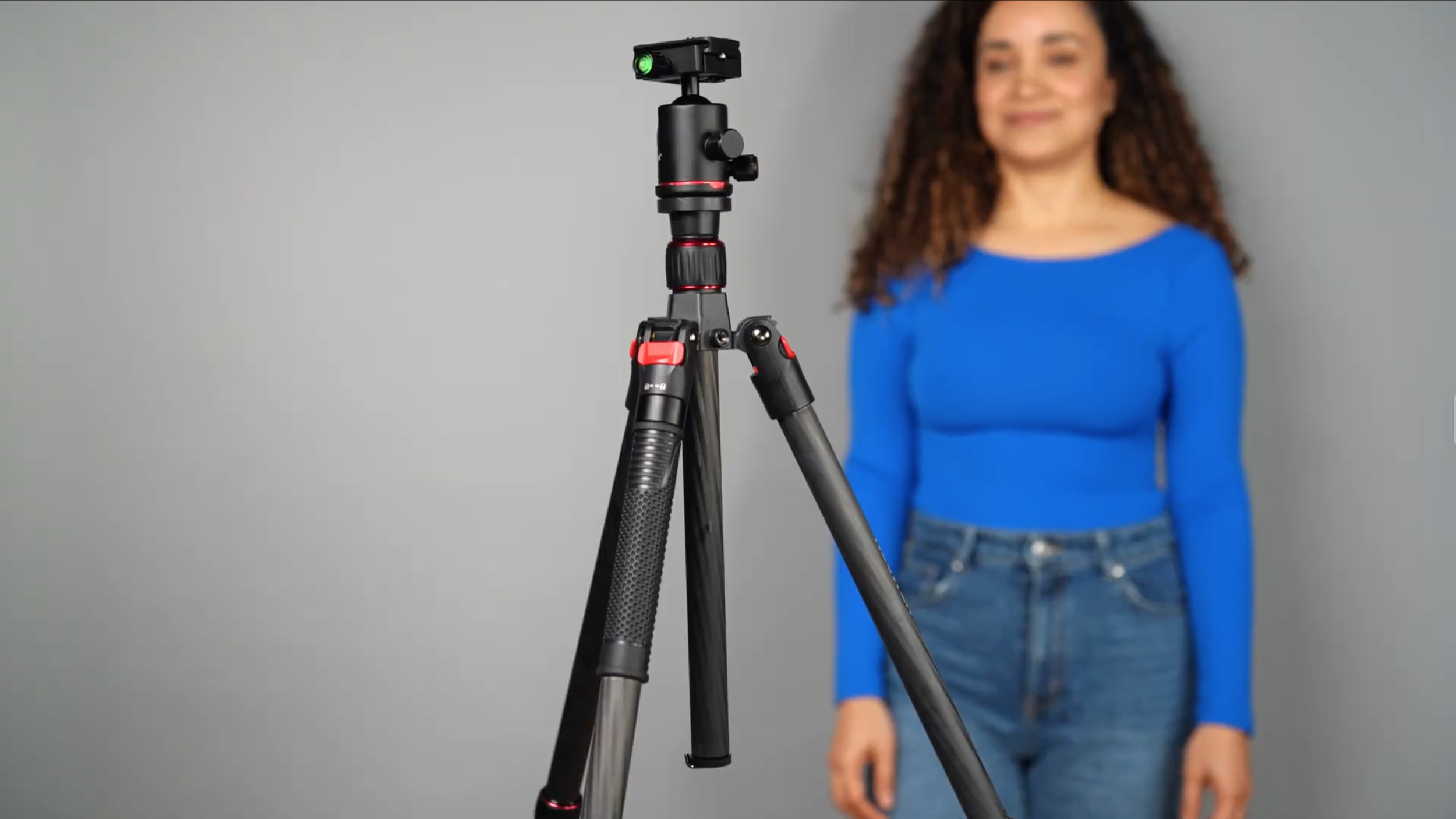
A flimsy tripod can ruin your setup. You need to protect your investment and have your new camera and lens supported by a good quality tripod without breaking the bank, obviously, my recommendation: the NEEWER 66" Carbon Fiber Tripod.
Why it works:
Extends to 66” for standing or high-stool recordings
Collapses small for low-angle or casual couch shots
Quick-release plate for easy camera swaps
Lightweight but strong enough for a Sony ZV-E10 with Sigma lens
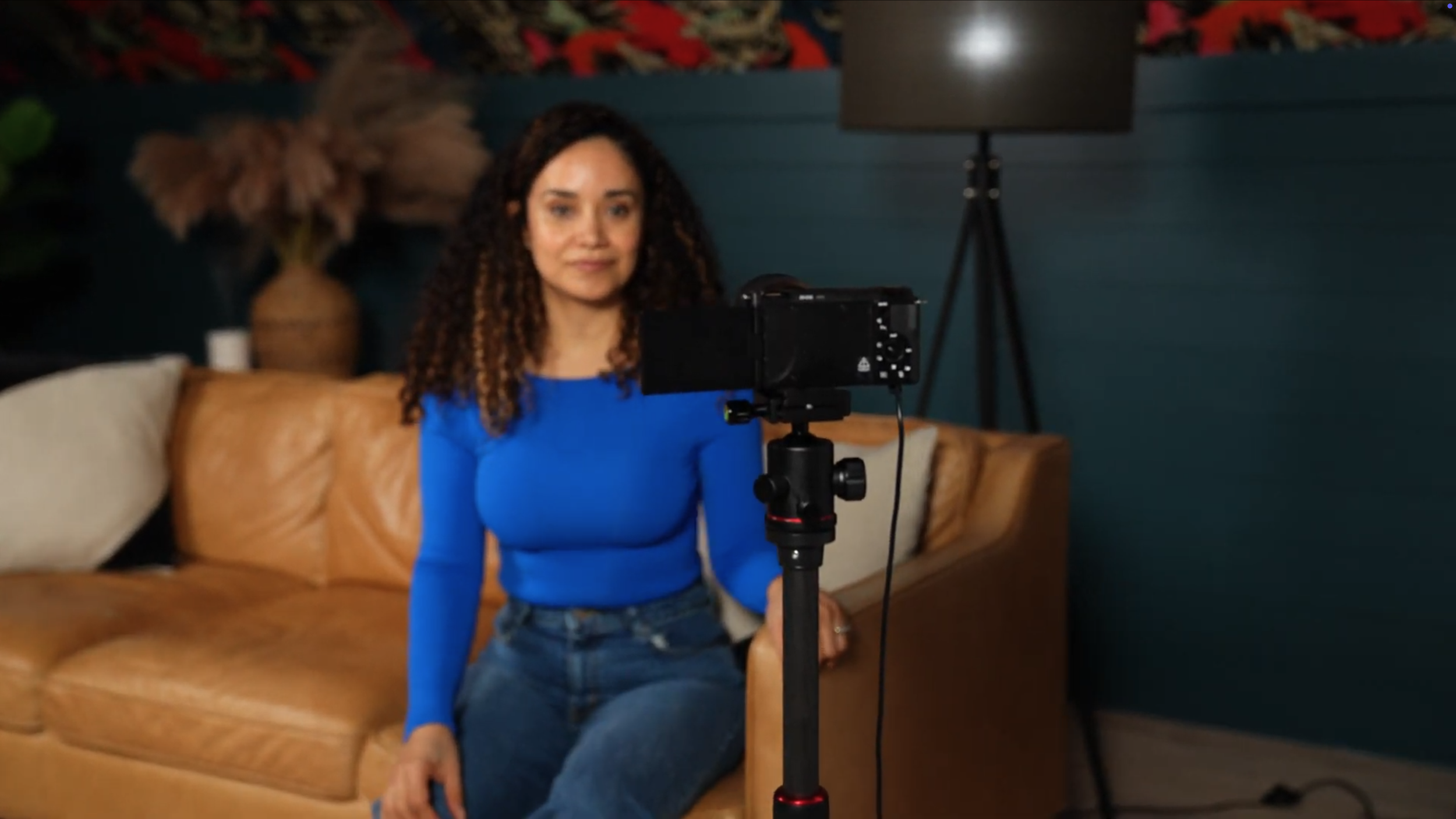
This is where we decide what our audience will see, and everything that goes into the shot is intentional, designed to create an atmosphere and a feeling that you want your audience to experience while watching.
So I went around my house and found a few things: pillows, a floor lamp, and a tree. This will add personality and give my shot more character.
Now, when you’re creating the perfect shot, there’s no way around it; you will have to move things around and move your camera until it looks good.
Just make sure that there’s not too much headroom and that the camera is eye level.
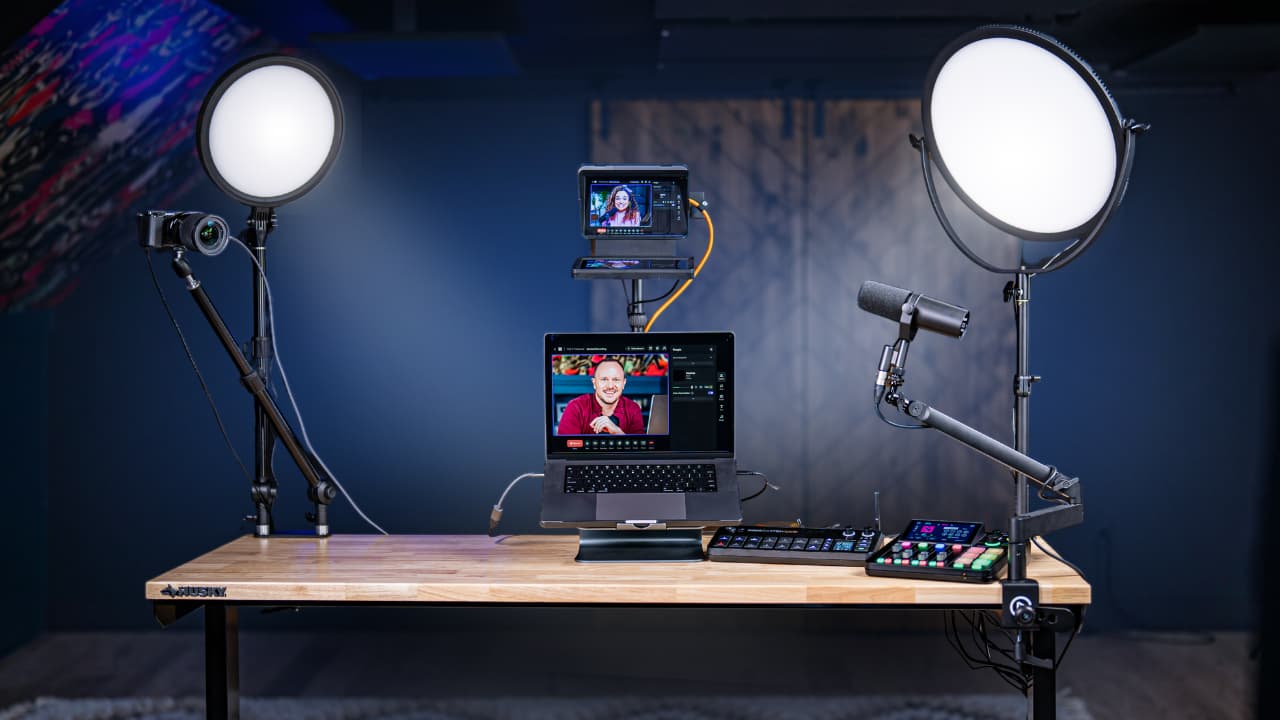
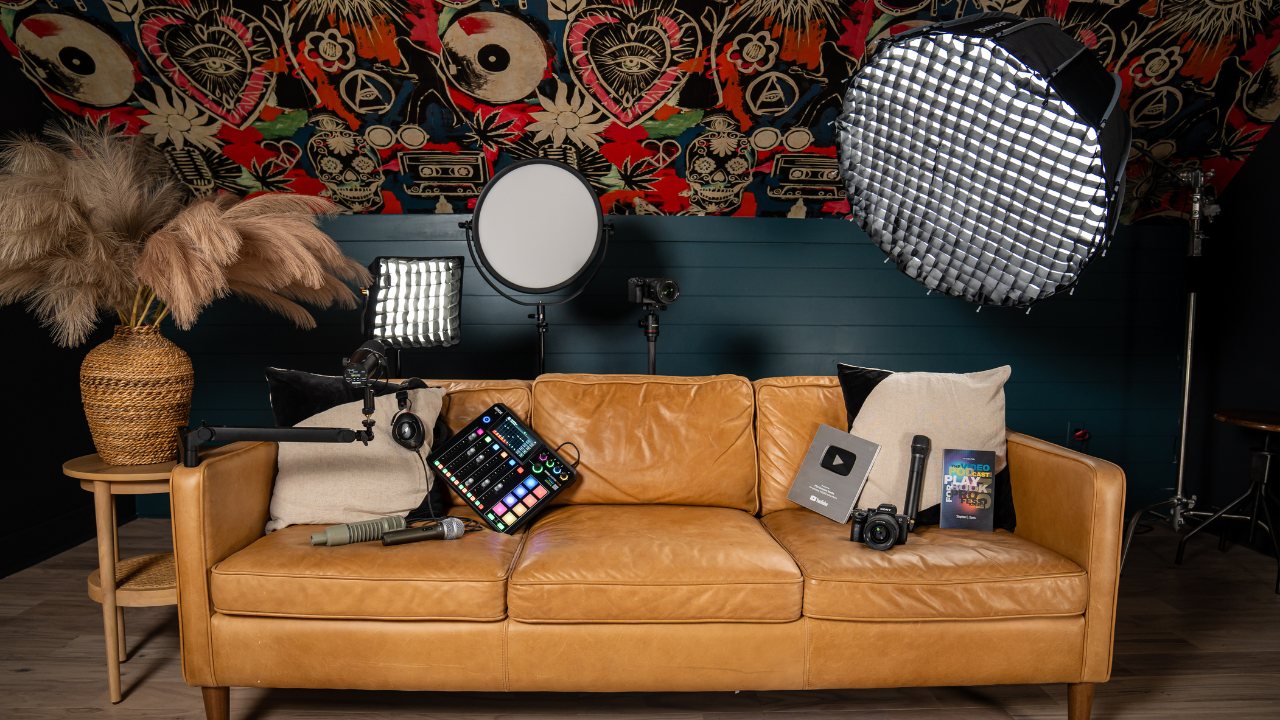
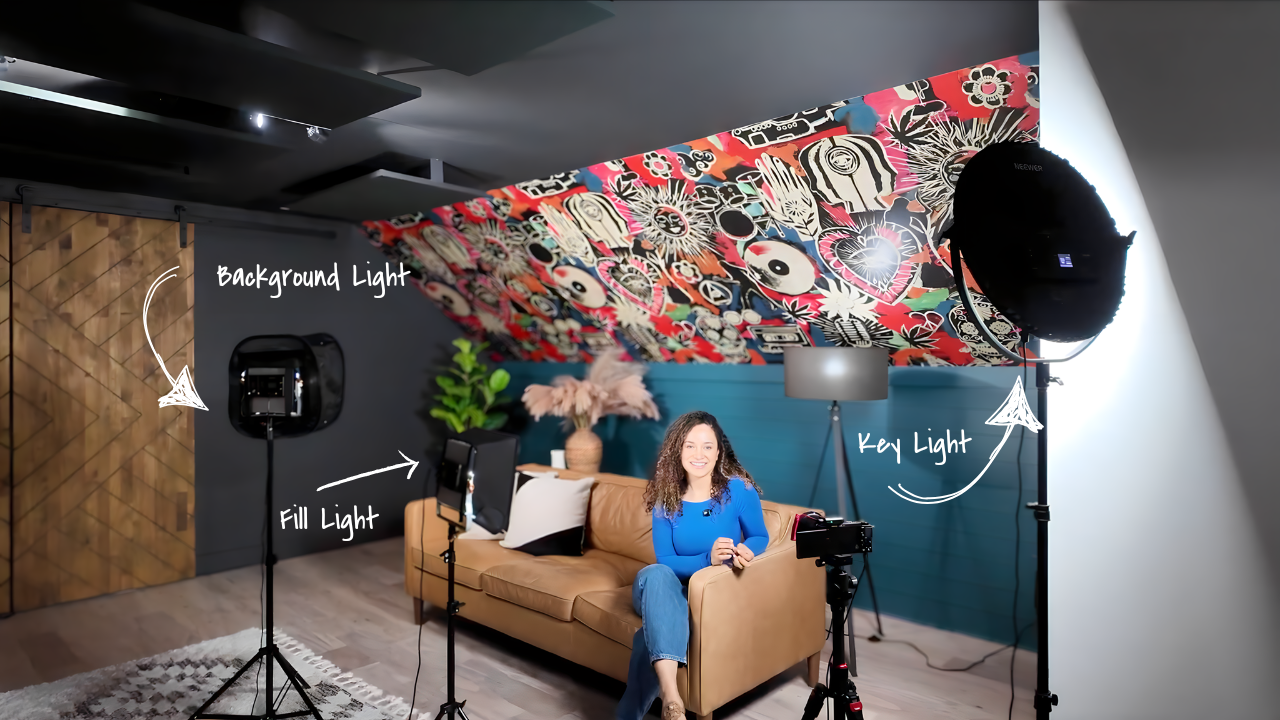
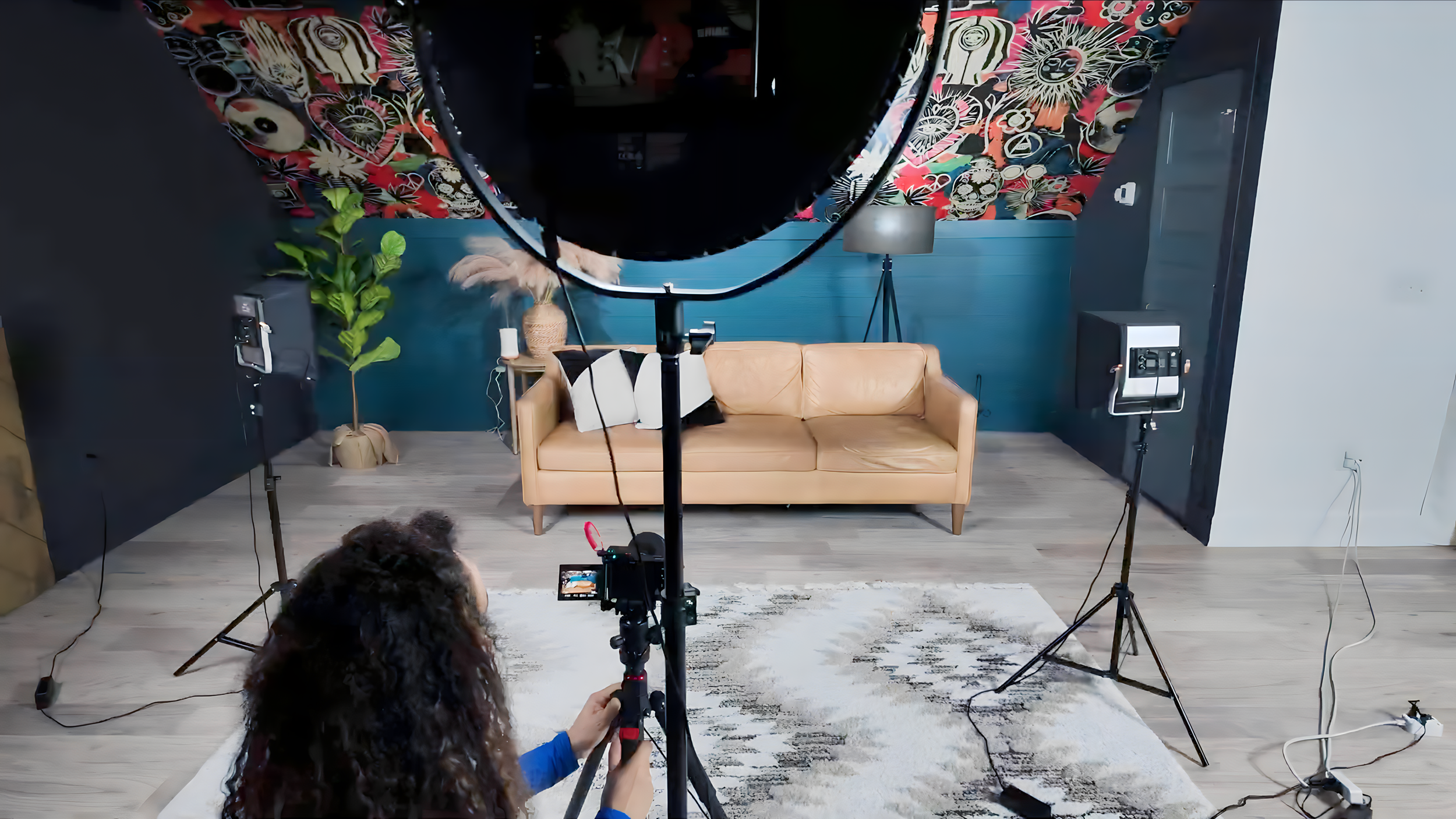
Lighting is what separates amateur content from professional-quality video. The most effective beginner-friendly setup includes three lights:
Key Light: The NEEWER 18" RGB LED Round Panel Video Light is powerful, compact, and stylish. Place it at a 45° angle for natural light.
Background Light: Add depth by aiming a third light with a softbox at your background.
This three-light system ensures you look clear, natural, and professional on camera.
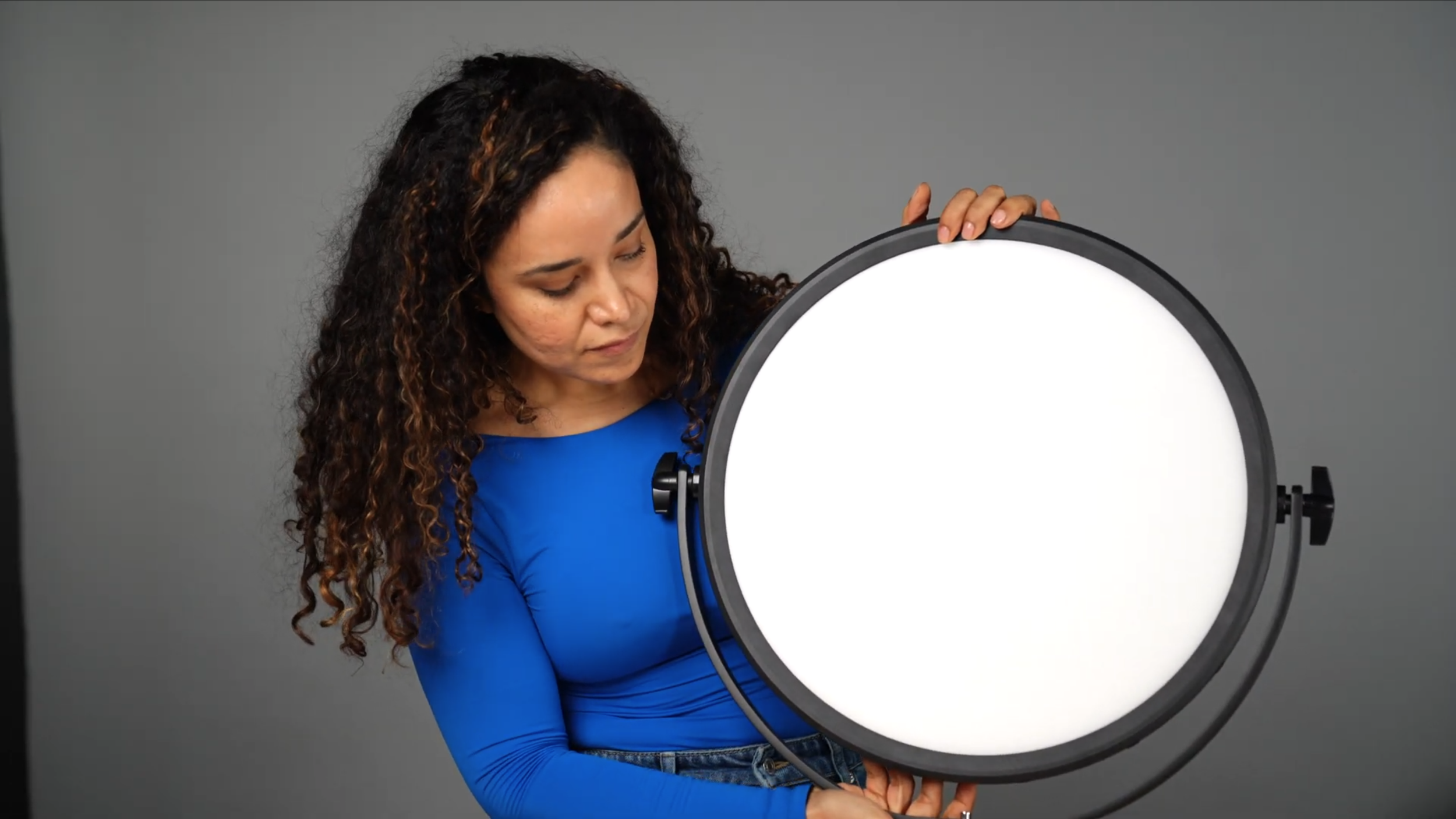
This light will look gorgeous in any space, is easy to store, and is very powerful, which is what you want for your key light.
It’s also RGB, which means it changes color so that you can use it as your background light as well.
Use modifiers designed for your exact fixture. A panel softbox and a Bowens-mount parabolic softbox are not interchangeable just because both soften light.
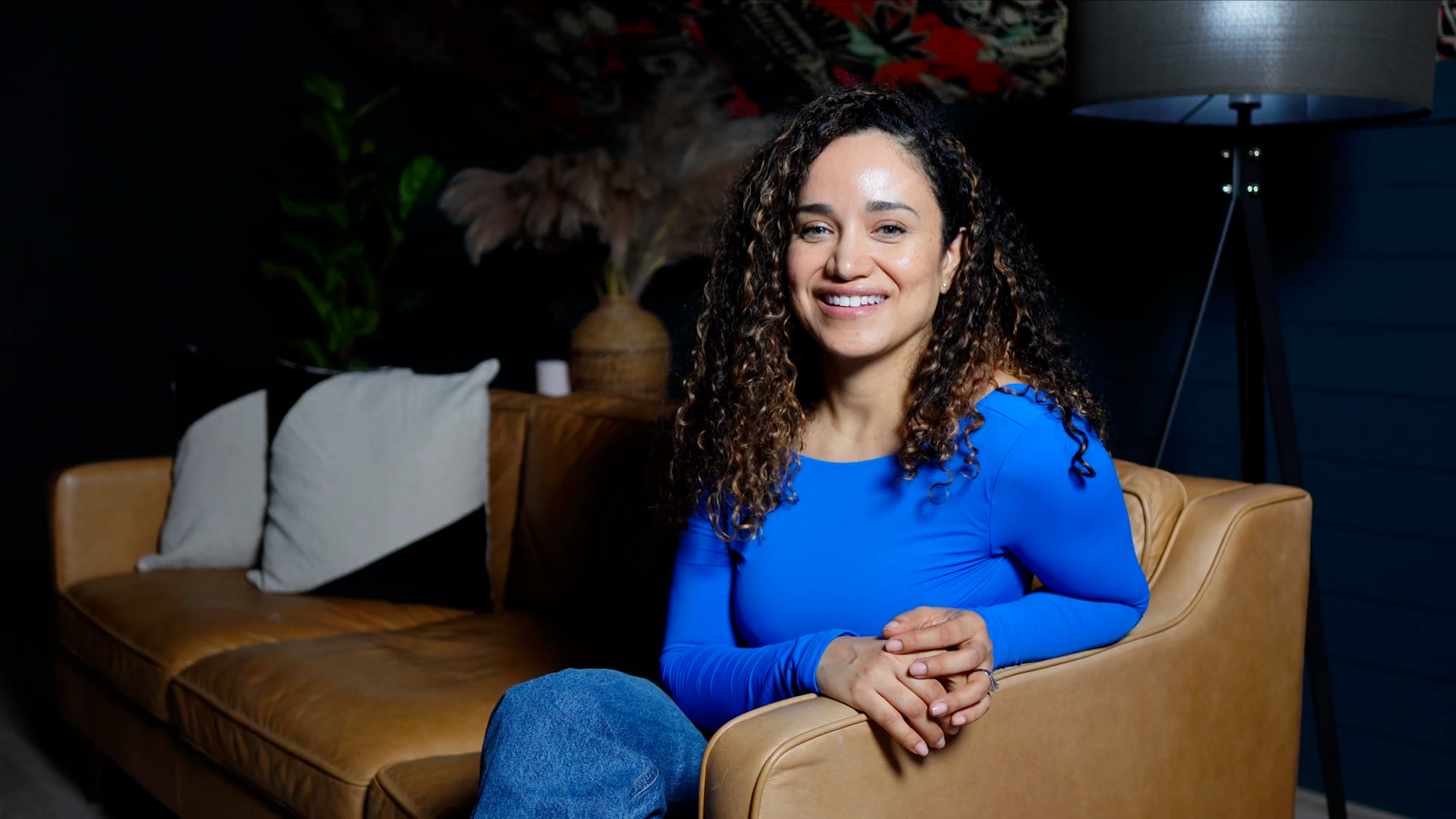
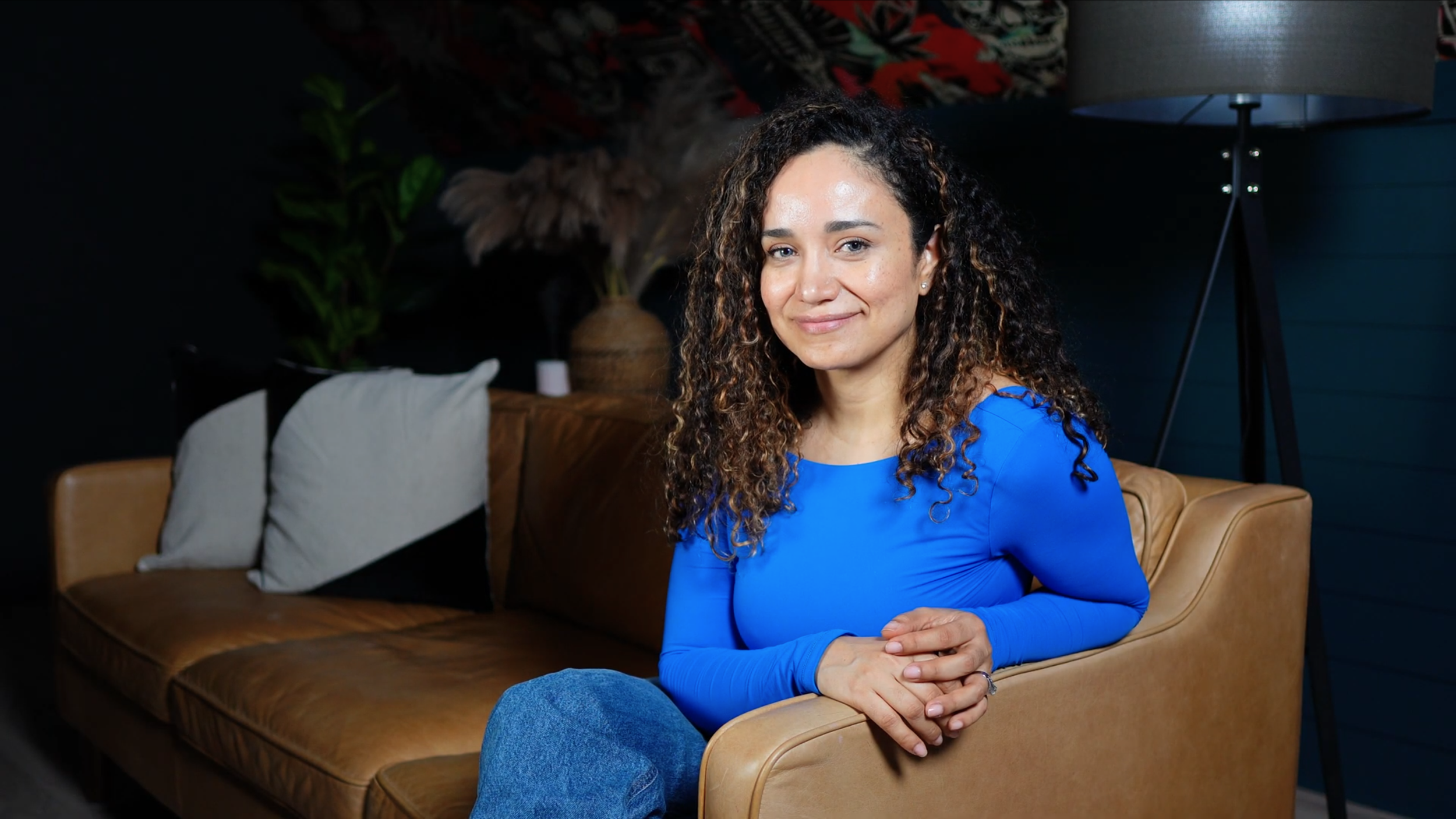
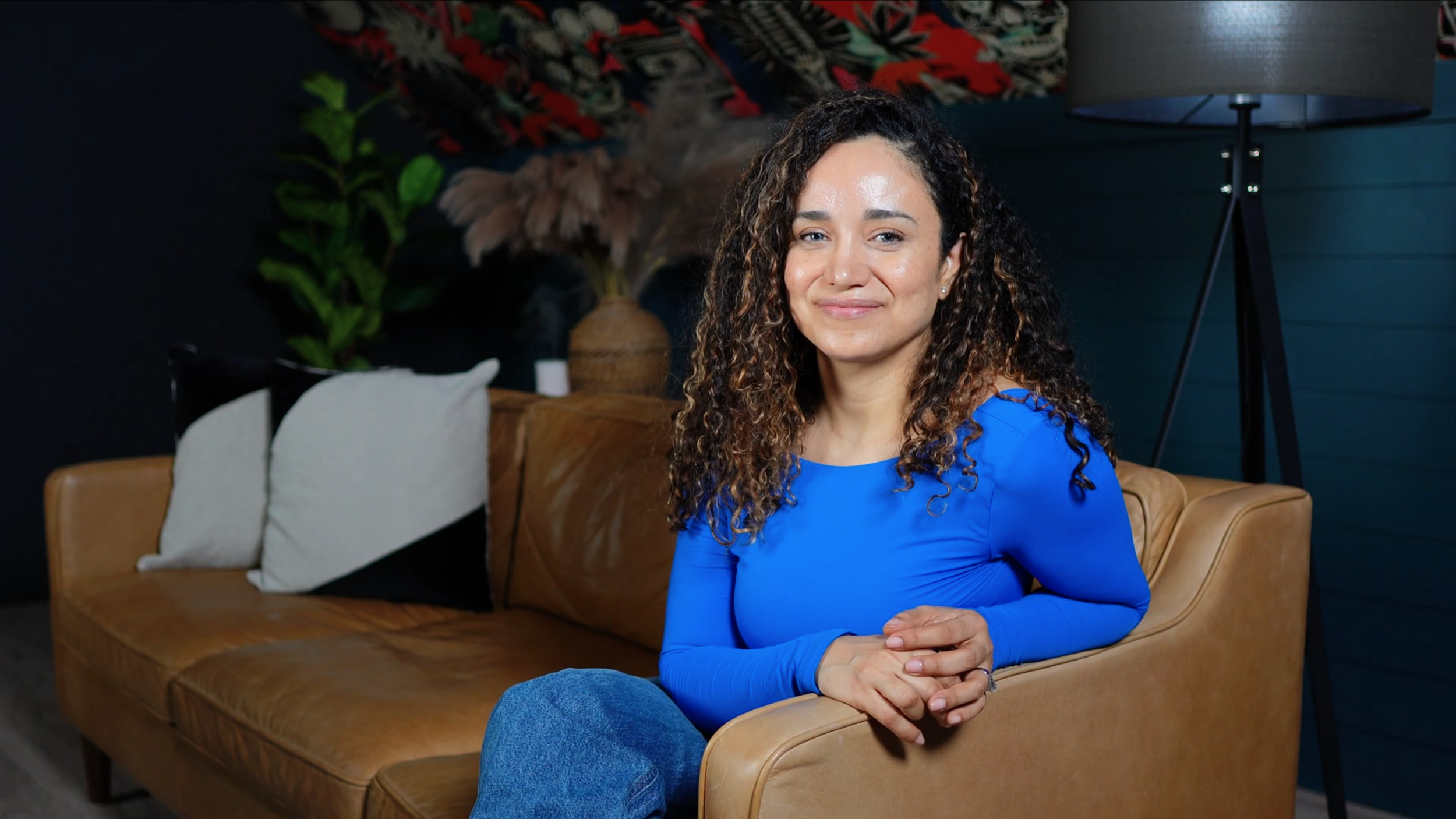
The first photo on the left shows only the key light. In the middle photo, you can see the key light and fill light together. And in the photo on the right, the key, fill, and background lights are all on making the colors in the background really pop.
And this is how the lights look behind the scenes…
The next thing we need to complete our setup is a microphone.
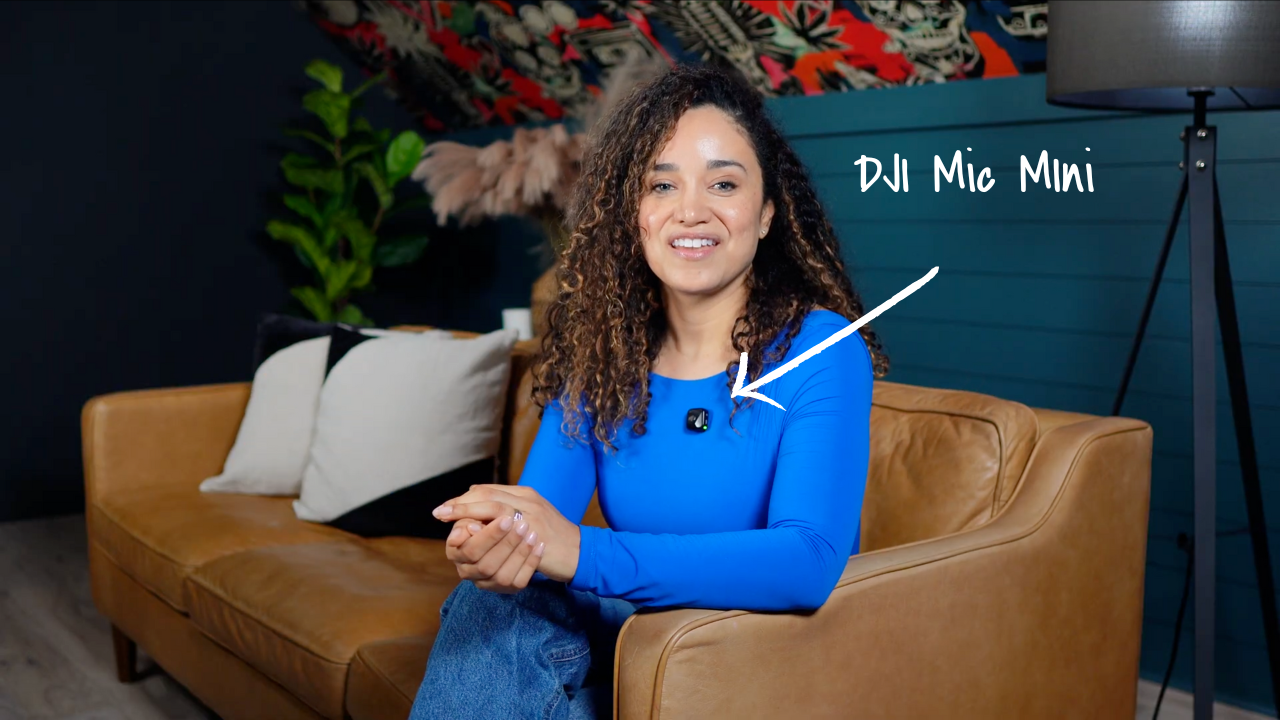
The one I’m using here is the DJI Mic Mini; it’s a wireless mic that comes with a receiver you plug right into your camera. Super easy to use.
The mic itself attaches with a little magnet, so you can clip it on and forget about it. It produces a remarkably clean sound and is barely noticeable on camera.
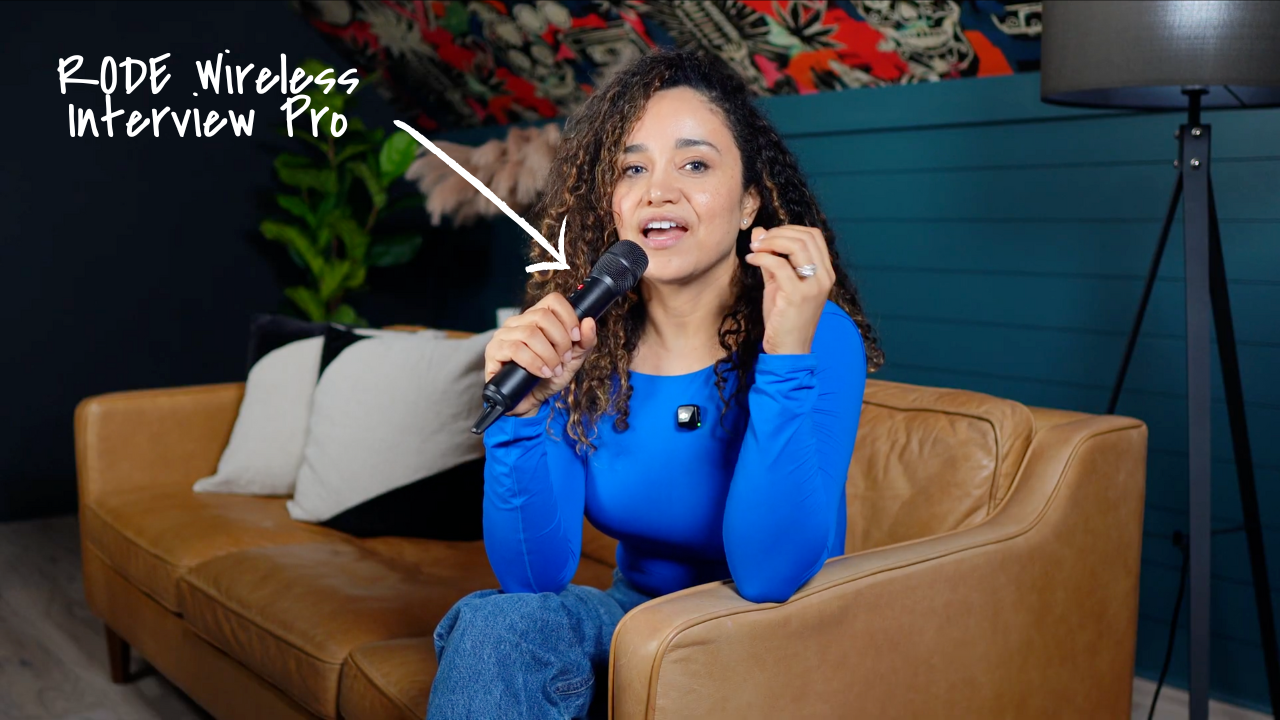
Now, if you’re going for more of that “podcaster” look, you might prefer something like the RODE Wireless Interview Pro. It’s also wireless, but instead of clipping it to your shirt, you can hold it or place it on a mic stand.
I personally love wireless mics because they allow you to move around freely, with no cables to trip over or tether you to your computer or audio interface. Just hit record and you’re good to go.
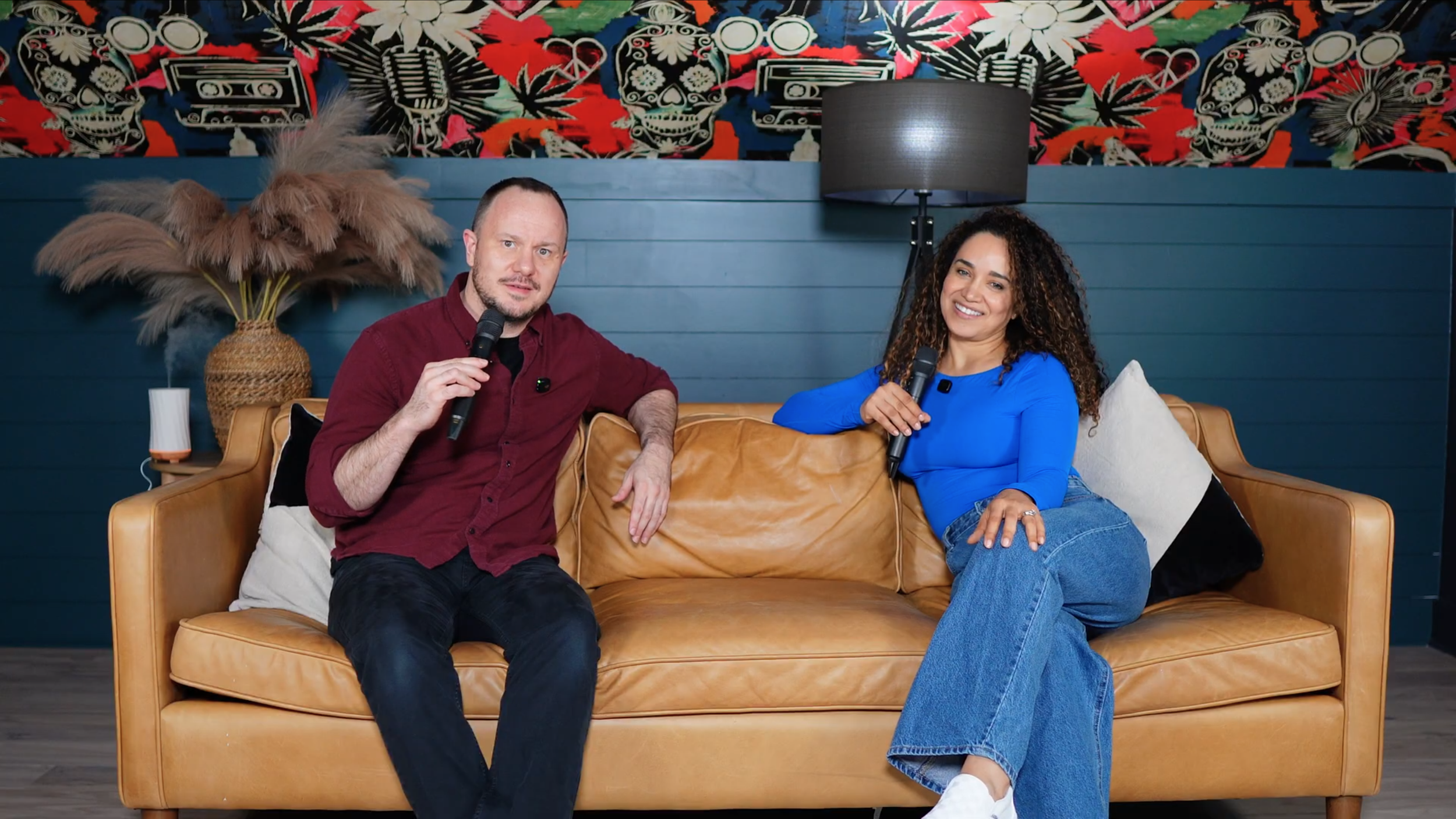
Just position your camera so it’s centered between the two of you, then adjust your lighting. Place the key light in the middle and angle each of your panel lights toward each person.
For two people, choose a compatible two-transmitter kit and receiver. Check the exact DJI Mic Mini bundle, or pair each RØDE Interview PRO with a receiver that supports your intended setup.
Camera https://geni.us/sG3mE8
Lens https://geni.us/epIabh
Tripod https://geni.us/u6Osdq
Lights
LED Round Panel https://geni.us/BKOIHyt
Panel Lights https://geni.us/p4AZlnM
Panel Lights Softboxes https://geni.us/sIH9N
Other things you will need:
Dummy Battery for the Camera https://geni.us/ggqTM35
Heavy Duty Light Stand for the LED Round Panel Light https://geni.us/BoRTQWz
My Favorite Faux Trees: https://geni.us/nAEZdp
You don’t need a rental studio to launch your podcast or create professional video content. With the right gear and setup, your home office can transform into a space that builds your authority and helps you share your story.
For help with equipment, room design, and a workflow your team can run confidently, <a href="/one-on-one-support">tell us about your studio</a>. Private studio projects begin at $5,000.
And let’s make your home podcast studio a reality.